Use cases
Remote movie night
Choose a time and title, confirm legal platform access, and share the current watch-room details without mixing up versions.
Illustrative planning case study. This is an illustrative fictional planning case study, not a customer testimonial or measured result.
On this page
Check access before calling the plan final
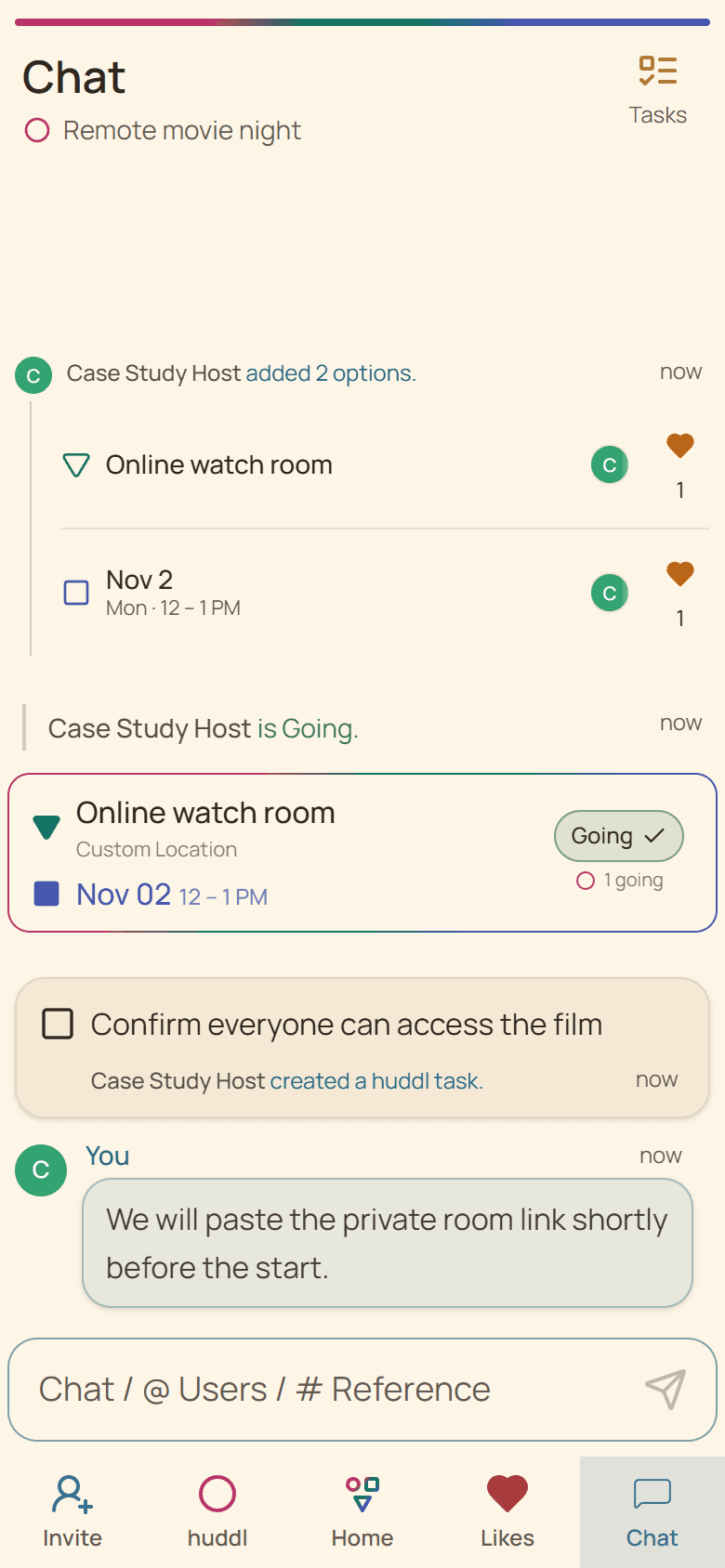
Friends in two time zones compare start windows and discuss titles available through services they may legally use. The selected plan states the viewing platform and identifies which chat or watch-room link will be used.
Huddl does not synchronize playback, provide streaming rights, bypass regional restrictions, or determine whether every participant has access. Each viewer confirms their own service and local availability.
Avoid common remote-night confusion
- Name the exact film or episode version.
- State whether trailers are included in the start time.
- Keep account credentials private.
- Use Updates when the platform or title changes.
Helpful huddl features
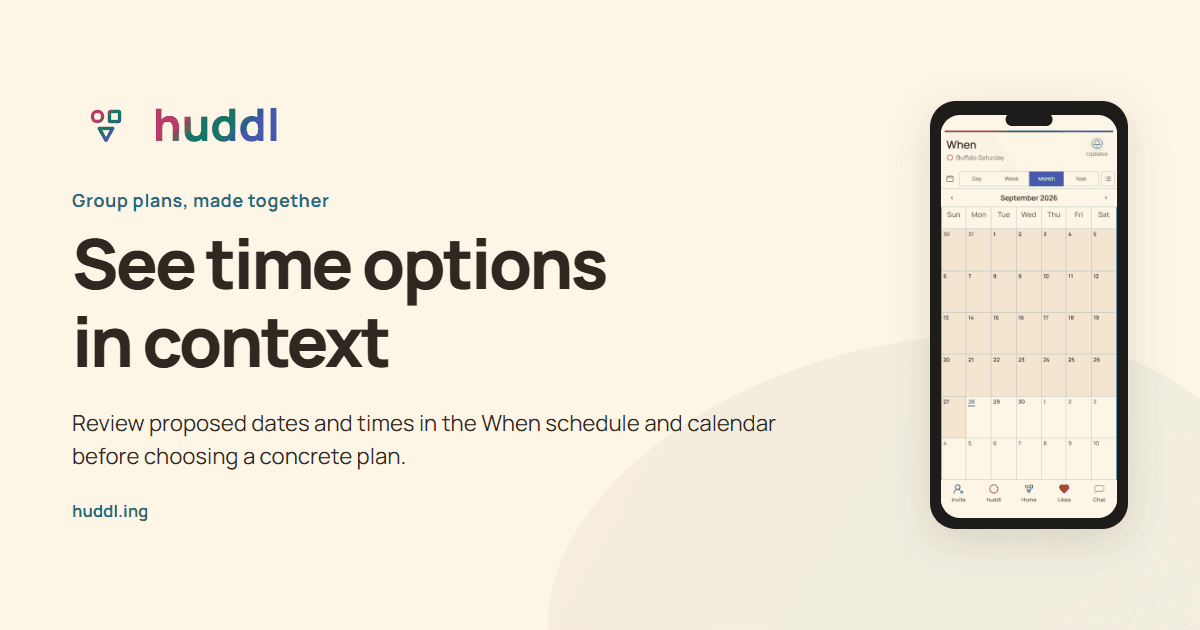
See time options in context
Review proposed dates and times in the When schedule and calendar before choosing a concrete plan.
Explore feature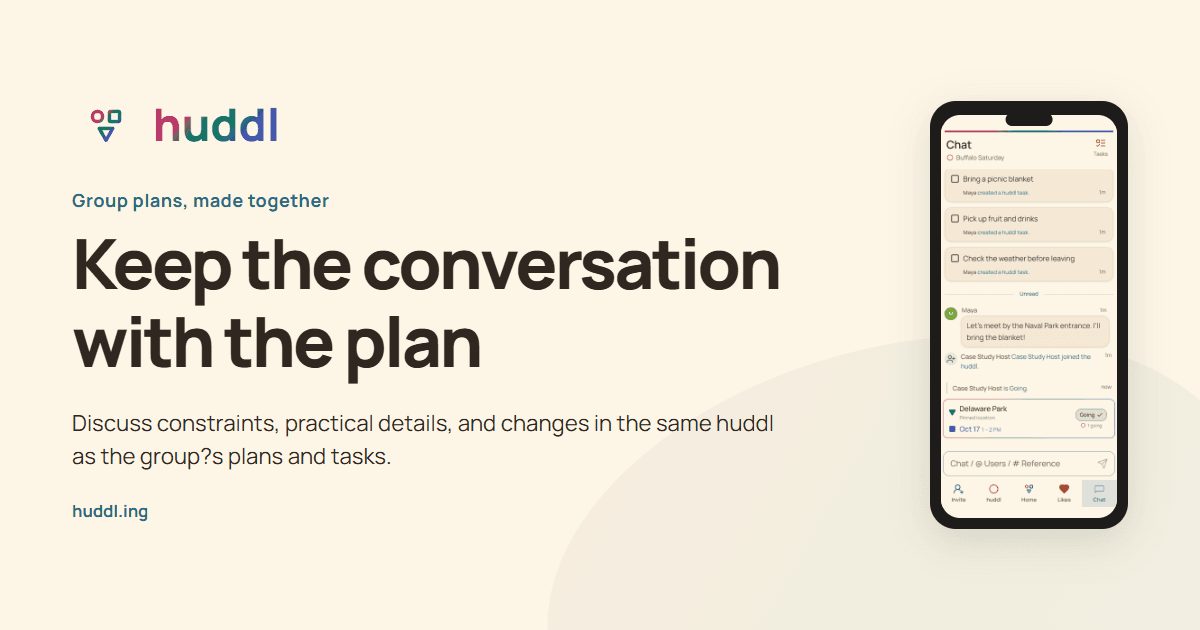
Keep the conversation with the plan
Discuss constraints, practical details, and changes in the same huddl as the group?s plans and tasks.
Explore feature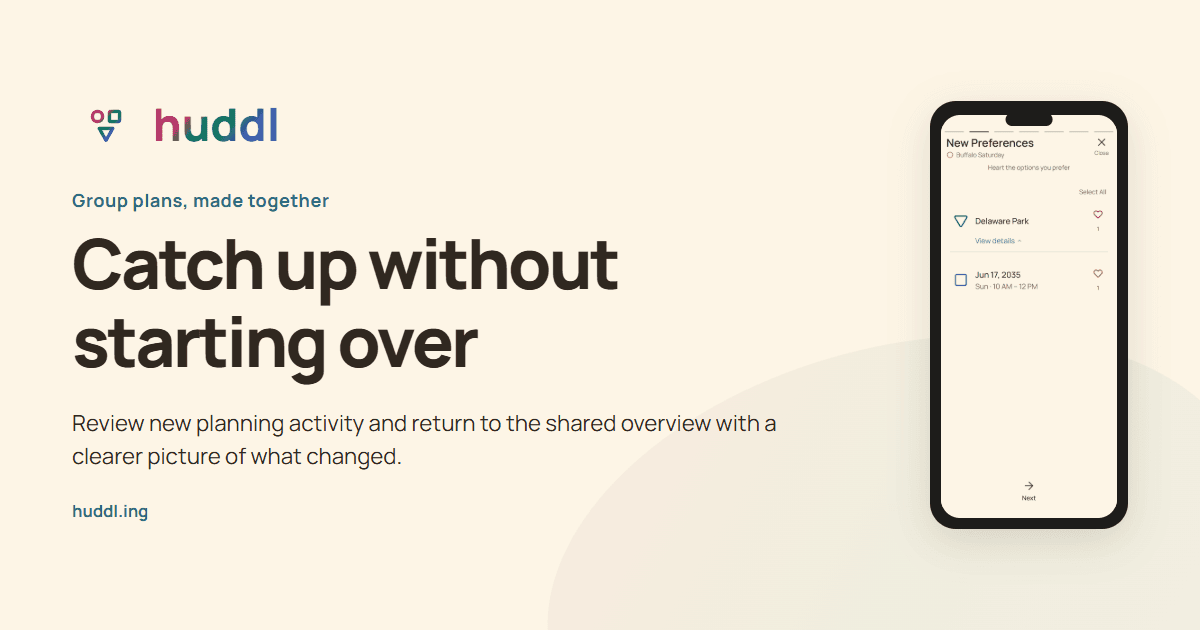
Catch up without starting over
Review new planning activity and return to the shared overview with a clearer picture of what changed.
Explore feature