Features
Keep the conversation with the plan
Discuss constraints, practical details, and changes in the same huddl as the group?s plans and tasks.
On this page
Product states in this journey
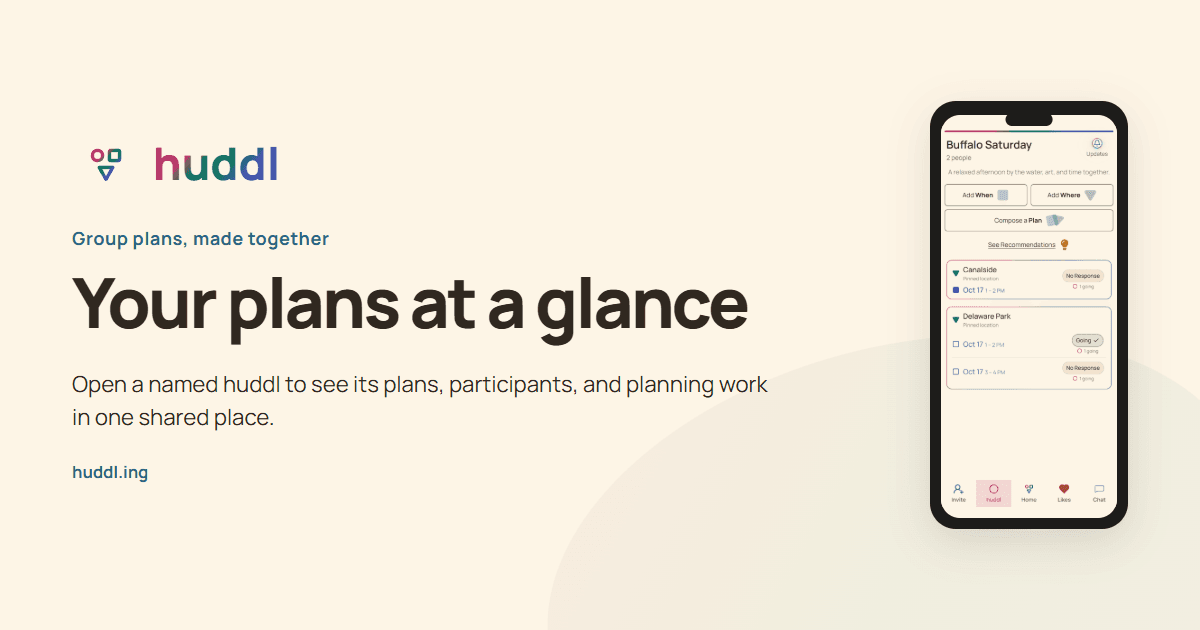
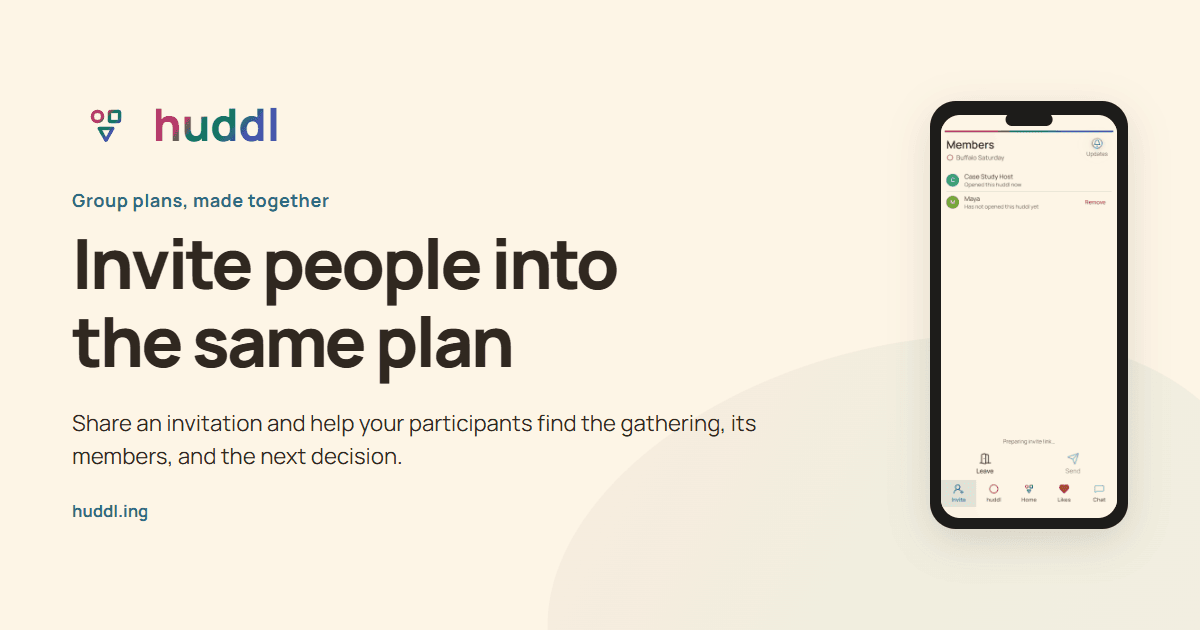
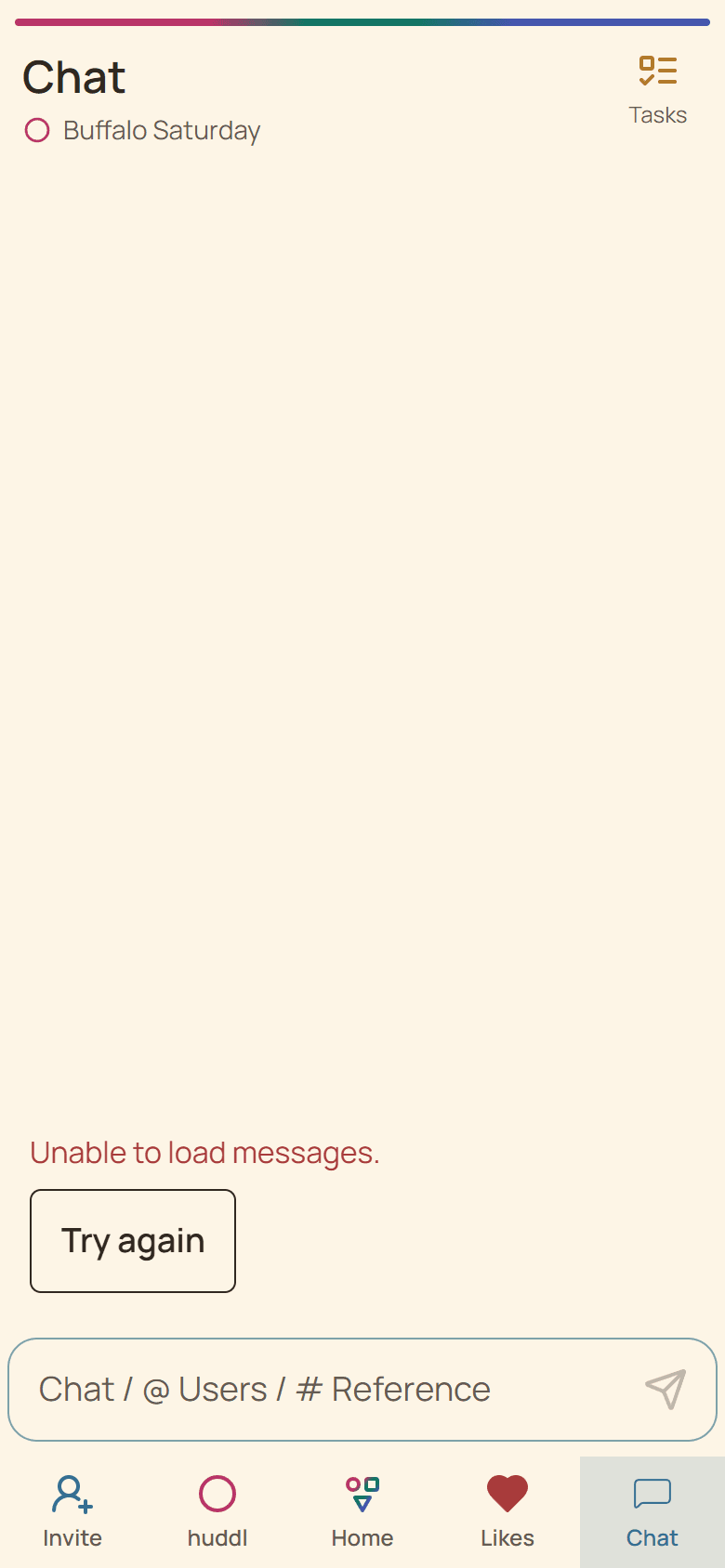
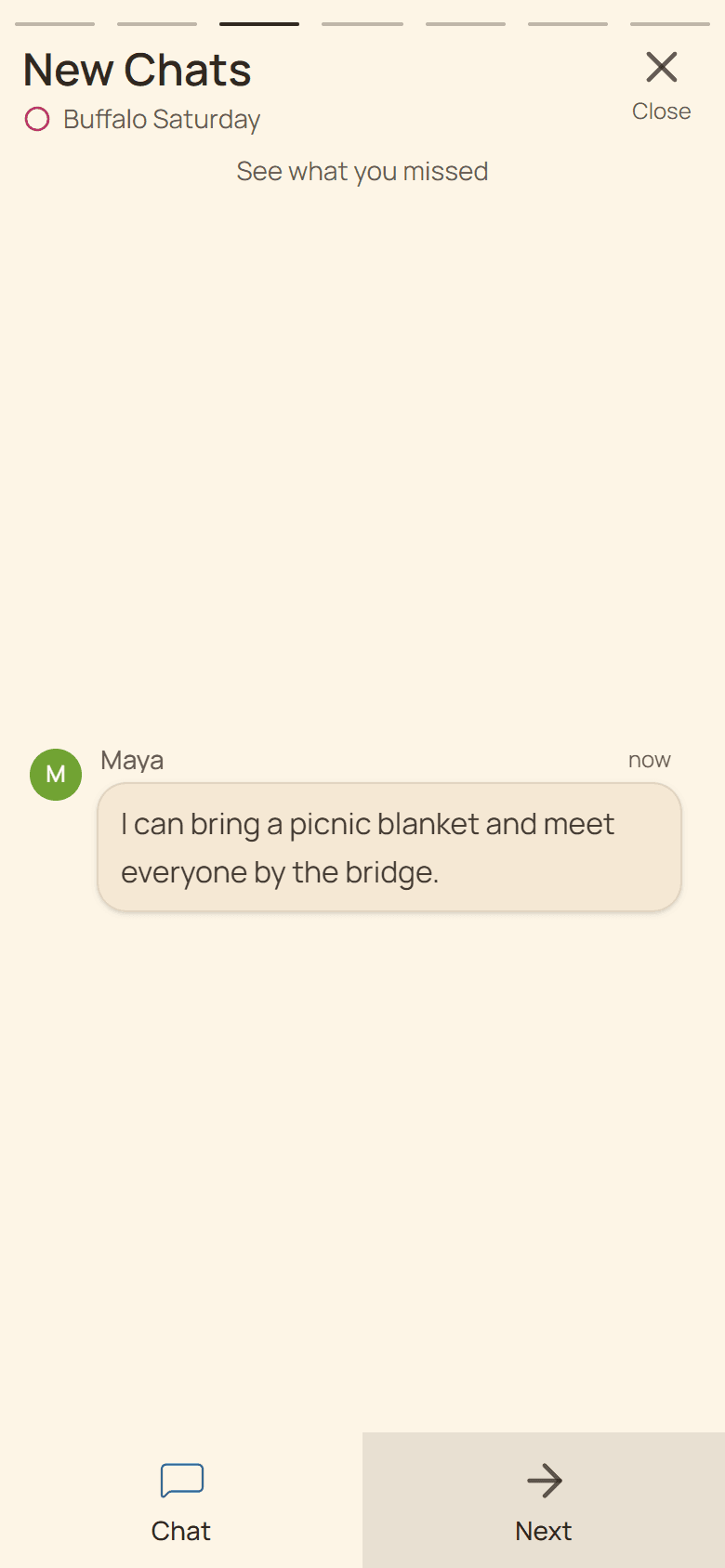
These controlled fictional examples were captured from the current application.
Ask for a specific next action
A useful planning message identifies the plan, supplies the missing detail, and says what needs an answer. ?Please RSVP to the Saturday afternoon picnic by Wednesday so we know how much food to bring? is easier to act on than ?Any updates??
If the huddl has multiple plans, name the place and time you mean. Avoid relying on ?the first one? when sorting and new activity can change what another participant sees. Concrete wording makes the conversation easier for someone catching up later.
Connect discussion to tasks
Use Chat to agree on who can help and Tasks to keep the work visible. When someone confirms a booking, record the practical result in the conversation. A task marked complete can show progress; the message explains the booking name, arrival time, or collection instructions.
On mobile, the conversation should remain usable while the keyboard is open. Finish and send the message before navigating away if other people need the result. Check that it appears in the conversation rather than assuming typing alone shared it.
Handle urgent changes directly
A message and a notification are not proof that someone read an urgent change. State the new arrangement clearly, ask for acknowledgment, and contact someone already traveling through an appropriate direct channel. Keep the current plan and conversation consistent so later readers do not encounter two conflicting versions of the event.