Features
See time options in context
Review proposed dates and times in the When schedule and calendar before choosing a concrete plan.
On this page
Product states in this journey
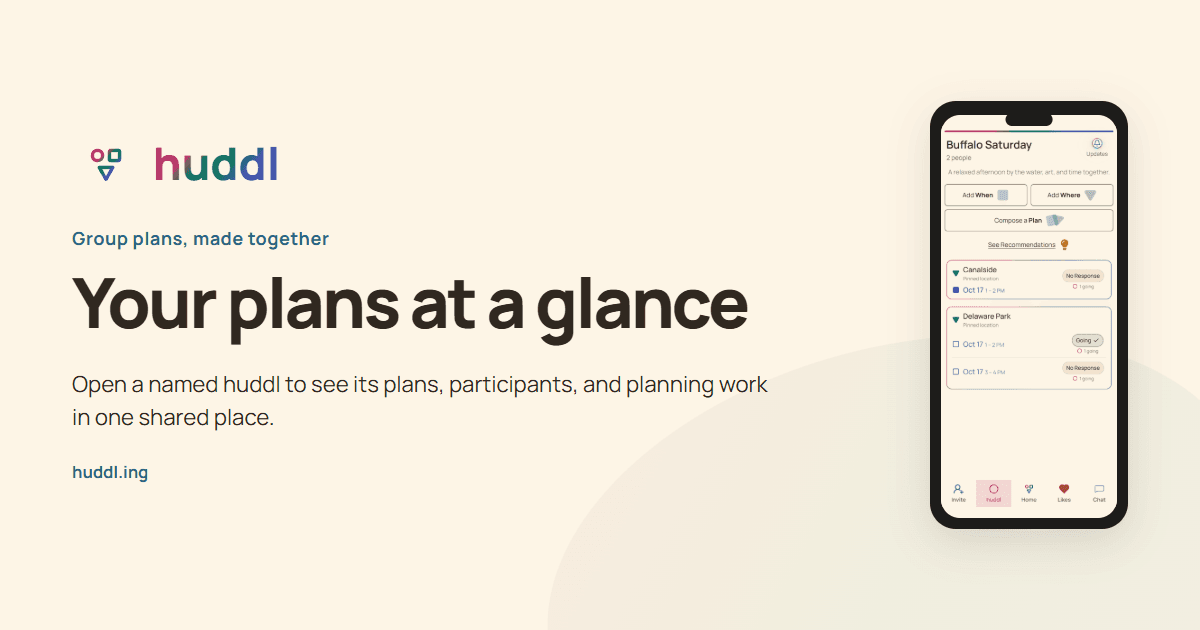
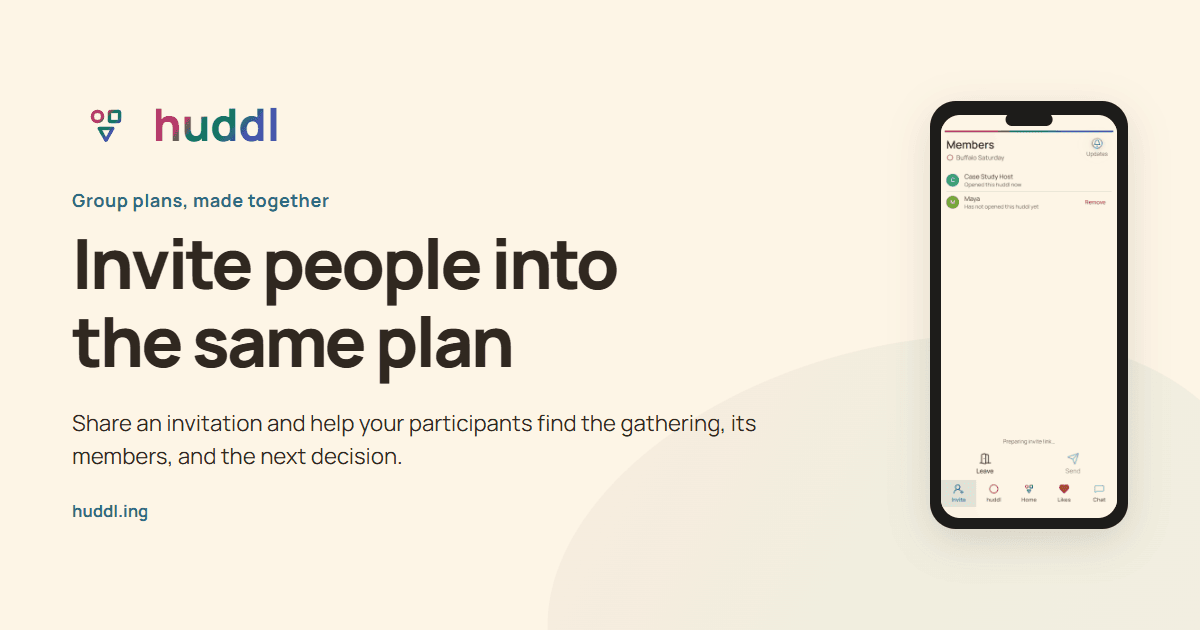
These controlled fictional examples were captured from the current application.
Start with a bounded question
A broad question such as ?When are you free?? asks people to inspect an unlimited calendar. Begin with a useful window: evenings next week, two weekend afternoons, or a few dates next month. When keeps those options with the gathering so people can return to the same scheduling context.
Tell participants the expected duration in your invitation or conversation. Being free at 6 p.m. does not necessarily mean being free for an entire evening. Include travel and finishing expectations when they materially change the answer.
Read the schedule and calendar
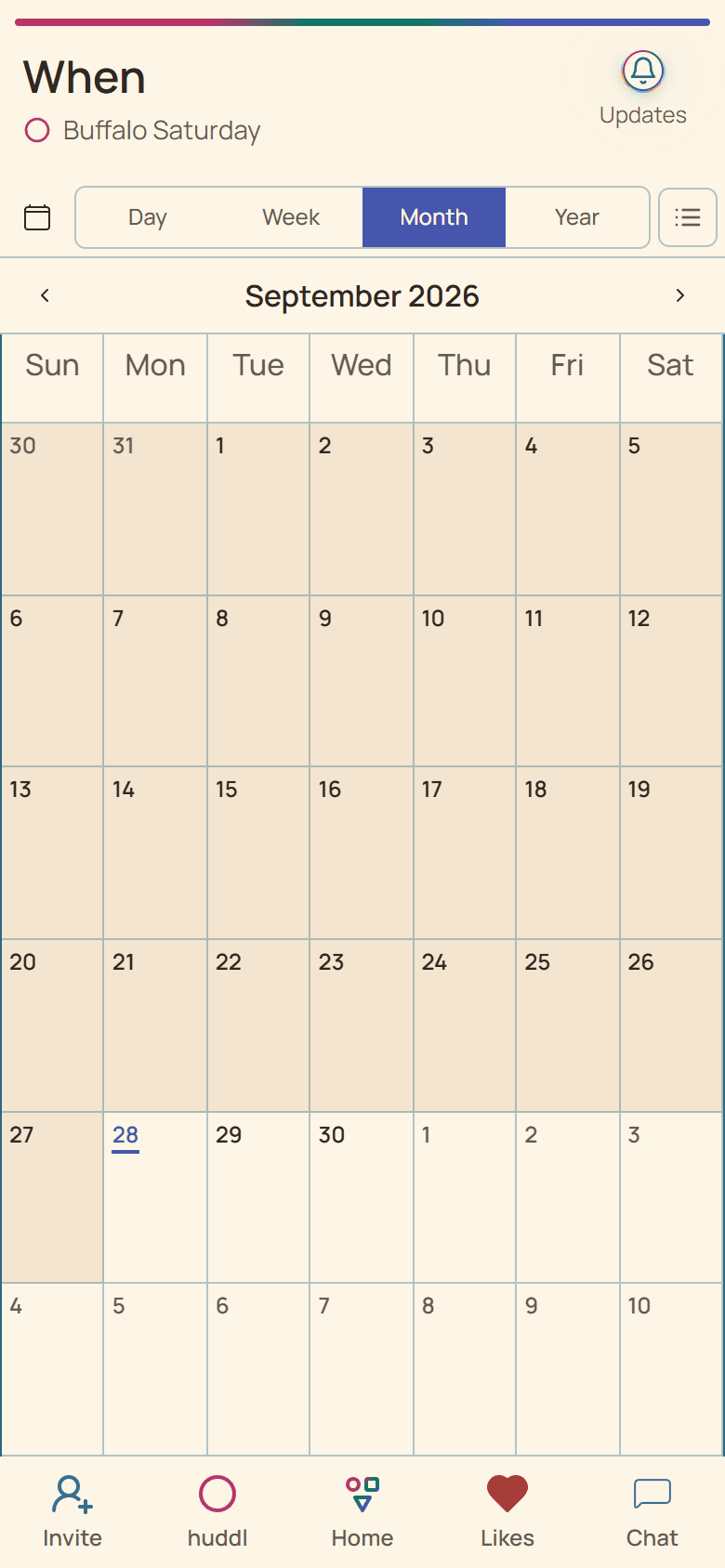
The When workspace starts with the huddl?s schedule and offers calendar context. Review the dates already suggested before adding another option. Existing choices and their preference counts help you understand what the group has considered.
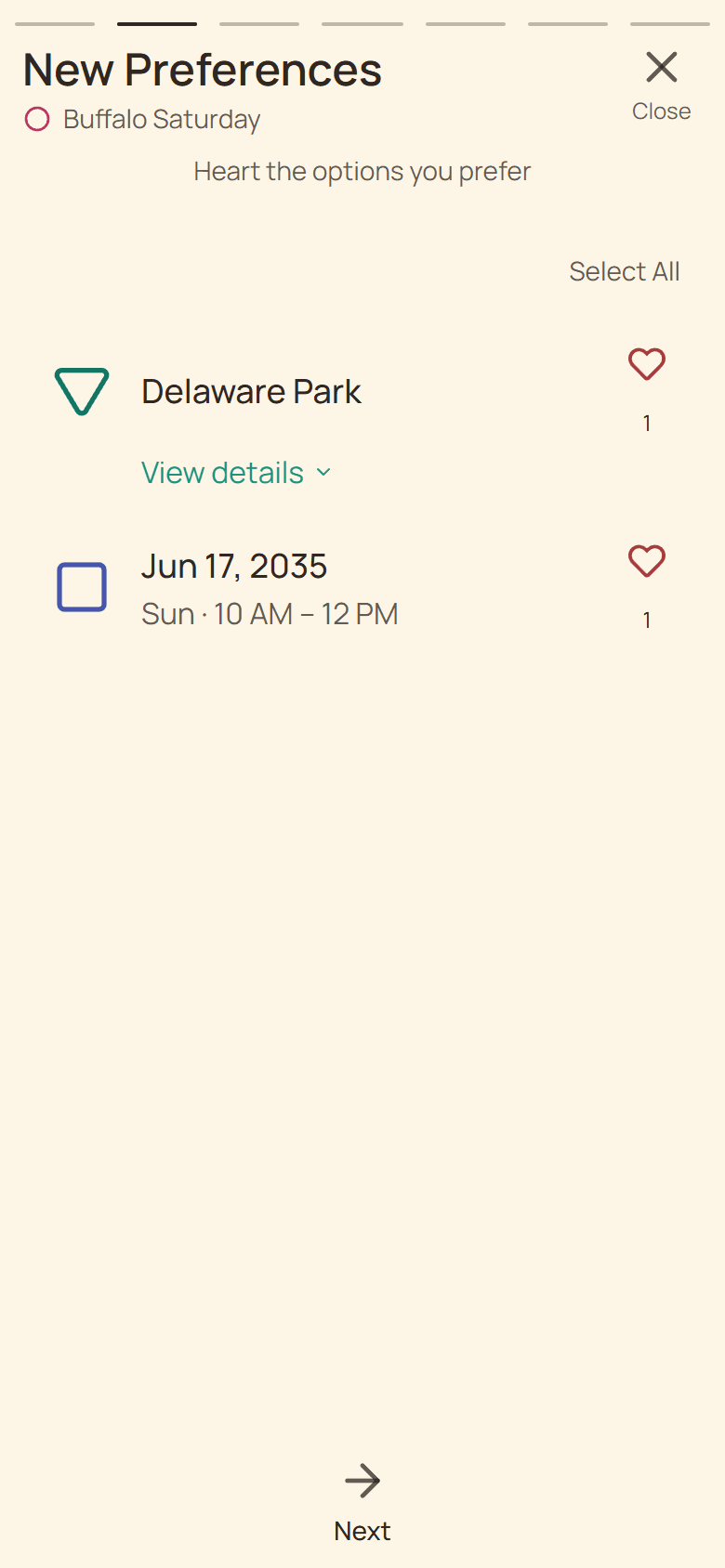
A heart expresses support for an option. Selecting a date for a plan serves a different purpose. If you are unsure whether an option is tentative, open its details and compare it with the concrete plans on Huddl. Calendar position alone does not make an event confirmed.
Keep dates unambiguous
Use an exact date when discussing the final choice. If participants are in different time zones, name the relevant zone in the conversation and check the displayed timing before responding. A day-long possibility and an exact start time ask different questions.
When several Saturday times are proposed, each remains a distinct option. Updates keeps same-day times together and orders nearby dates first, so you can respond to the choices people actually submitted without treating one time as agreement to another.
Finish with attendance
Once a place and time form a workable plan, ask for RSVPs to that plan. Availability gathers input; attendance records commitment to a specific arrangement. If the time changes, tell participants which plan to check and why another answer may be needed. Reopen the current huddl for last-minute details instead of relying on an old message or screenshot.