Guides
How do we plan across time zones?
Propose instants carefully, check the displayed local date, and write travel or remote-meeting expectations clearly.
On this page
See this in Huddl
Follow the guide with these controlled fictional examples from the current application.
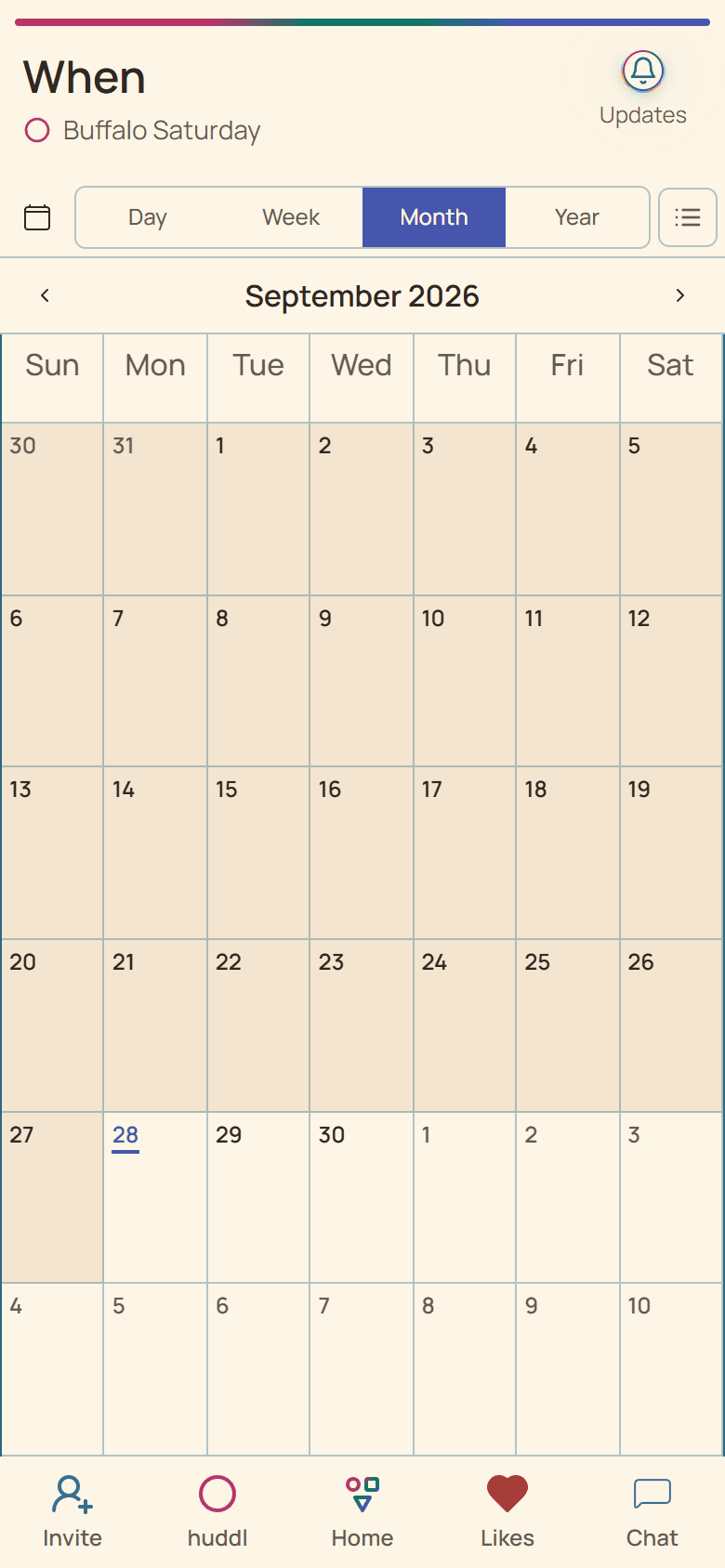
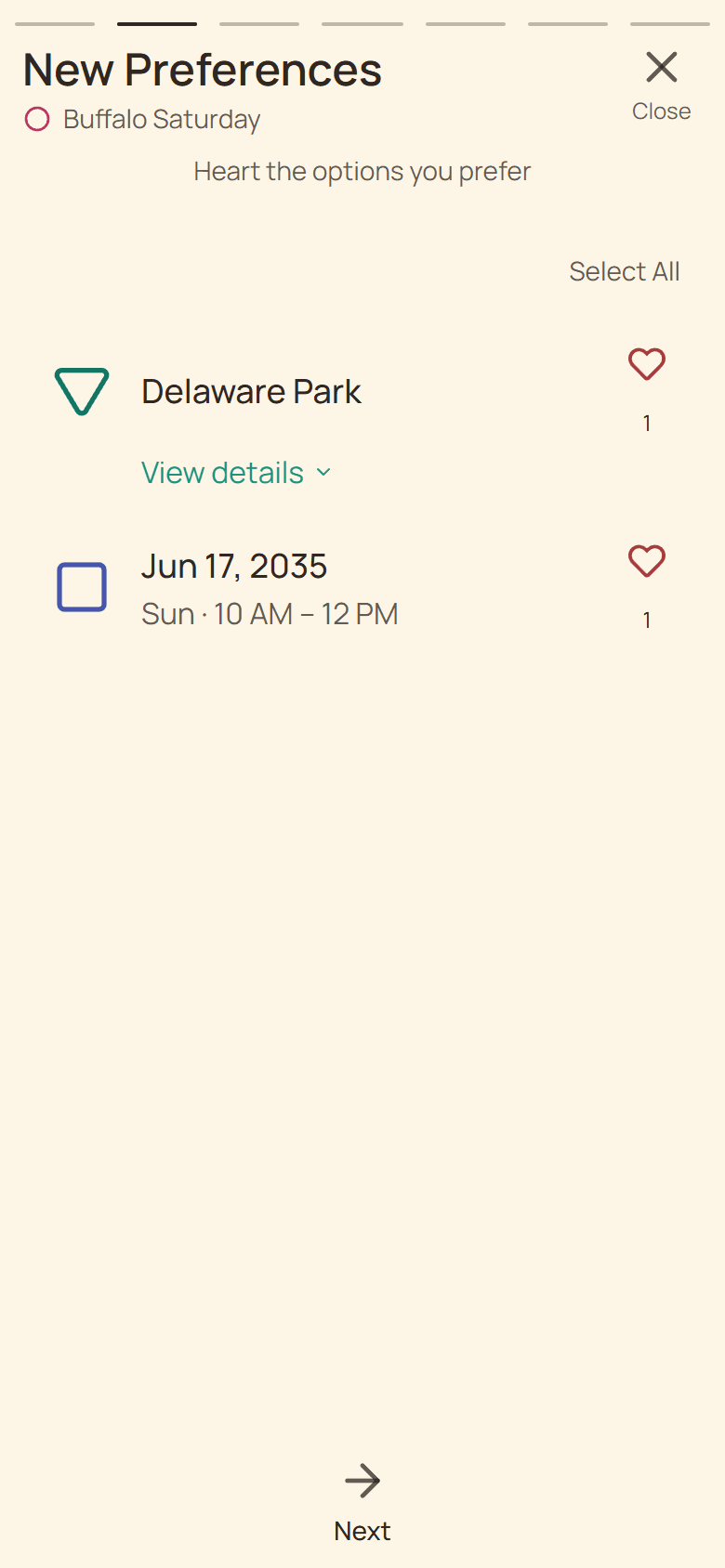
Read the date as the viewer sees it
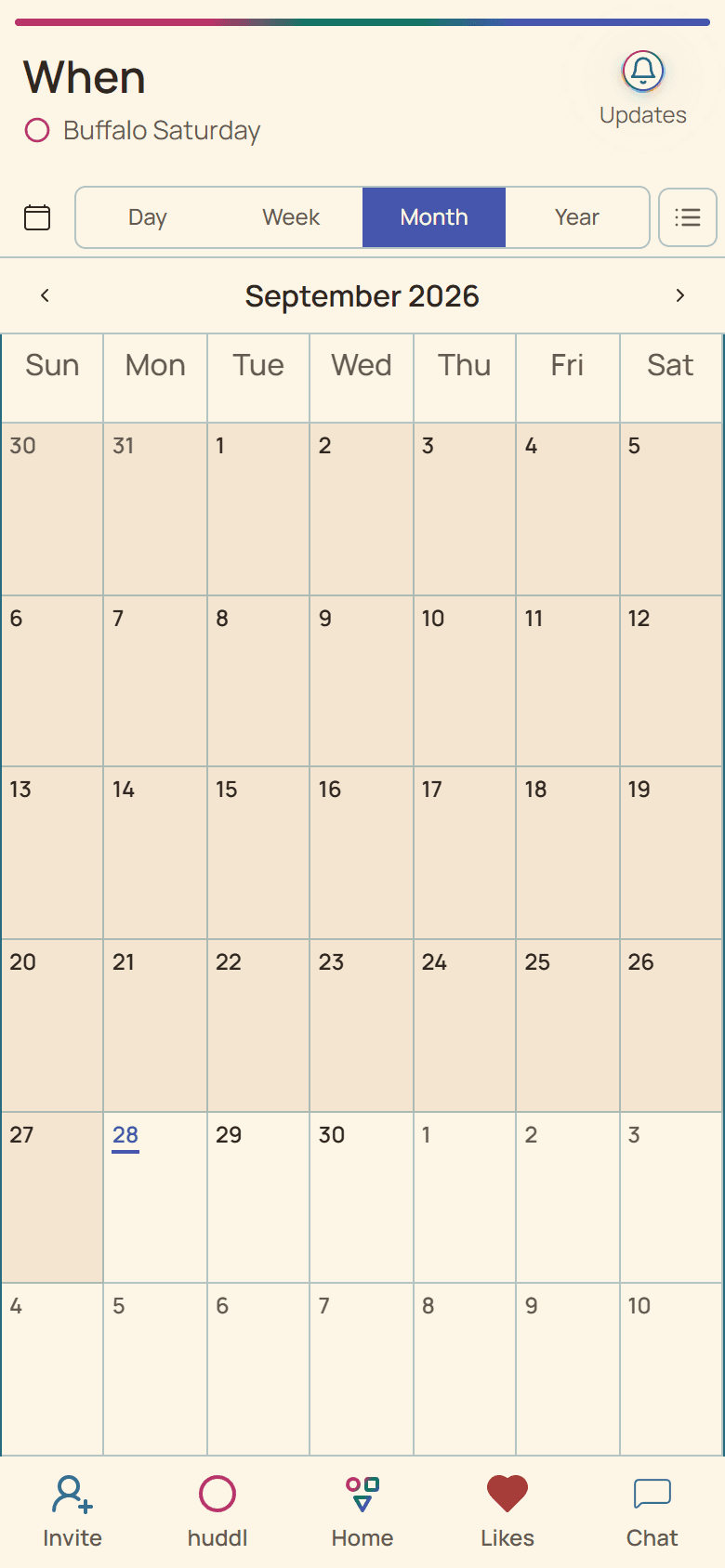
Huddl stores time selections with their source-zone interpretation and displays applicable dates for the viewer. Around midnight, one shared instant can fall on different calendar days for different people.
Before responding, check the full date and local time shown on your device. A familiar label such as Friday evening may not mean the same local day elsewhere.
Do not rely on abbreviations alone
- Prefer a full date and location context.
- Avoid ambiguous abbreviations such as CST without a city or offset.
- Confirm fixed-event times with the authoritative organizer.
- Use direct contact when a traveler is already in motion.
Put it into practice
Travelers and local friends
A friend visiting from out of town
Turn a fixed travel window into one or more realistic meetups without broadcasting unnecessary itinerary details.
Read the workflow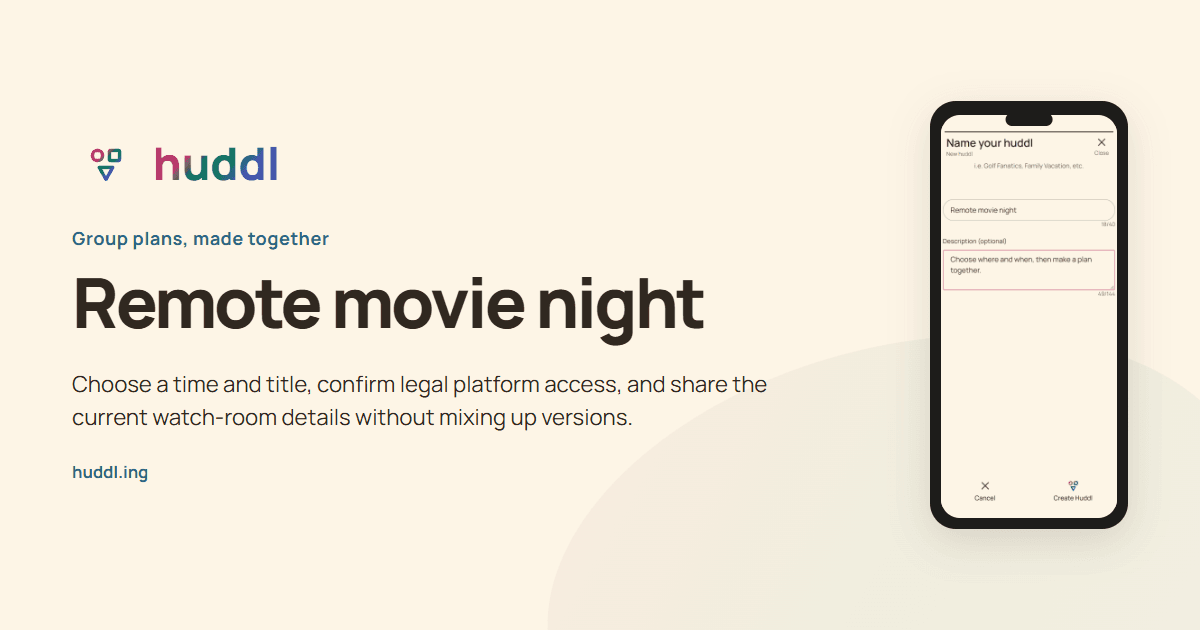
Friends watching from different homes
Remote movie night
Choose a time and title, confirm legal platform access, and share the current watch-room details without mixing up versions.
Read the workflow