Use cases
Planning a golf foursome
See how four friends can compare courses and weekend times, confirm attendance, and divide tee-day details.
Illustrative planning case study. This is an illustrative fictional planning case study, not a customer testimonial or measured result.
On this page
Begin with the players you can invite
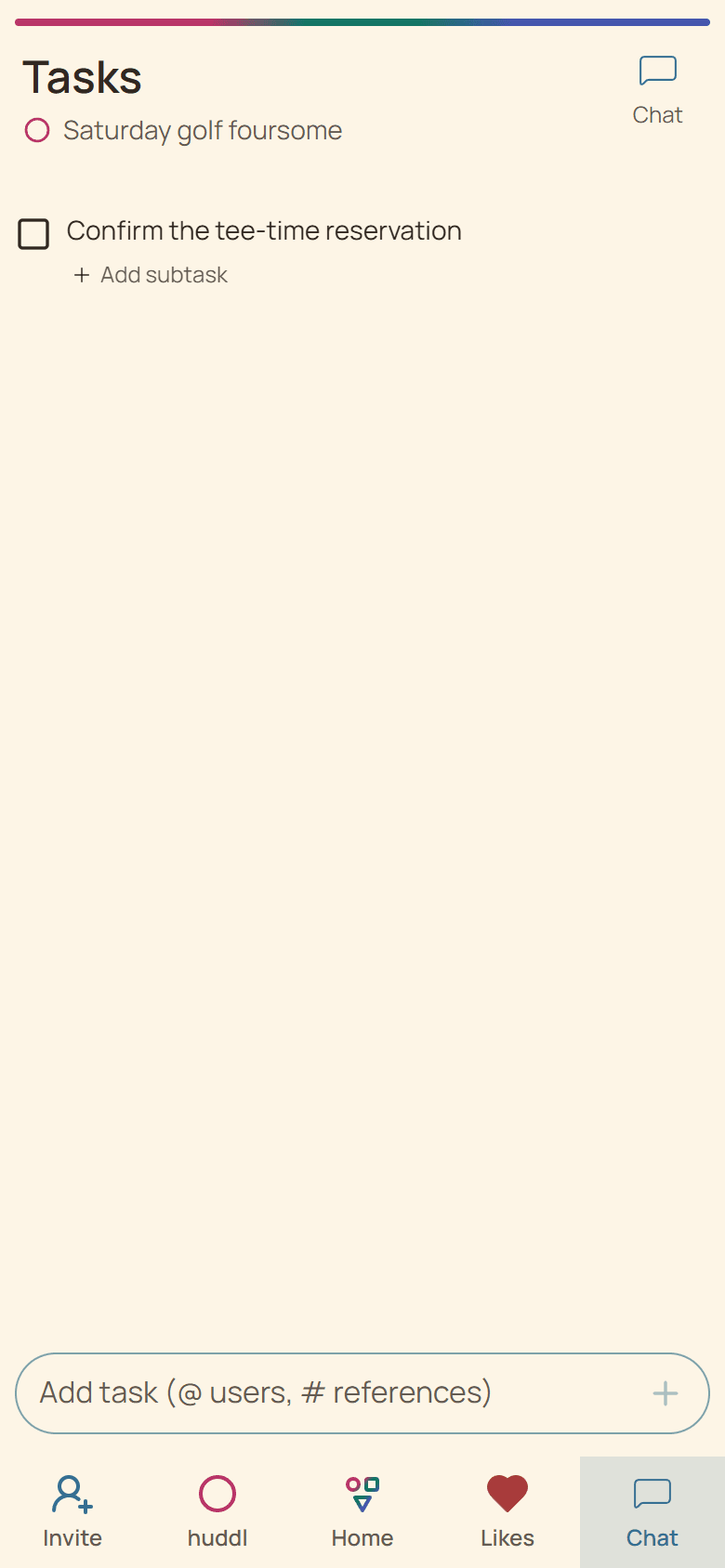
Jordan and Casey want to play within two weeks and invite two friends who may be free. They add two local courses and three realistic time windows so everyone can react without searching a long message thread.
Huddl coordinates an existing group; it does not discover strangers, reserve a tee time, or rank players. The organizer still checks course availability before treating a popular option as bookable.
Move from interest to one playable plan
- Invite the likely players and explain how many open places remain.
- Compare course suggestions and future time options separately.
- Create a concrete place-and-time plan after confirming a tee slot.
- Ask each golfer to RSVP to that plan instead of relying on a course like.
Keep day-of details explicit
- Put the reservation name and arrival time in chat.
- Assign rides, clubs, or snacks as tasks only after someone agrees.
- Contact a replacement directly if a confirmed player drops out.
- Update the current plan when the course changes.
Helpful huddl features
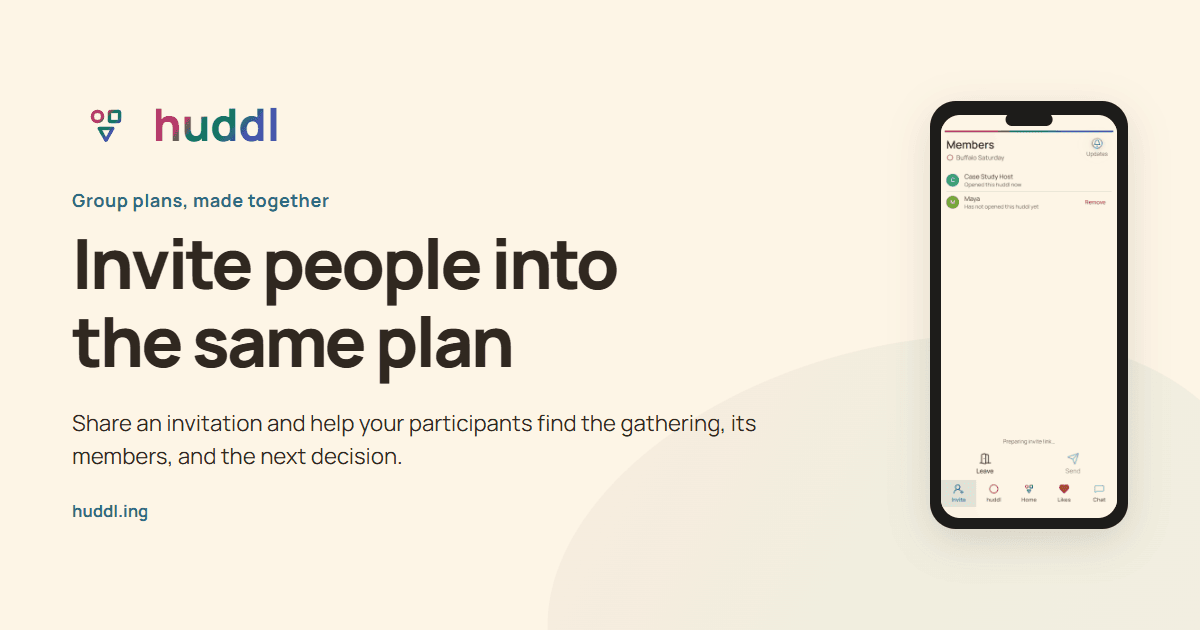
Invite people into the same plan
Share an invitation and help your participants find the gathering, its members, and the next decision.
Explore feature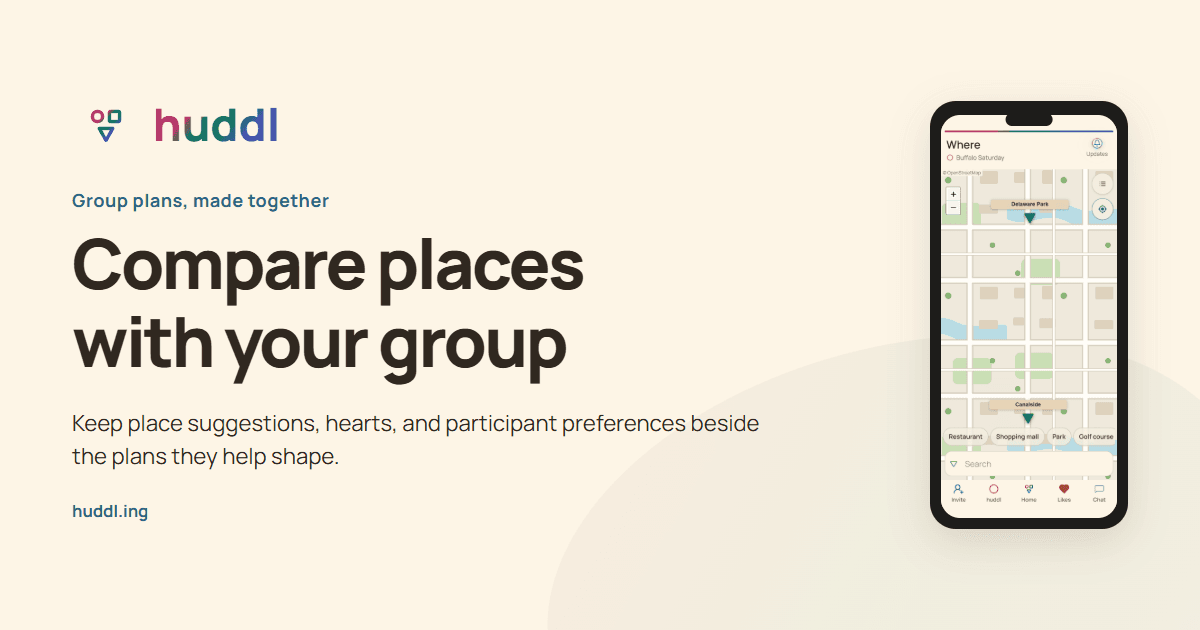
Compare places with your group
Keep place suggestions, hearts, and participant preferences beside the plans they help shape.
Explore feature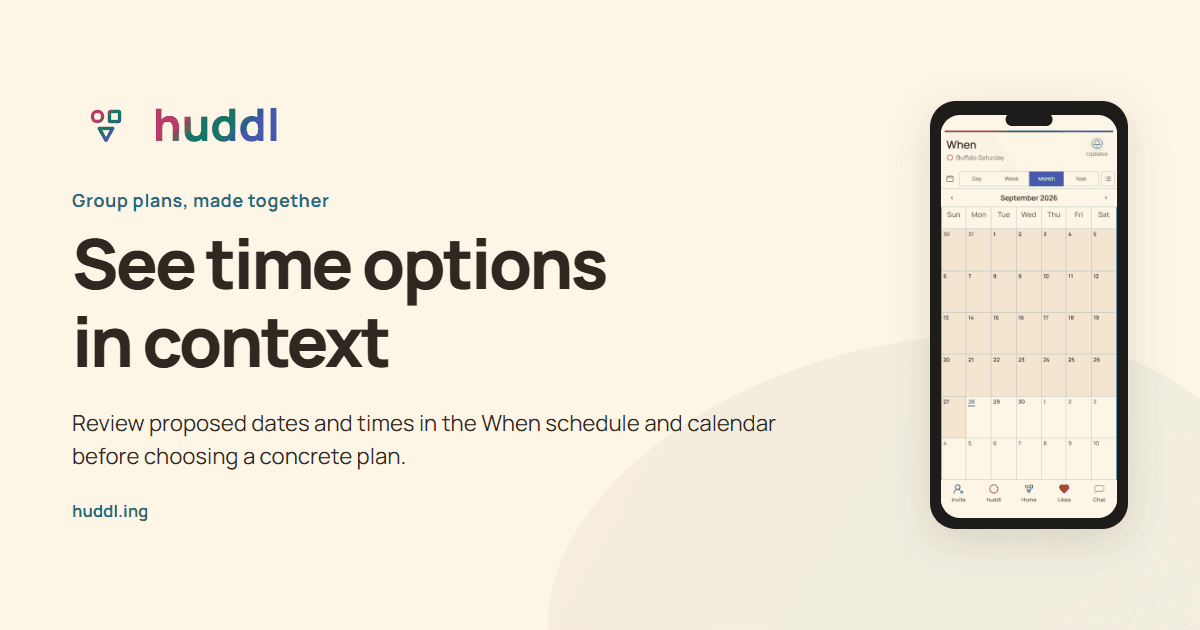
See time options in context
Review proposed dates and times in the When schedule and calendar before choosing a concrete plan.
Explore feature