Features
Invite people into the same plan
Share an invitation and help your participants find the gathering, its members, and the next decision.
On this page
Product states in this journey
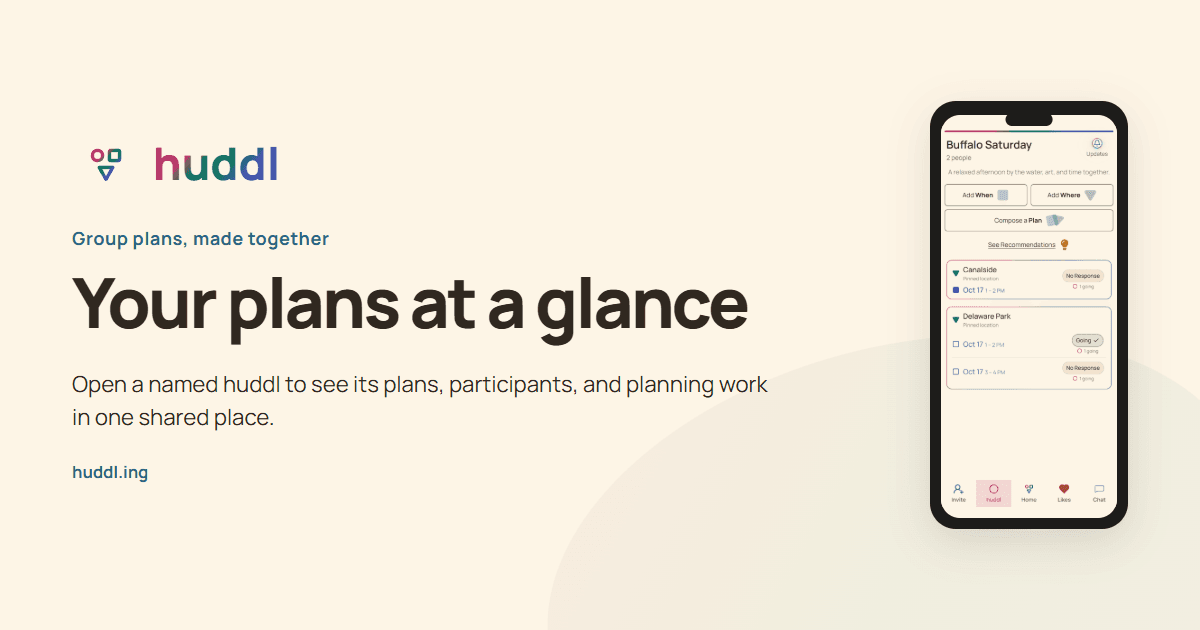
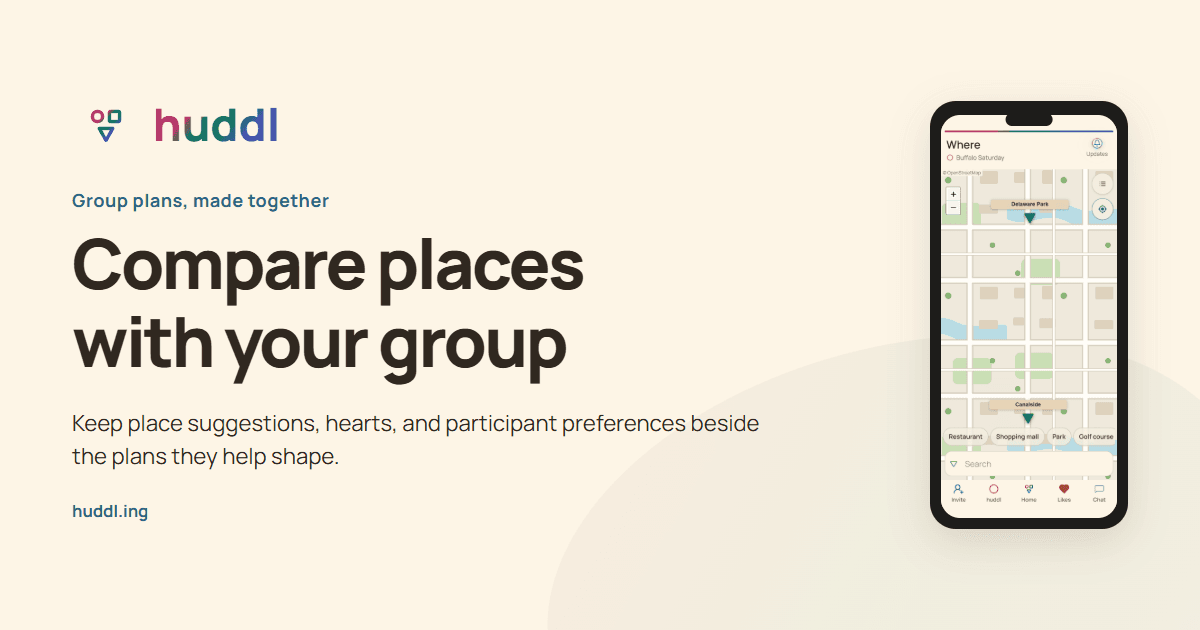
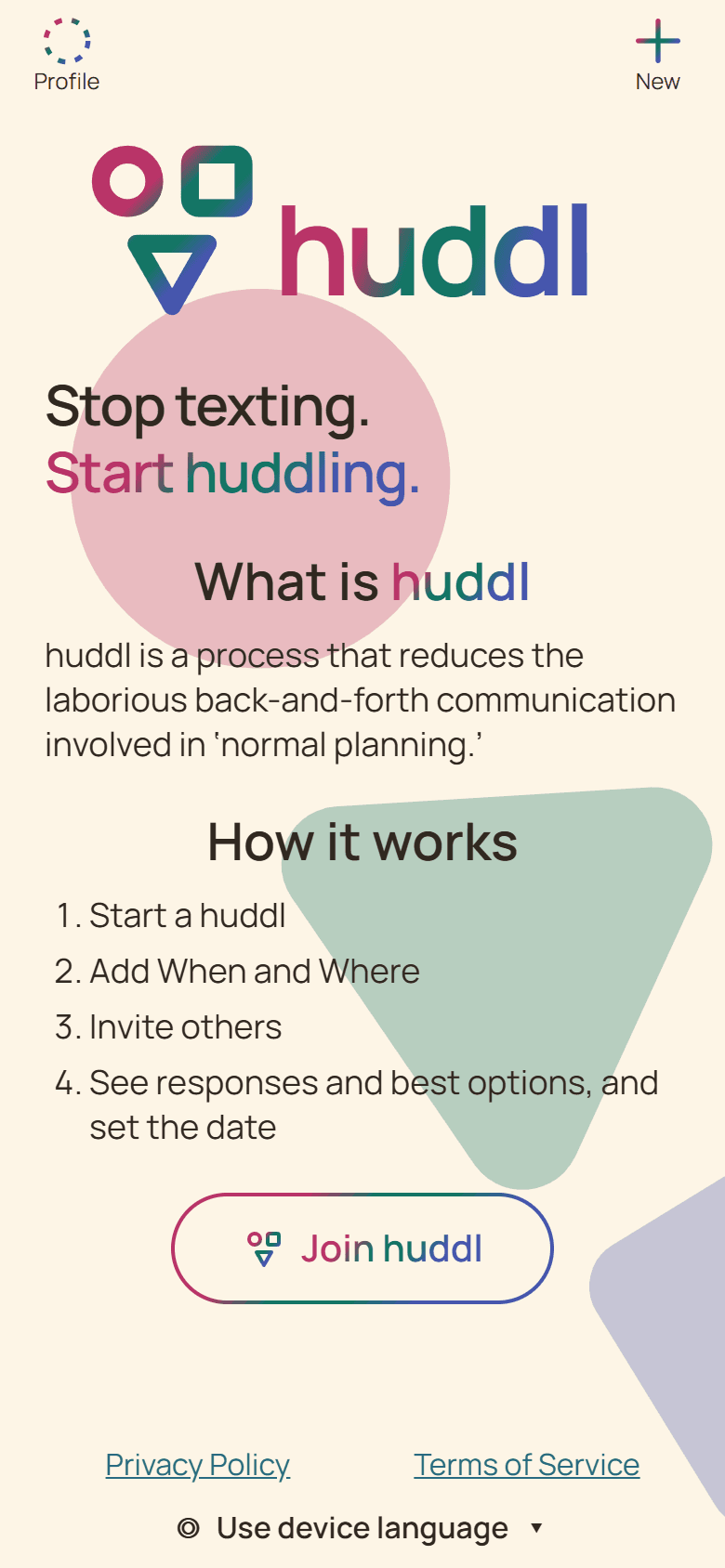
These controlled fictional examples were captured from the current application.
Give people a useful invitation
An invitation link carries people into the shared planning context. Your accompanying message explains why they should join. Say what the gathering is, what remains undecided, and when you hope to hear back. For example: ?Join our picnic huddl and tell us which afternoon works before Wednesday.? This gives the recipient a manageable first action.
Create a named huddl before sharing. You can begin while place and time are still open. Avoid collecting everyone in a new chat just to send another vague scheduling question; use the channel they already check to share the link and a short explanation.
Check who is involved
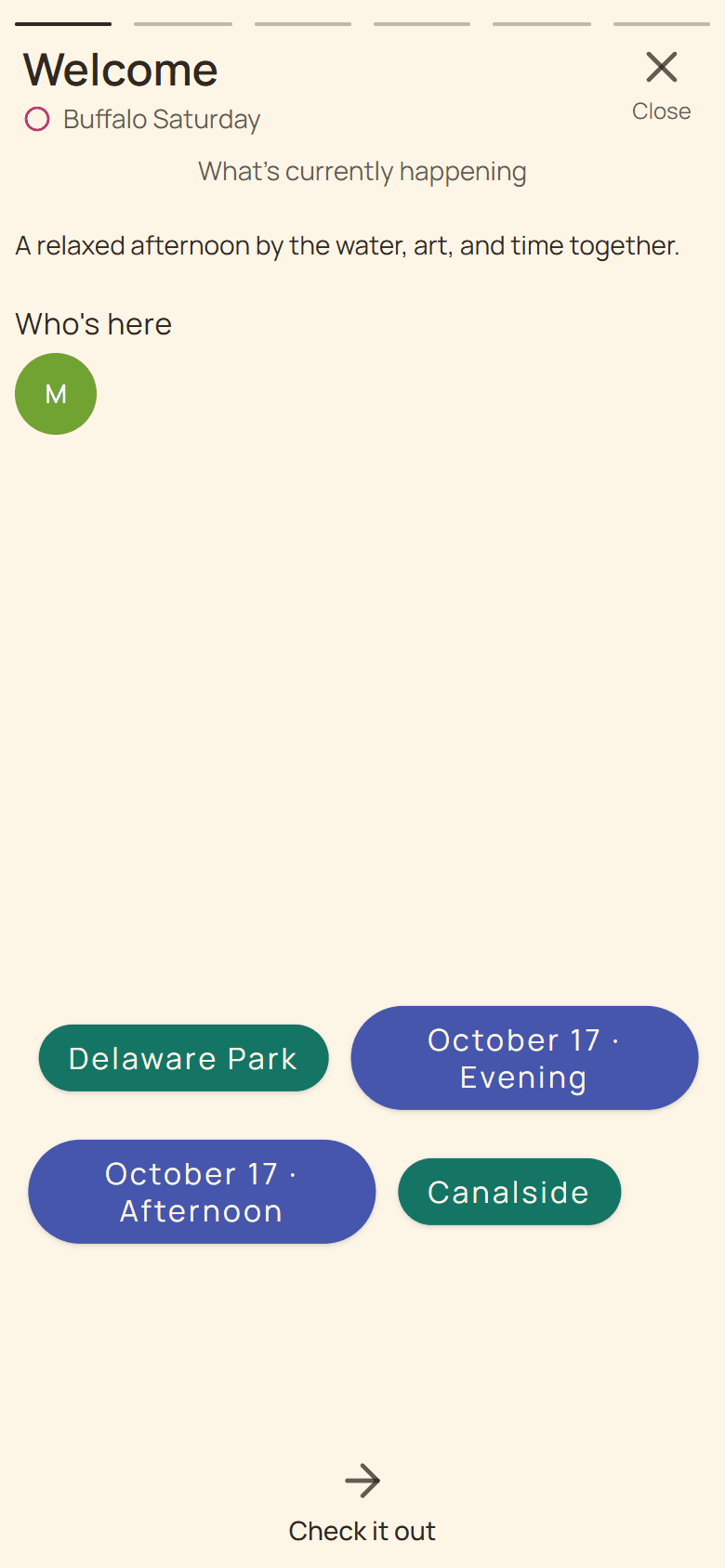
Members helps you understand who has joined the huddl. Open it through Invite or the member strip. A person appearing as a member means they can participate in the gathering?s planning; it is different from that person confirming attendance at a particular plan.
For a six-person dinner, first check whether all six intended participants have joined. Later, check the dinner plan?s Going responses when you need a booking count. These are different stages, and keeping them separate prevents an invitation list from becoming an assumed headcount.
Help a late arrival catch up
Someone joining later needs context more than a flood of messages. Keep the huddl name recognizable and use the description to explain the purpose. Point the newcomer to the current place and time choices, then explain whether you need a preference or an RSVP.
If a participant has difficulty opening the invitation inside another app, they can try their normal browser. The native apps are optional, not a prerequisite for joining on the web. An invalid or expired link should be resolved with a new usable invitation rather than guessing another URL.