Guides
Who has not answered yet?
Read the Going, Not Going, and No Response groups without confusing silence, interest, or availability.
On this page
See this in Huddl
Follow the guide with these controlled fictional examples from the current application.
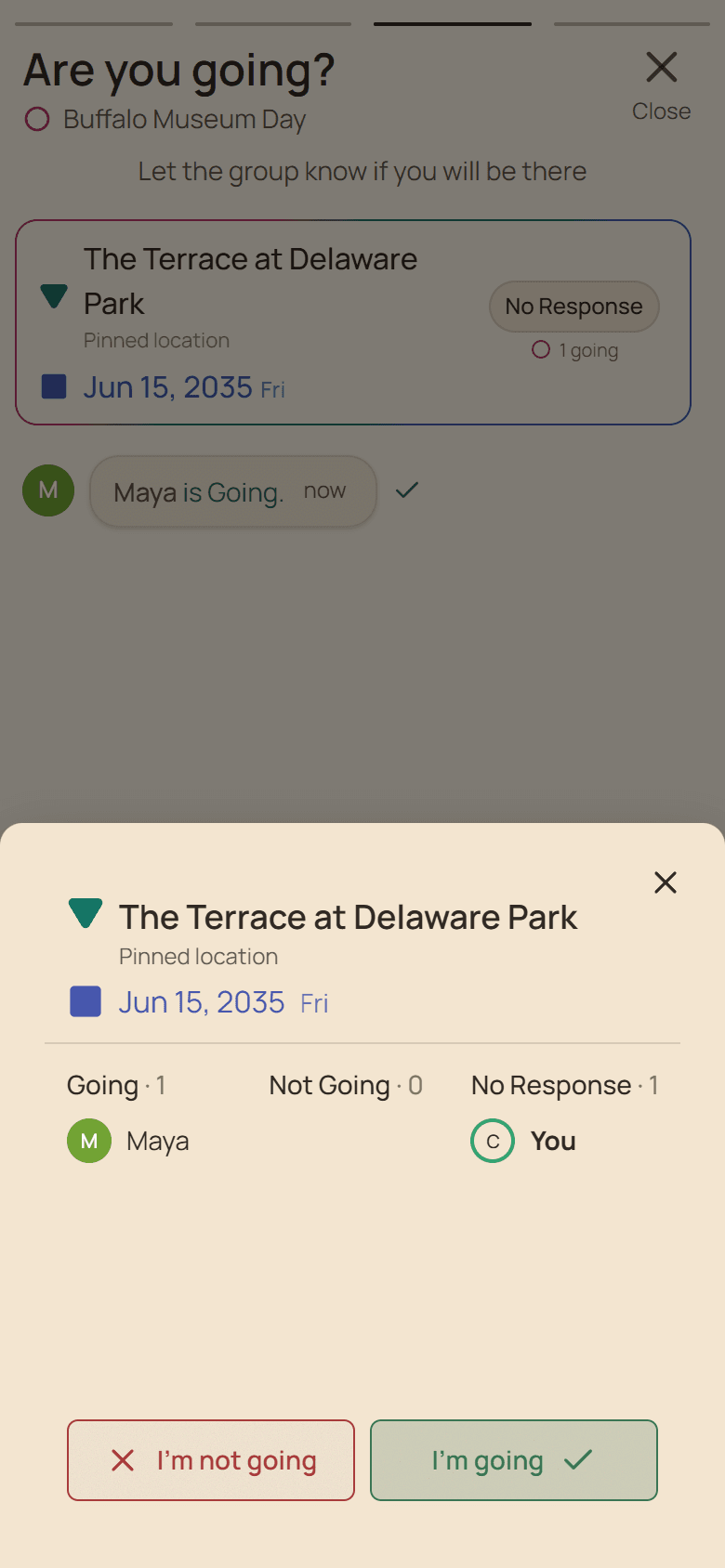
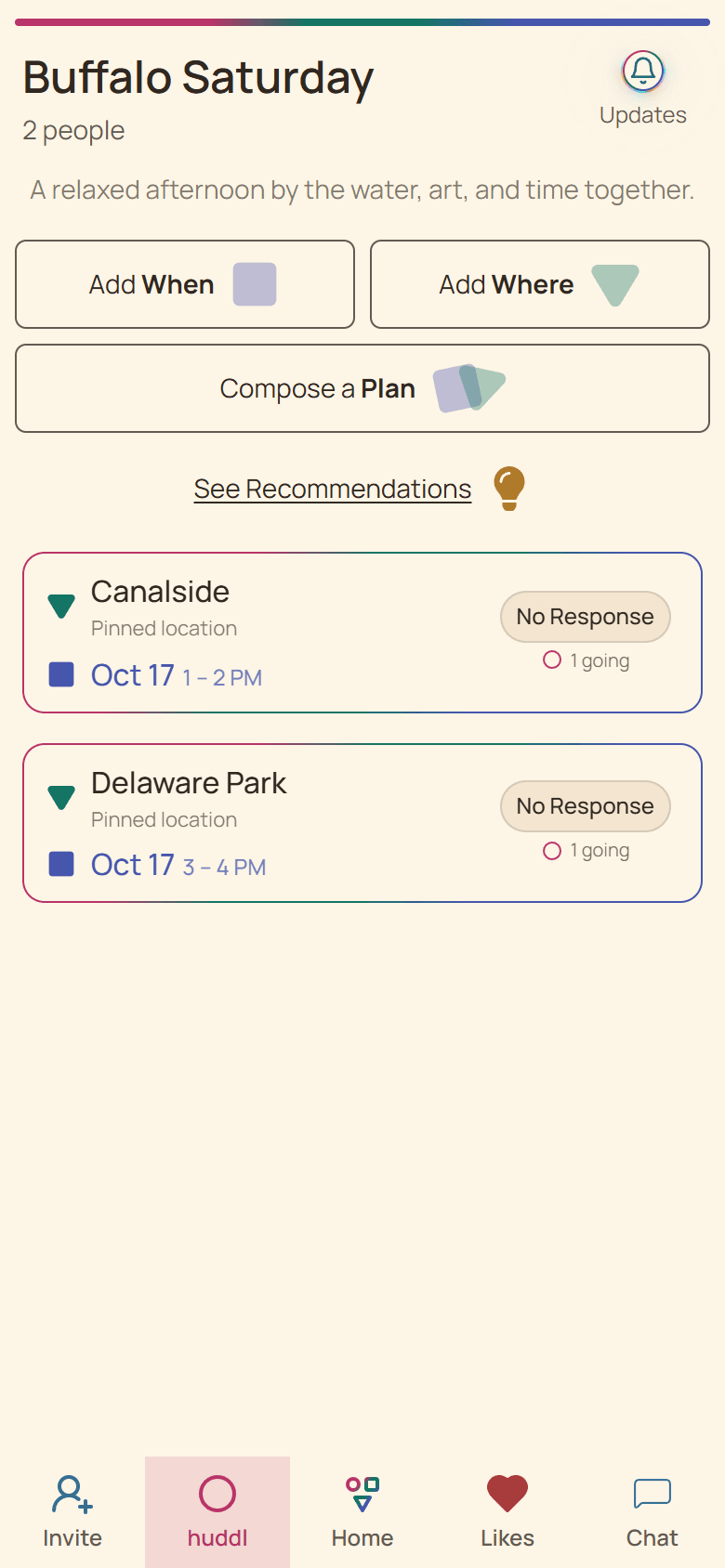
Expand the relevant plan
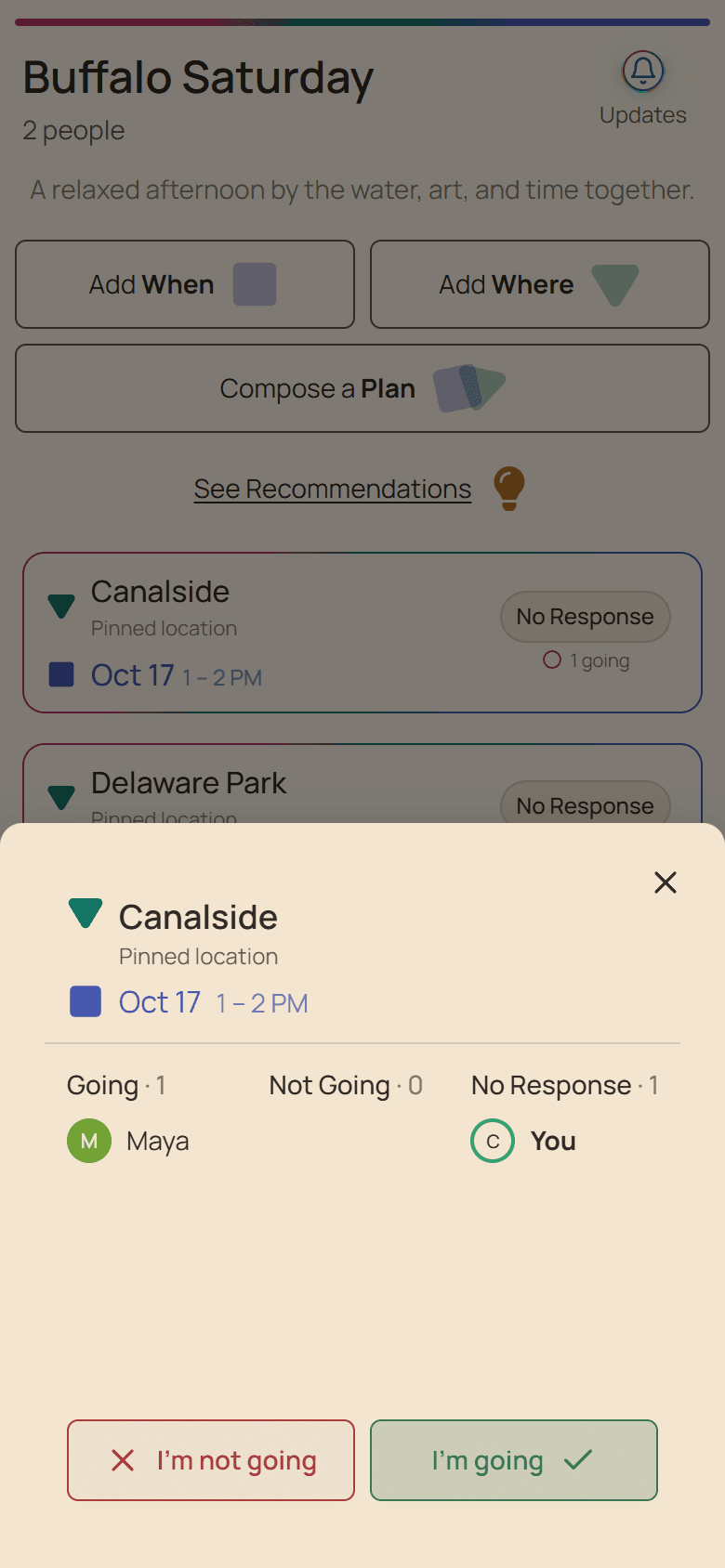
The attendance area separates people who chose Going, people who chose Not Going, and members with No Response. Use the exact plan card because another place-and-time combination can have a different answer set.
No Response means Huddl has no saved RSVP for that member on that plan. It does not explain whether they missed the invitation, are undecided, or answered somewhere else.
Follow up proportionately
- State the real decision deadline before reminding people.
- Contact only the people whose answer affects the next step.
- Do not convert a heart, chat message, or silence into Going.
- Leave room for a private response when circumstances are sensitive.
Use the count for the right decision
A current headcount can support a reservation or supply estimate after the group understands cost and cancellation terms. Recheck it close to the external deadline rather than using an old screenshot.
For urgent or high-impact commitments, confirm directly with the person responsible for the booking.
Put it into practice
Friends who already know one another
Planning a golf foursome
See how four friends can compare courses and weekend times, confirm attendance, and divide tee-day details.
Read the workflow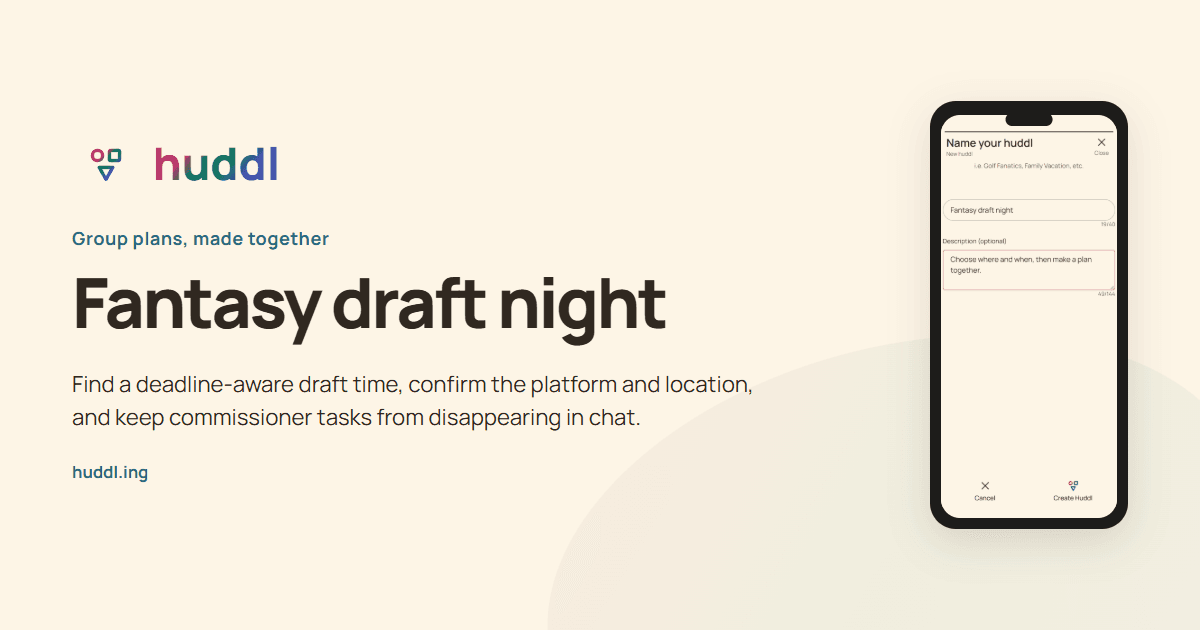
Fantasy league members
Fantasy draft night
Find a deadline-aware draft time, confirm the platform and location, and keep commissioner tasks from disappearing in chat.
Read the workflow