Use cases
Club and community meetups
Give club members and newcomers a clear meetup plan, useful arrival instructions, and shared setup tasks.
On this page
Help newcomers know what to expect
Regular members may know the room, entrance, and routine. First-time participants do not. A welcoming meetup plan explains the purpose, who it is for, likely cost, and what happens on arrival. Huddl gives that shared planning context a place to live.
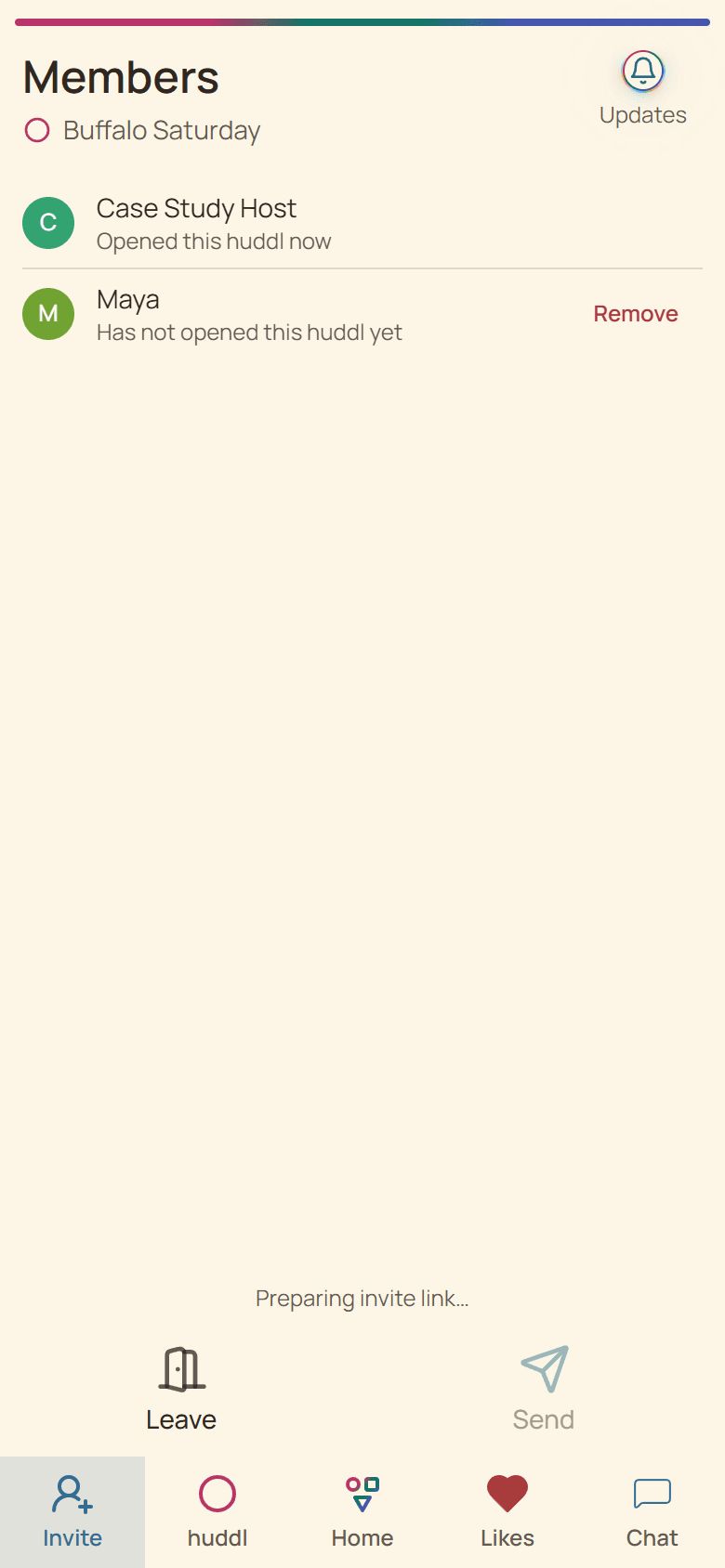
Share the invitation with the people you intend to include. Make the next action explicit: join the huddl, respond to the proposed time, or RSVP once the plan is concrete. Avoid relying on an old group-chat announcement for essential directions.
From invitation to a useful meetup
- Describe the activity and any participation expectations.
- Check venue permission, access, capacity, and available times.
- Collect input, then make the concrete place and time easy to identify.
- Ask for RSVPs and explain any headcount deadline.
- Assign setup, welcome, supplies, and cleanup tasks.
Example: a neighborhood book discussion
A book group meets in a shared community building. “The usual room” is sufficient for regulars but leaves a newcomer outside the wrong entrance. Include the building name, entrance, room, and a contact method for arrival questions. Say whether people need to have finished the book.
Give someone the welcome task so setting up chairs does not distract everyone from greeting people. If the room booking changes, update the shared plan and ask participants to confirm they have seen the new instructions.
Keep coordination appropriate to the group
Huddl is useful for shared planning; it is not a substitute for venue capacity checks, formal ticketing, or safeguarding arrangements. Keep expectations clear and direct sensitive concerns to the appropriate organizer or support channel.
Helpful huddl features
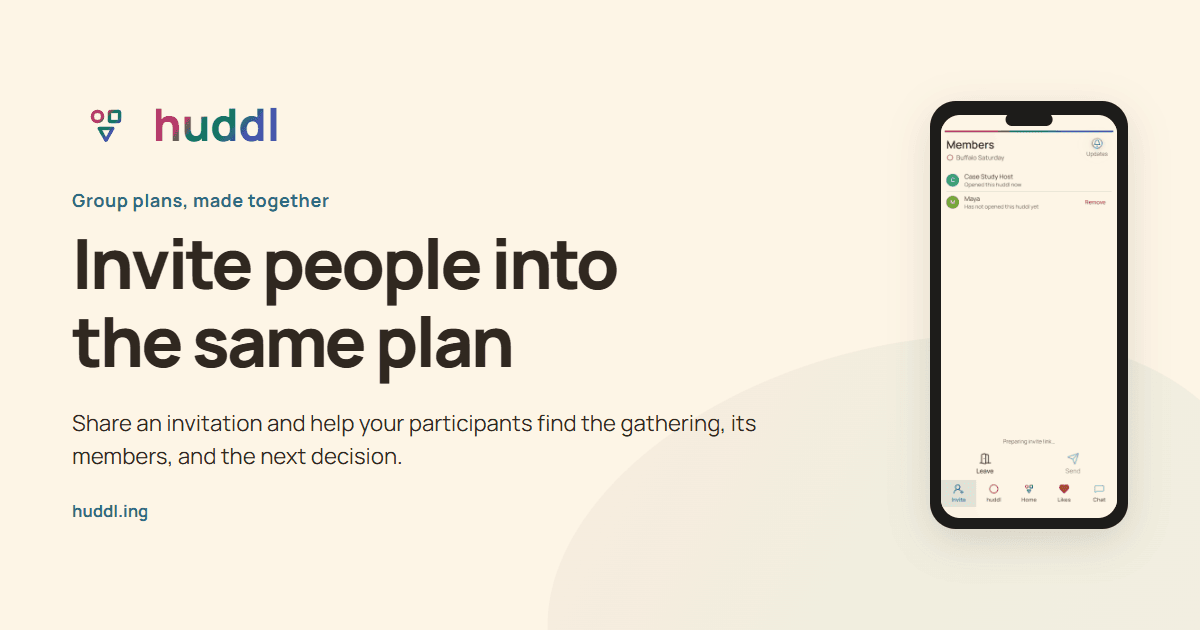
Invite people into the same plan
Share an invitation and help your participants find the gathering, its members, and the next decision.
Explore feature
Compare places with your group
Keep place suggestions, hearts, and participant preferences beside the plans they help shape.
Explore feature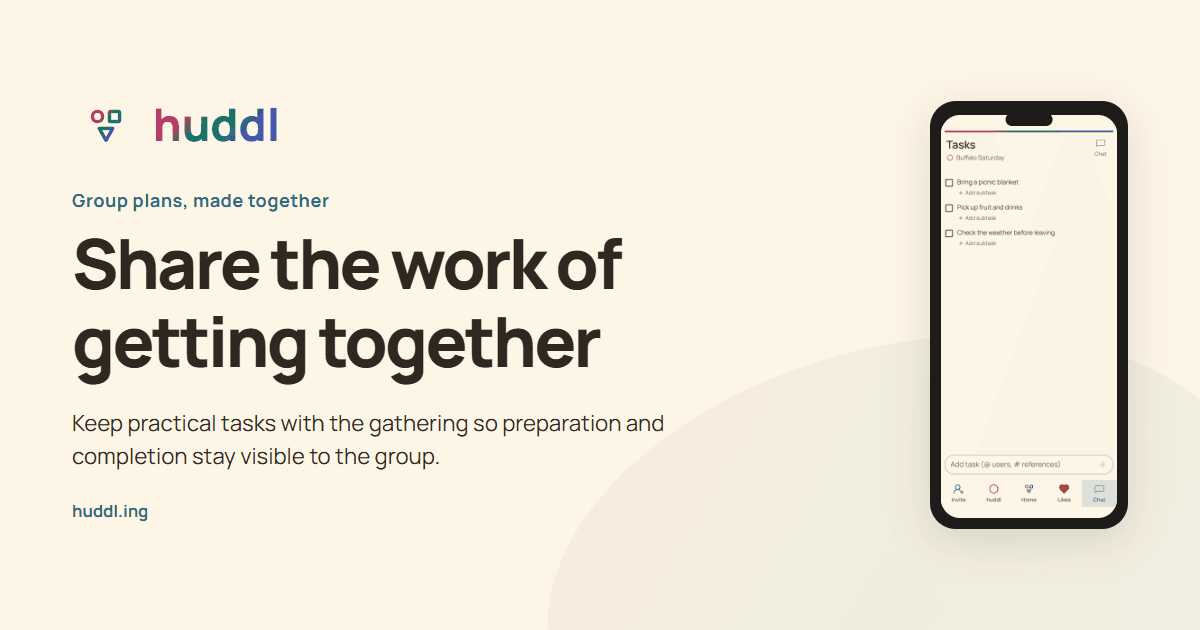
Share the work of getting together
Keep practical tasks with the gathering so preparation and completion stay visible to the group.
Explore feature