Features
Browse places and times before choosing
Explore locations and calendar options, then bring a useful choice into an existing gathering or a new huddl.
Reviewed 2026-10-14 against Huddl 0.9.29. Updated 2026-10-14.
On this page
Start with the decision you can make
You may know a venue before you know which friends can join, or have a free afternoon before deciding what to do. Browse lets you start from Where or When instead of demanding a completed plan first.
Global browsing and a huddl’s choices have different contexts. Use the global browser to explore an idea, then choose the gathering it belongs to. Inside a huddl, its Where and When views show the options that group is considering.
Read the Browse places and times transcript
- Open Browse Where to compare locations. Switch between Map and List to view the same choices in the format that helps you decide.
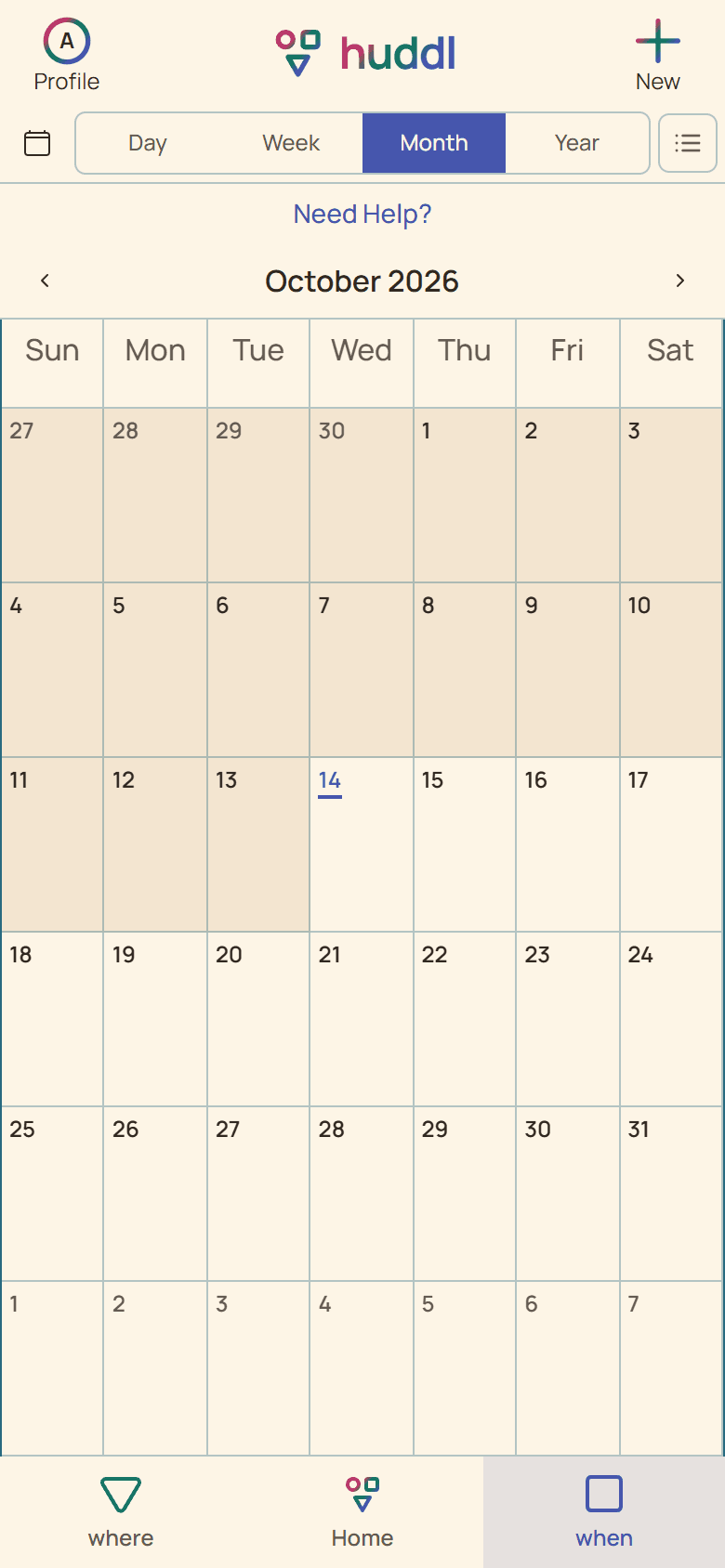
- Open Browse When and inspect the date range. Day, Week, Month, Year, and List views offer different amounts of calendar context.
- Open a useful option and choose the gathering it belongs to, or create a named huddl. Adding that option starts the discussion; it does not announce your attendance.
Compare locations and calendar context
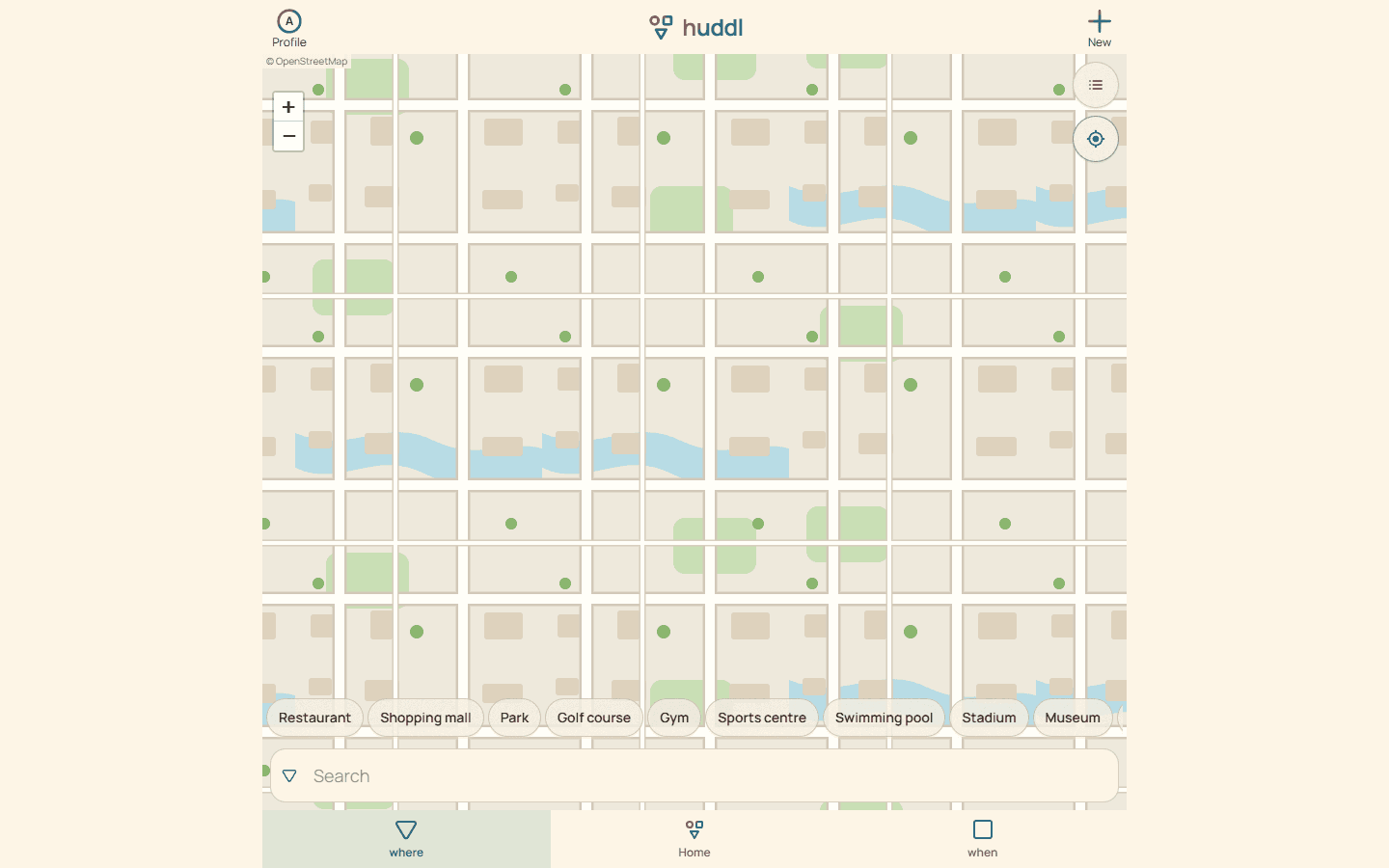
Map and List help inspect location options. Check the address and travel implications, then verify opening times, accessibility, capacity, and bookings directly with the venue. A map location does not establish that a booking is available.
When offers Day, Week, Month, Year, and List views. Use the scale that fits your decision and read the option’s time zone before bringing it into the group. A free evening and a precise two-hour meeting are different proposals.
| Question | Useful view | What to verify |
|---|---|---|
| How far apart are the options? | Where Map | Actual travel at the proposed arrival time |
| Which address should I share? | Where List and option detail | Exact entrance and venue conditions |
| Which part of next month works? | When Month or List | Duration, local zone, and participant availability |
Bring the option into the right gathering
An option detail can lead to an existing huddl or a new named gathering. If you create from a Browse choice, that option is attached to the initial unconfirmed plan and liked by you. The group still needs the other domain and a confirmed pair before attendance is meaningful.
Before saving, check that you are adding to the intended gathering and plan. Similar names or places do not make two plans interchangeable. If the save fails, retry the retained action and inspect the saved result before sharing it.
Example: a museum afternoon
This fictional example starts from a known place while leaving timing open.
Bring a choice into the right planning context
Global exploration differs from a huddl’s saved choices. Verify venue facts directly; a browse selection does not reserve or confirm a gathering.
| Starting point | Browse helps with | Commitment still needed |
|---|---|---|
| Signed out | Explore a place or date idea | Profile/sign-in before saving |
| Existing gathering | Bring a possibility into that group’s planning | Inspect and confirm a complete pair |
| New gathering | Start with an idea and recognizable name | Invite people and ask for attendance after confirmation |