Guides
How to invite and welcome participants
Send an invitation with a clear next step and help newcomers understand where their input belongs.
On this page
See this in Huddl
Follow the guide with these controlled fictional examples from the current application.
Explain the purpose
A useful invitation answers three questions: what is this gathering, why am I included, and what should I do next? Name the event and the decision that needs input. Avoid sending a bare link and expecting the recipient to reconstruct the context from an earlier conversation.
Choose a channel the person already checks. For a family gathering that may be an existing group chat; for a volunteer meetup it may be an organizer?s message. The aim is to reach the same huddl, not create another channel to monitor.
Give one useful first action
Ask newcomers to do what the group needs now. If there are time options, ask them to review availability. If there is already a concrete plan, ask for an RSVP to that arrangement. Those requests are more precise than asking everyone to ?take a look.?
For a reunion, the first request may concern possible weekends. Later, the organizer can ask for attendance at a chosen venue and time. Separating those stages prevents early interest from becoming an assumed commitment.
Help people join and close the loop
If someone has trouble in an embedded browser, ask them to try their normal browser. If the invitation is invalid or expired, provide a usable invitation. People can join through the web; installing a native app is optional. Never ask for passwords or authentication codes to troubleshoot.
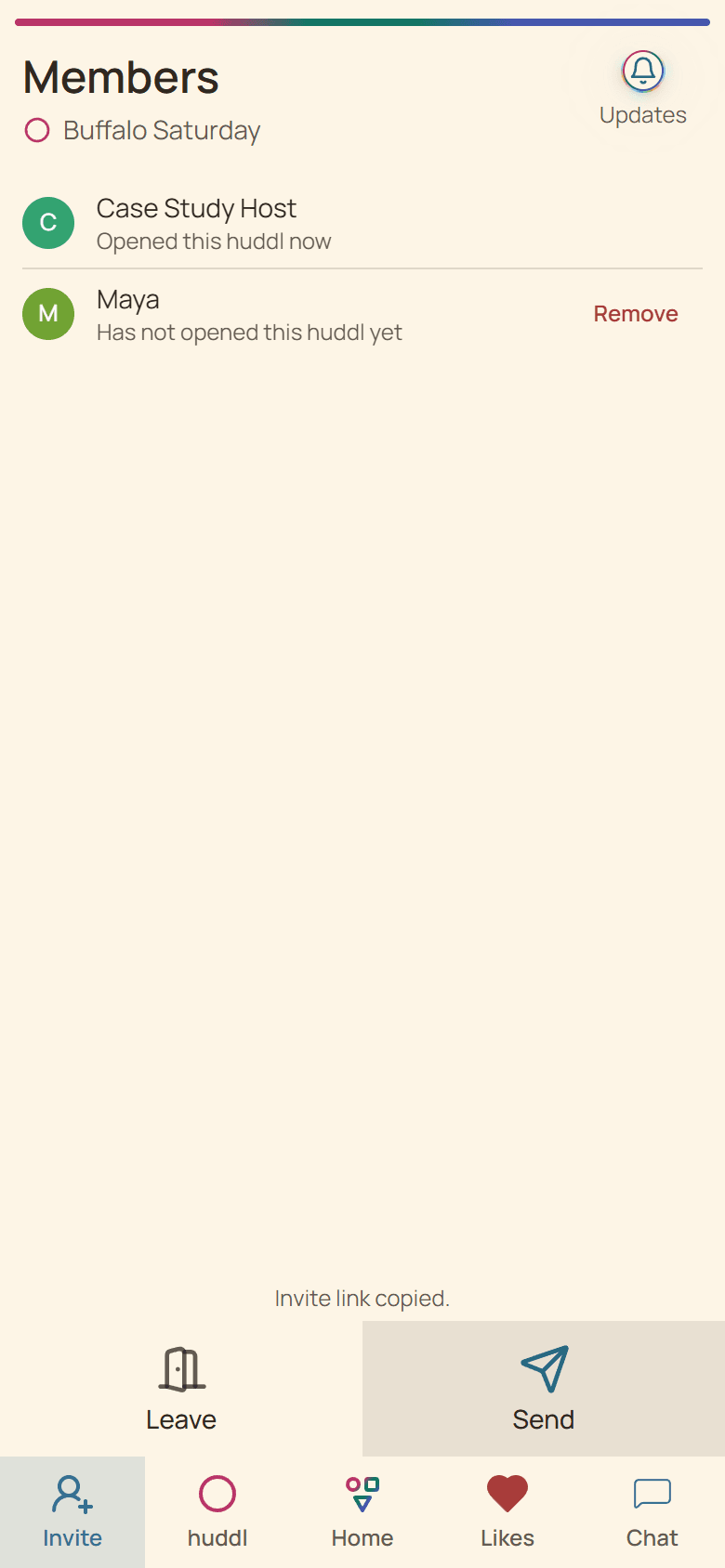
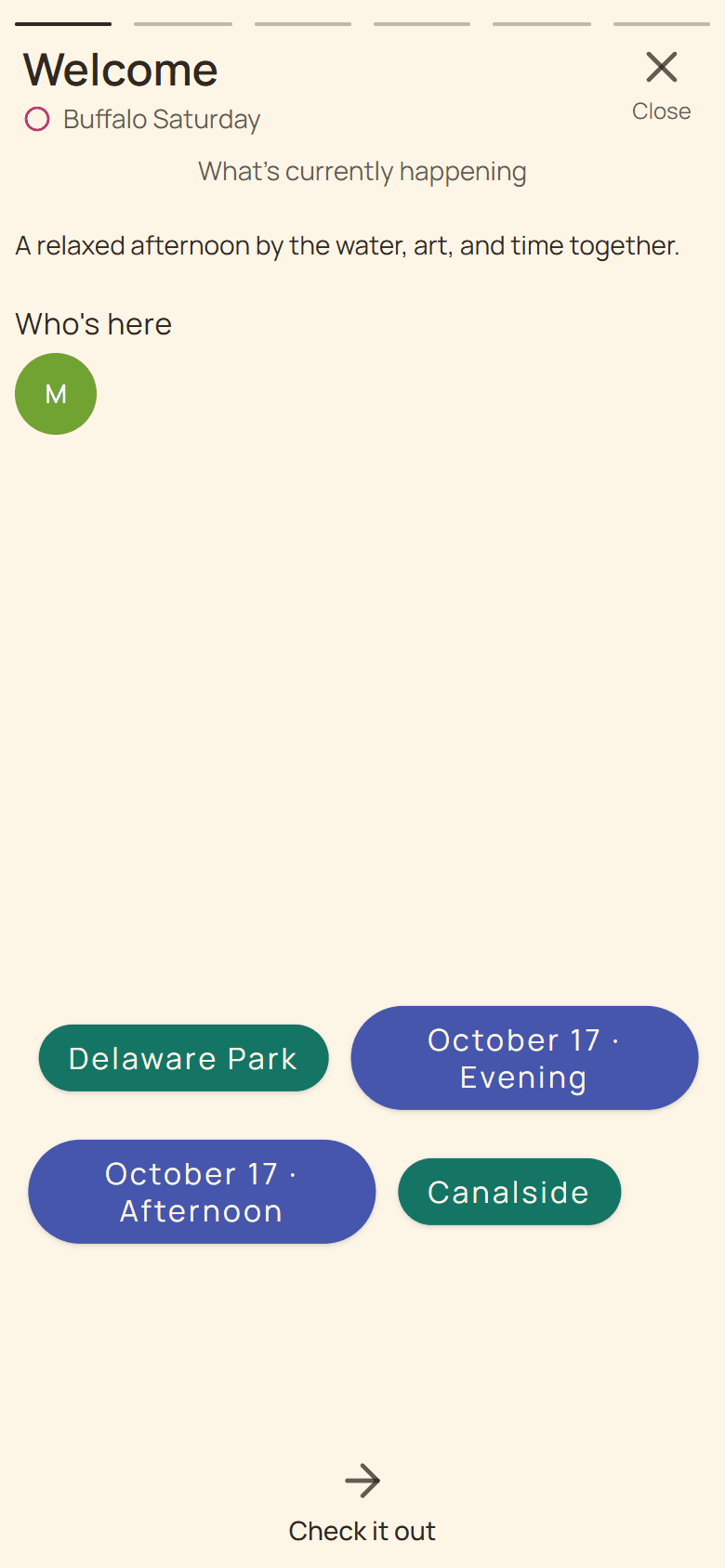
Review Members to see who joined the planning space and the relevant plan to see who is Going. Before booking, ask unanswered participants directly for the response needed. A short welcome message helps late arrivals contribute without requiring the organizer to repeat every decision.
Put it into practice
Families
Family gatherings
Coordinate dates, travel, food, and shared responsibilities for a family gathering without losing the details.
Read the workflow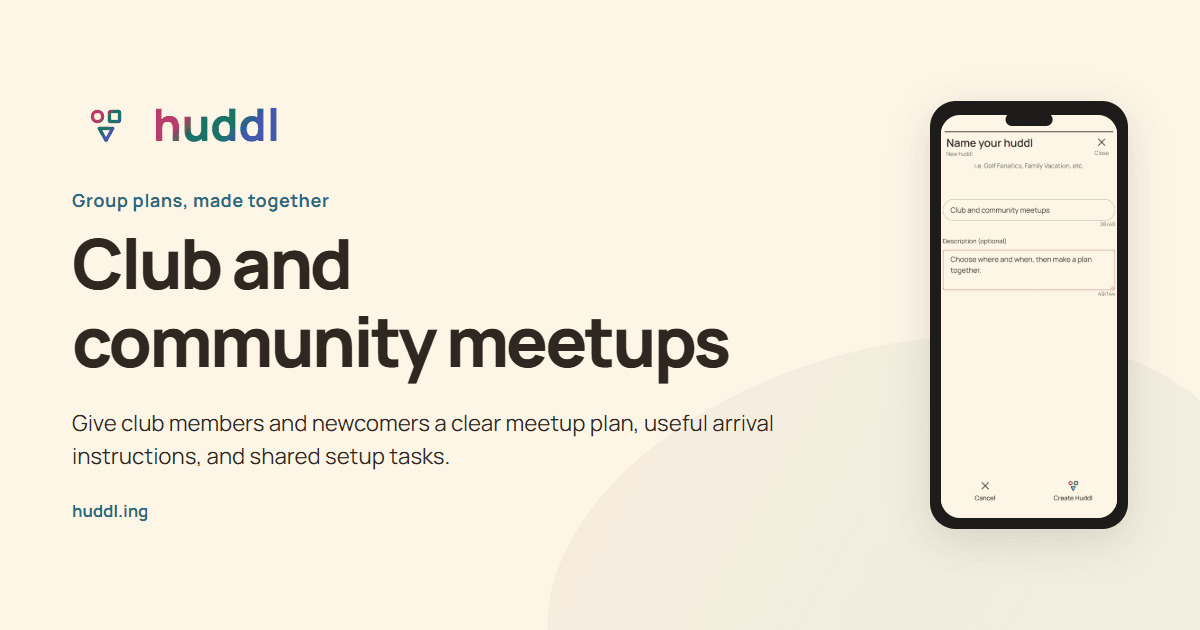
Communities
Club and community meetups
Give club members and newcomers a clear meetup plan, useful arrival instructions, and shared setup tasks.
Read the workflow