Product journey
Turn suggestions into a plan
Review Huddl’s candidate combinations, inspect the exact pair, and create a plan only when the place and time work together.
For Groups ready to narrow their options
Step 01
Open plan recommendations
Huddl ranks up to three candidates from saved Where and future When options.
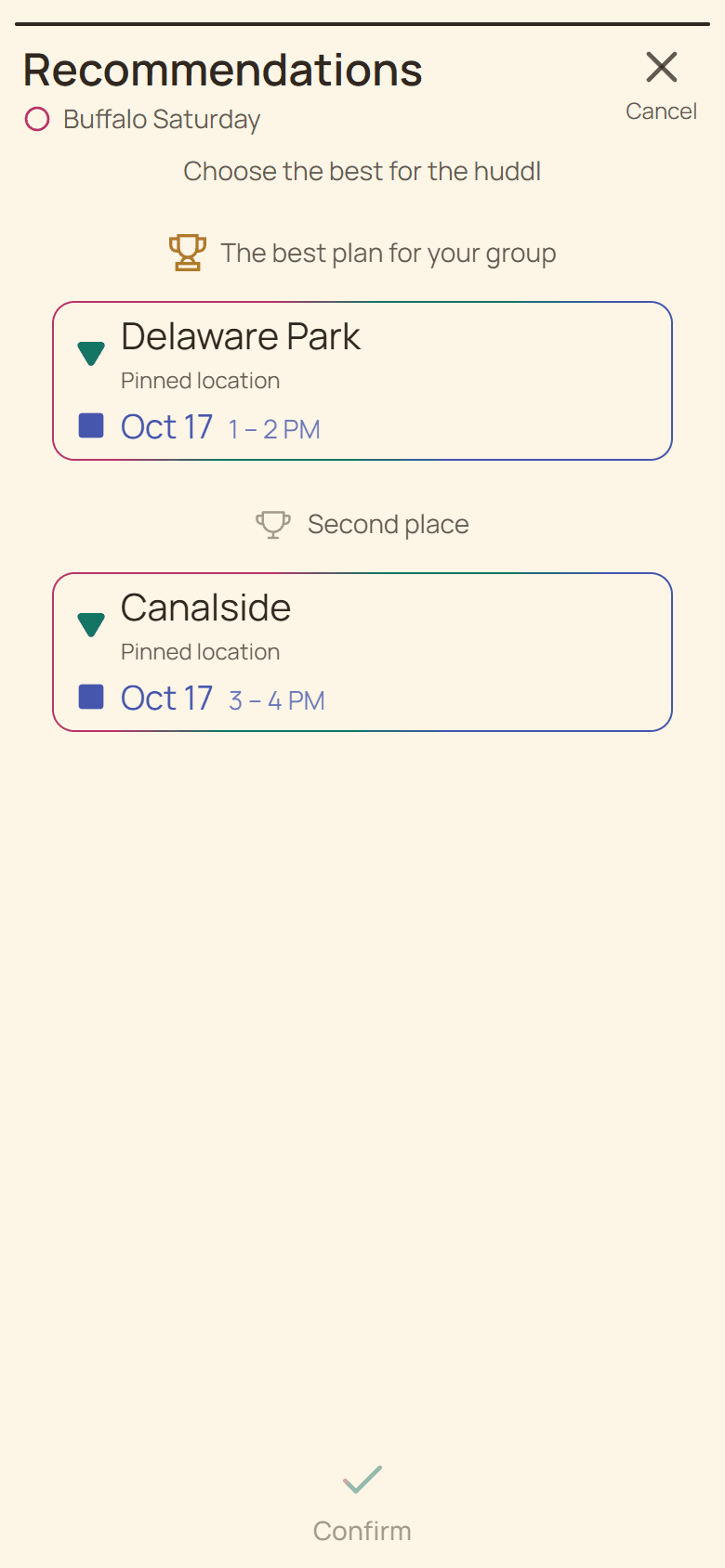
Current Huddl example: open plan recommendations. Fictional people and planning details are shown. Step 02
Select one compatible pairing
Choose the candidate whose place and time have been checked against the group’s real constraints.
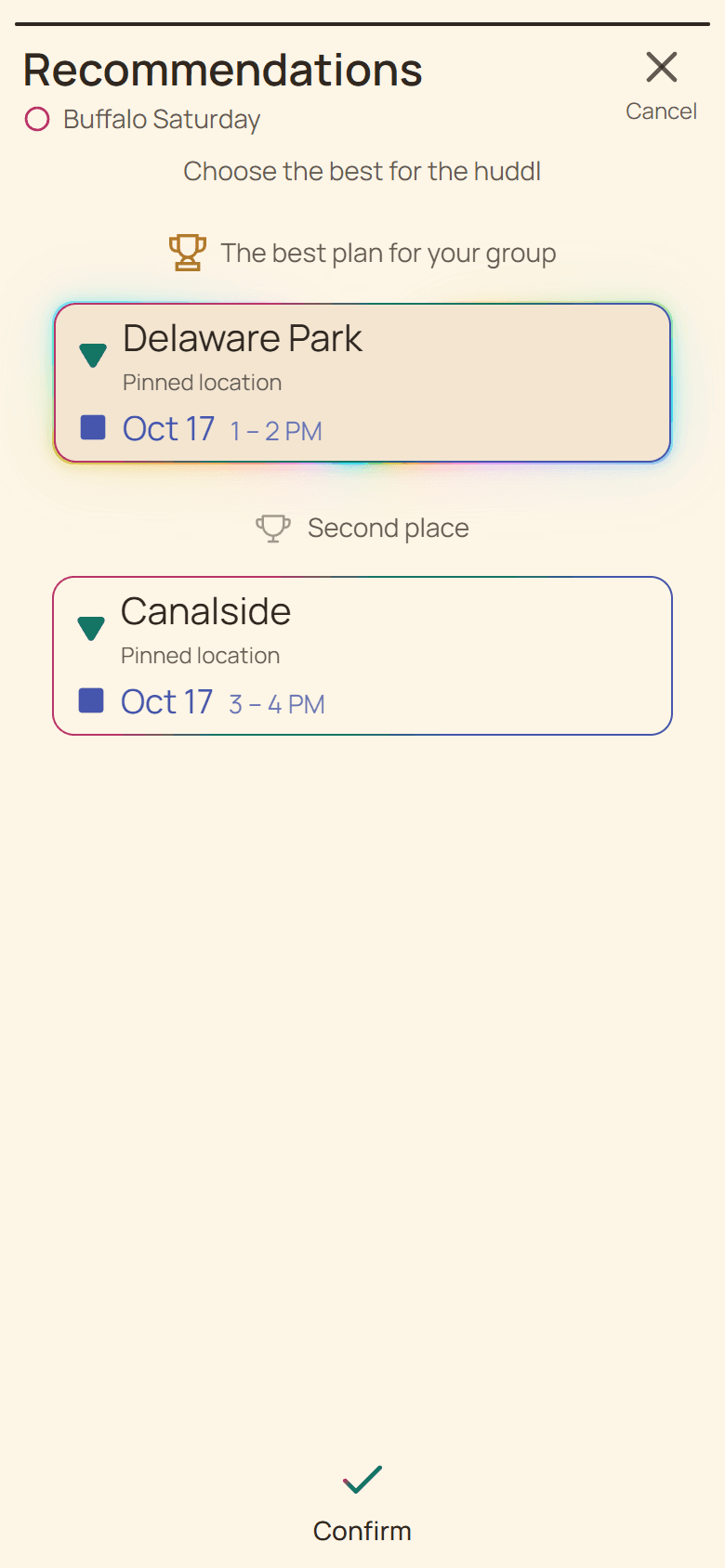
Current Huddl example: select one compatible pairing. Fictional people and planning details are shown. Step 03
Inspect the exact combination
Read both option rows and return to edit if either side is wrong.
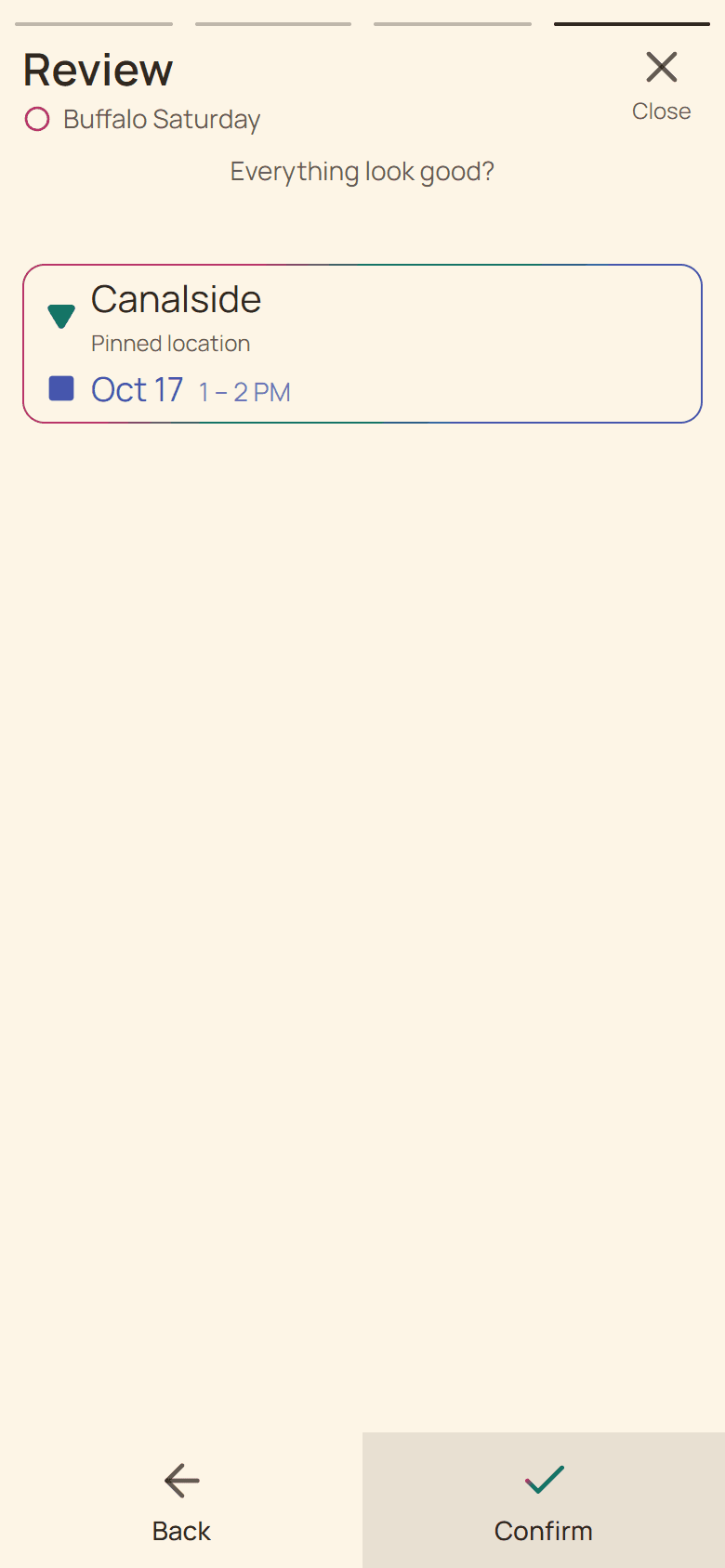
Current Huddl example: inspect the exact combination. Fictional people and planning details are shown. Step 04
Create or reuse the concrete plan
Confirm Going when the exact pair works for you, or Suggest when the group still needs to shape it.
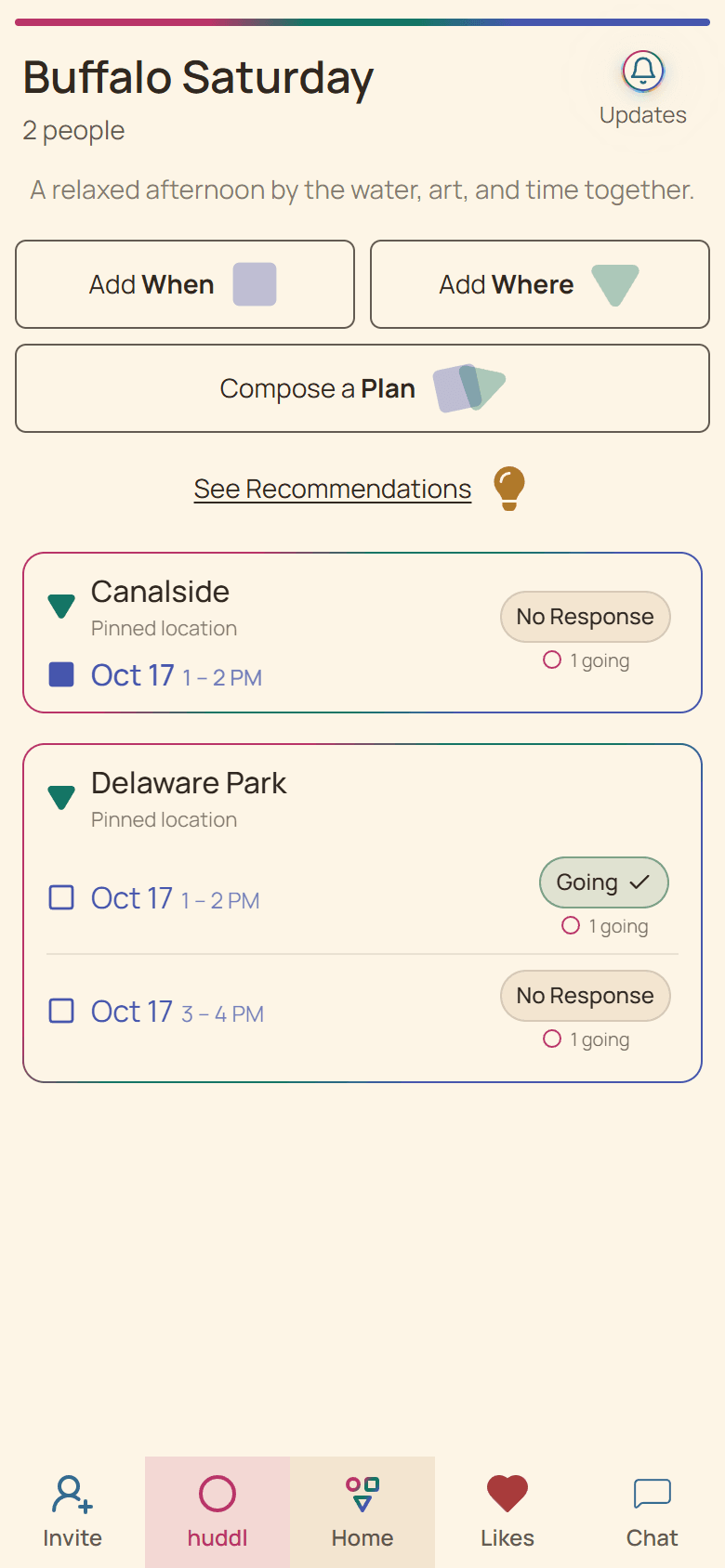
Current Huddl example: create or reuse the concrete plan. Fictional people and planning details are shown.
These screens use controlled fictional participants and current product behavior. Huddl does not verify bookings, venue inventory, travel conditions, or private constraints. Read the editorial standards for the evidence and correction process.