Product journey
Invite someone and welcome them
Share one controlled invitation, let a participant join, and show the current members before asking for input.
For Organizers and first-time participants
Step 01
Prepare the invitation
Open Members and use the platform share action or copy the invitation link.
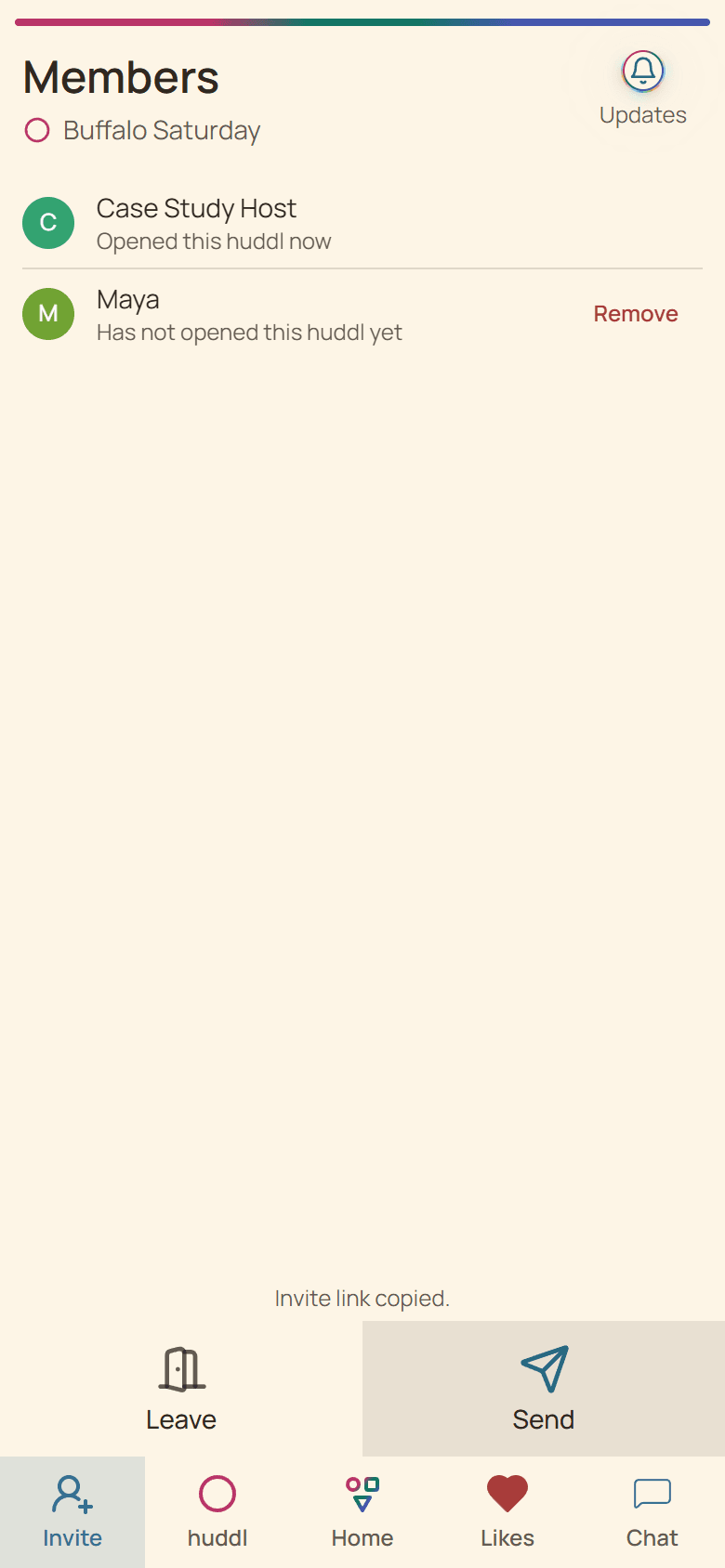
Current Huddl example: prepare the invitation. Fictional people and planning details are shown. Step 02
Open the public invitation preview
The recipient sees which huddl they are joining before continuing through authentication.
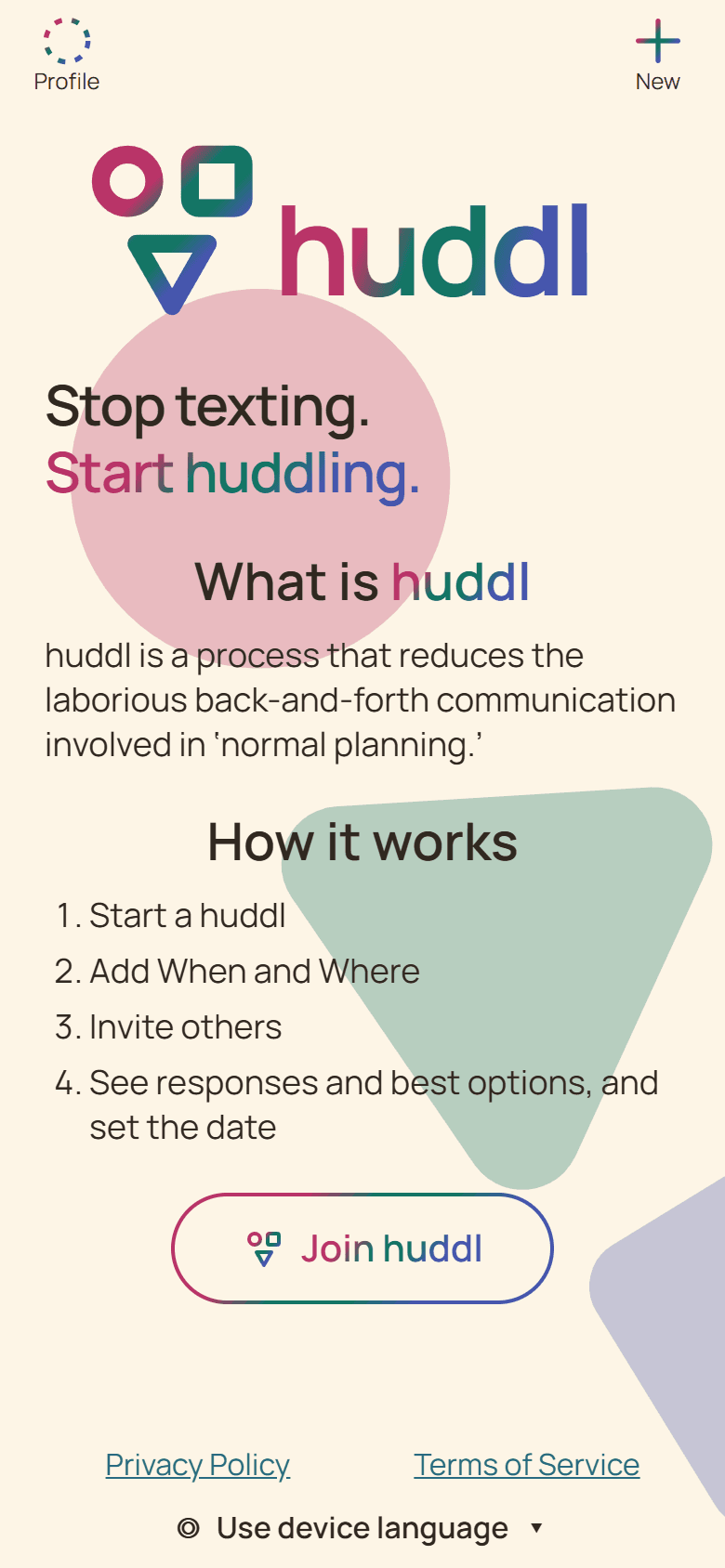
Current Huddl example: open the public invitation preview. Fictional people and planning details are shown. Step 03
See the participant welcome card
A new member enters the Updates flow with the huddl name, member context, and available planning activity.
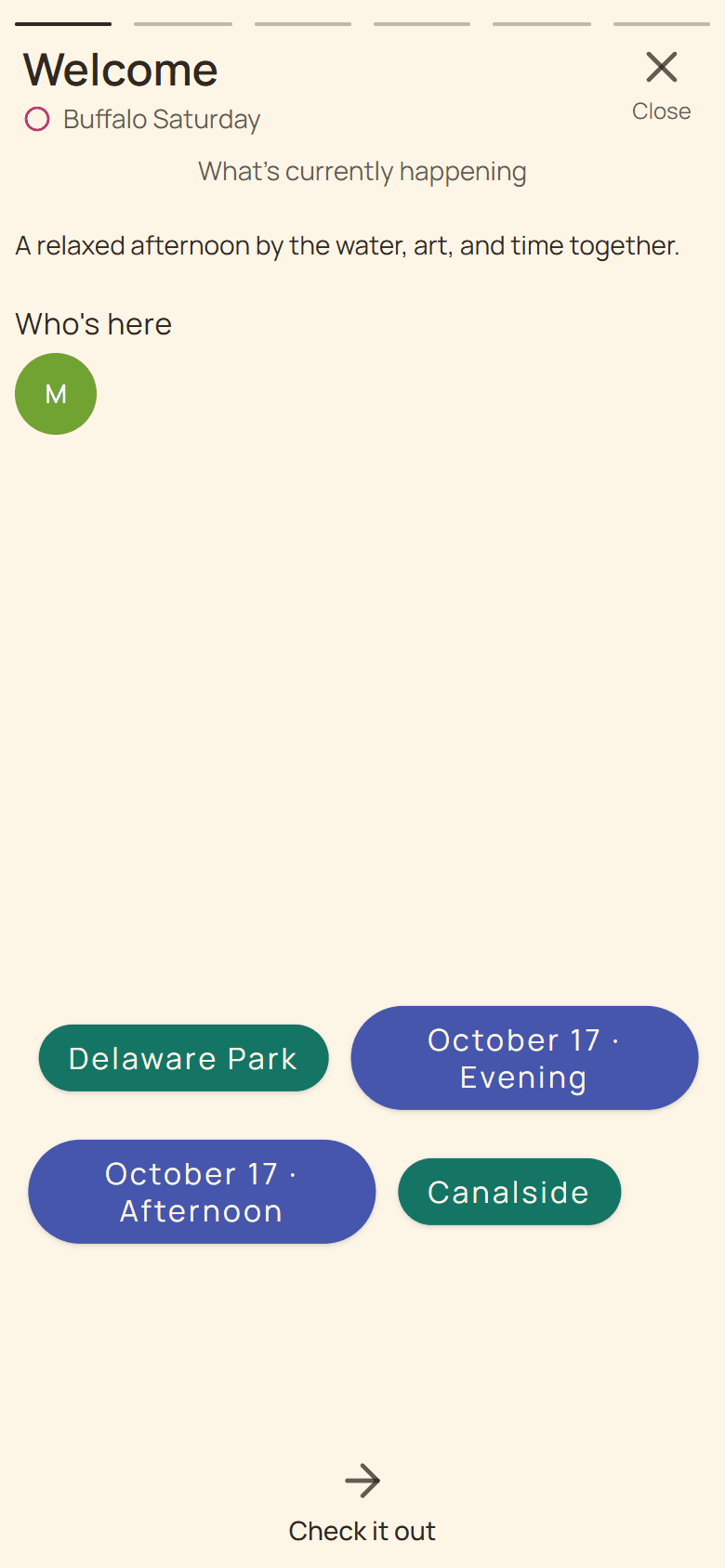
Current Huddl example: see the participant welcome card. Fictional people and planning details are shown. Step 04
Confirm who is present
The Members workspace shows the active participants and invitation controls.
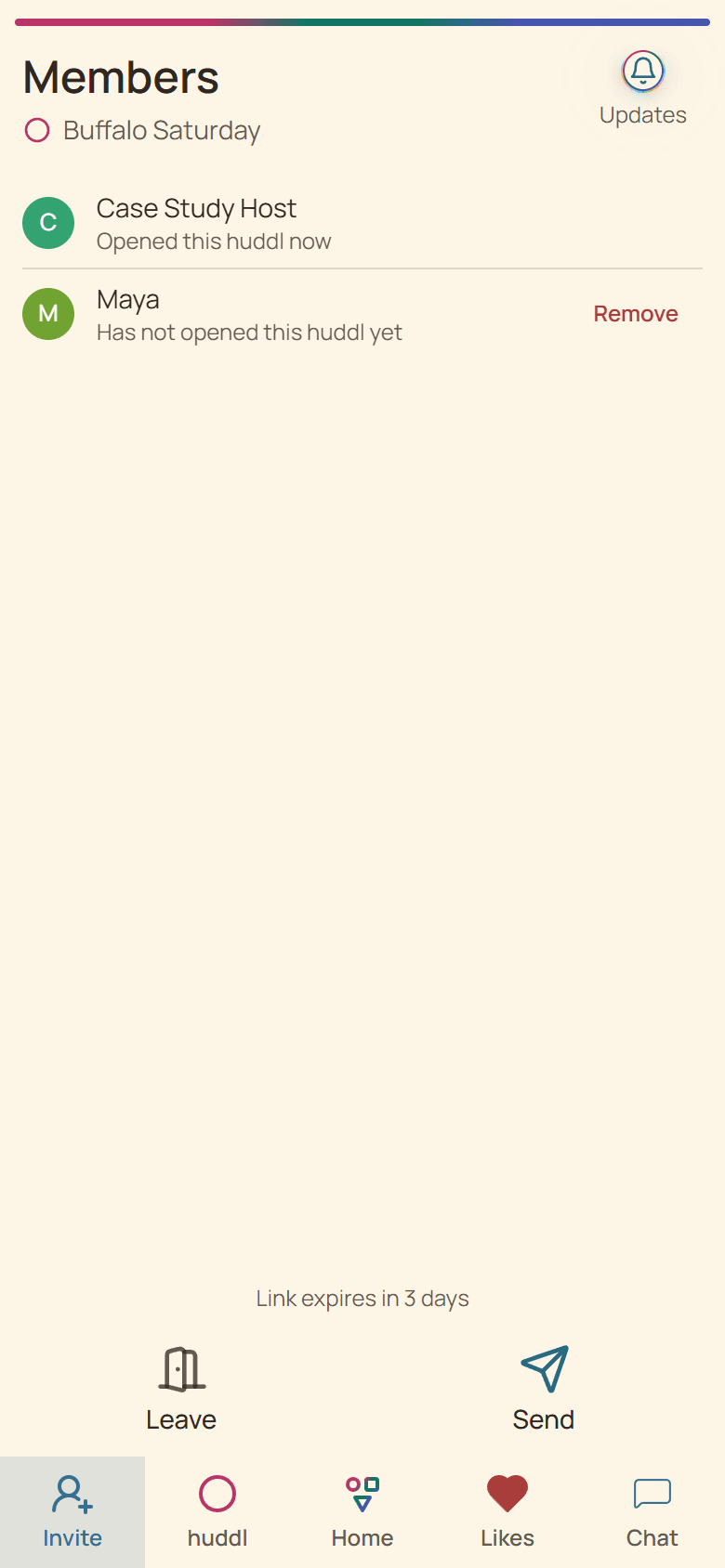
Current Huddl example: confirm who is present. Fictional people and planning details are shown.
These screens use controlled fictional participants and current product behavior. Huddl does not verify bookings, venue inventory, travel conditions, or private constraints. Read the editorial standards for the evidence and correction process.