Product journey
Start and name a huddl
Begin with enough context for people to recognize the gathering without pretending the place or time is already decided.
For Organizers starting from an idea
Step 01
Open the public starting point
Choose Start Huddl from the signed-out landing screen.
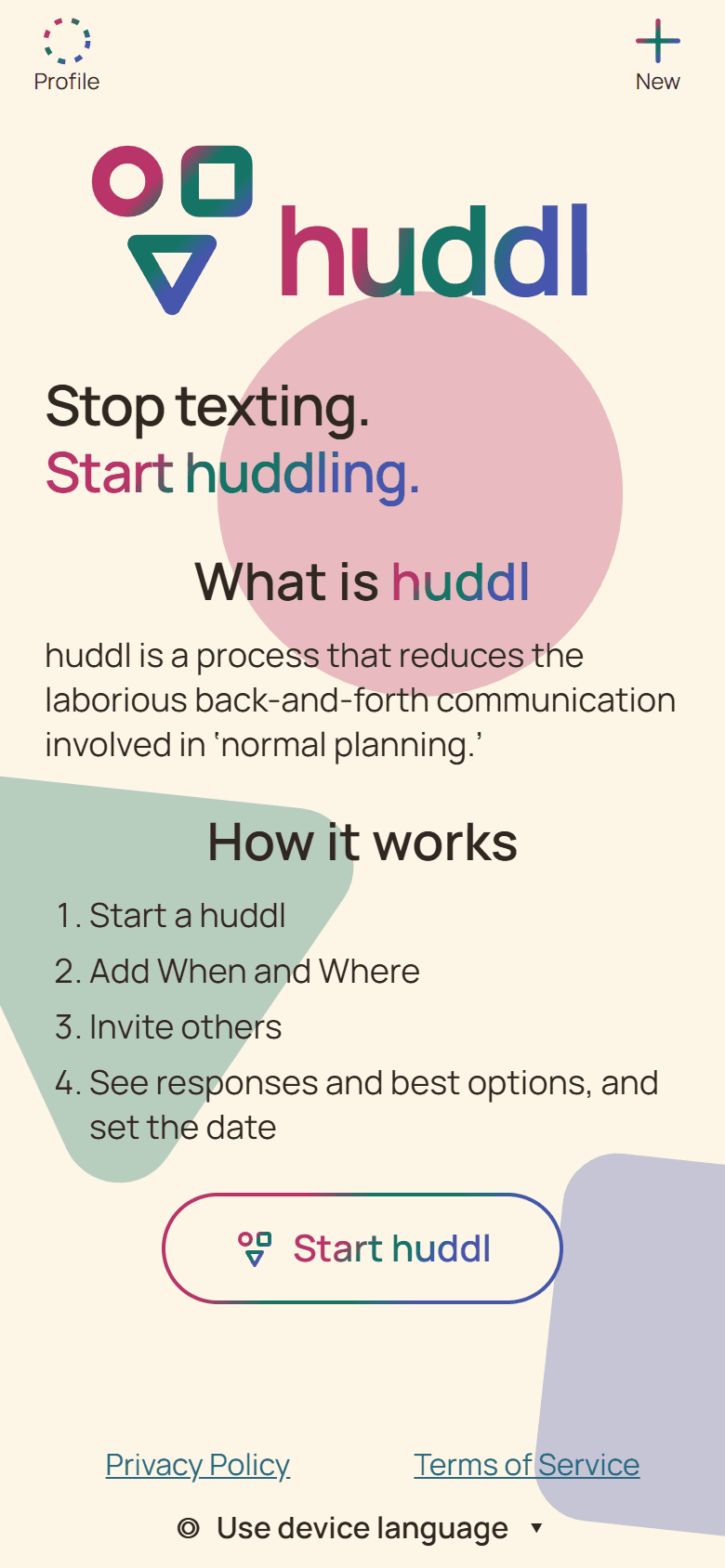
Current Huddl example: open the public starting point. Fictional people and planning details are shown. Step 02
Give the gathering a recognizable name
Add a required name and an optional description that explains the purpose or an important constraint.
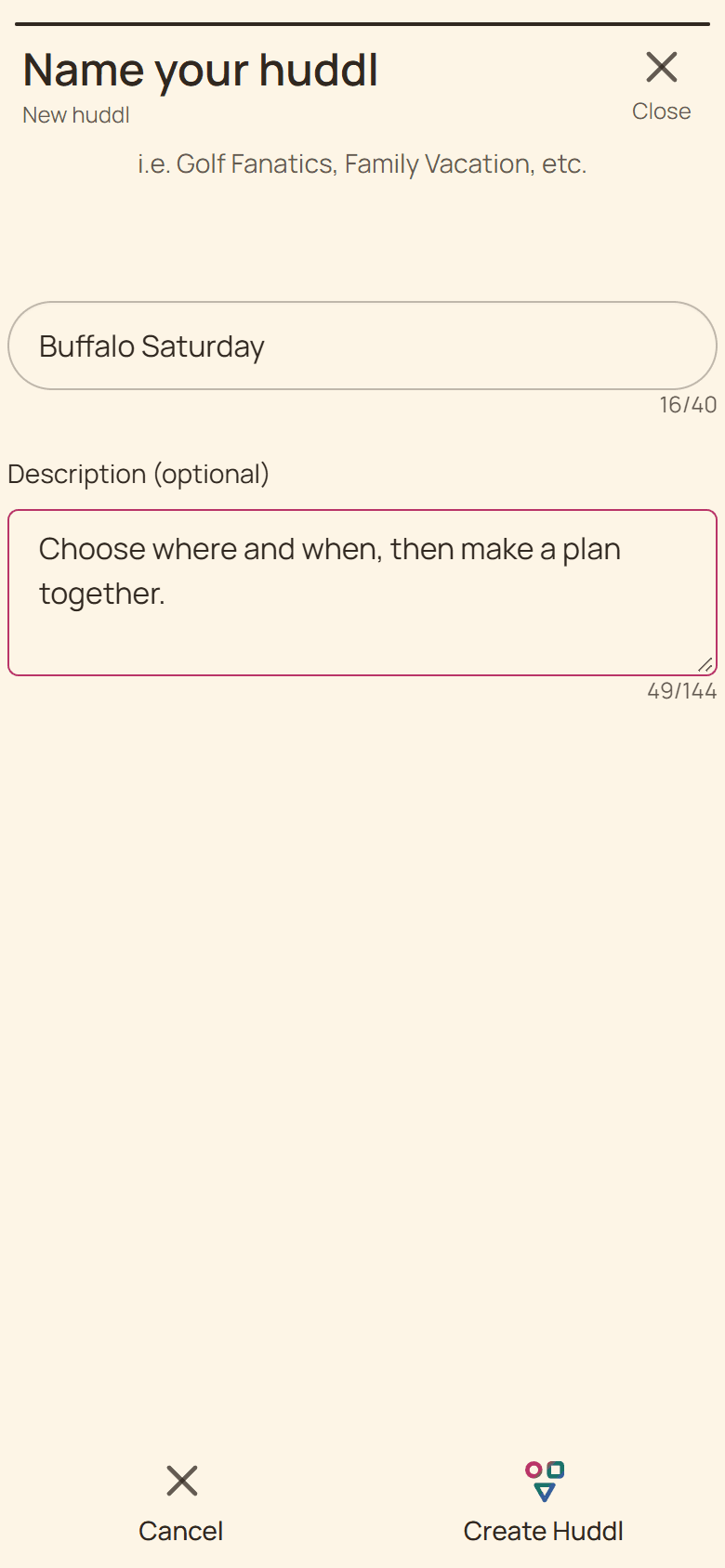
Current Huddl example: give the gathering a recognizable name. Fictional people and planning details are shown. Step 03
Open the new shared space
Continue with your preferred sign-in option, then open the new huddl and start adding possibilities.
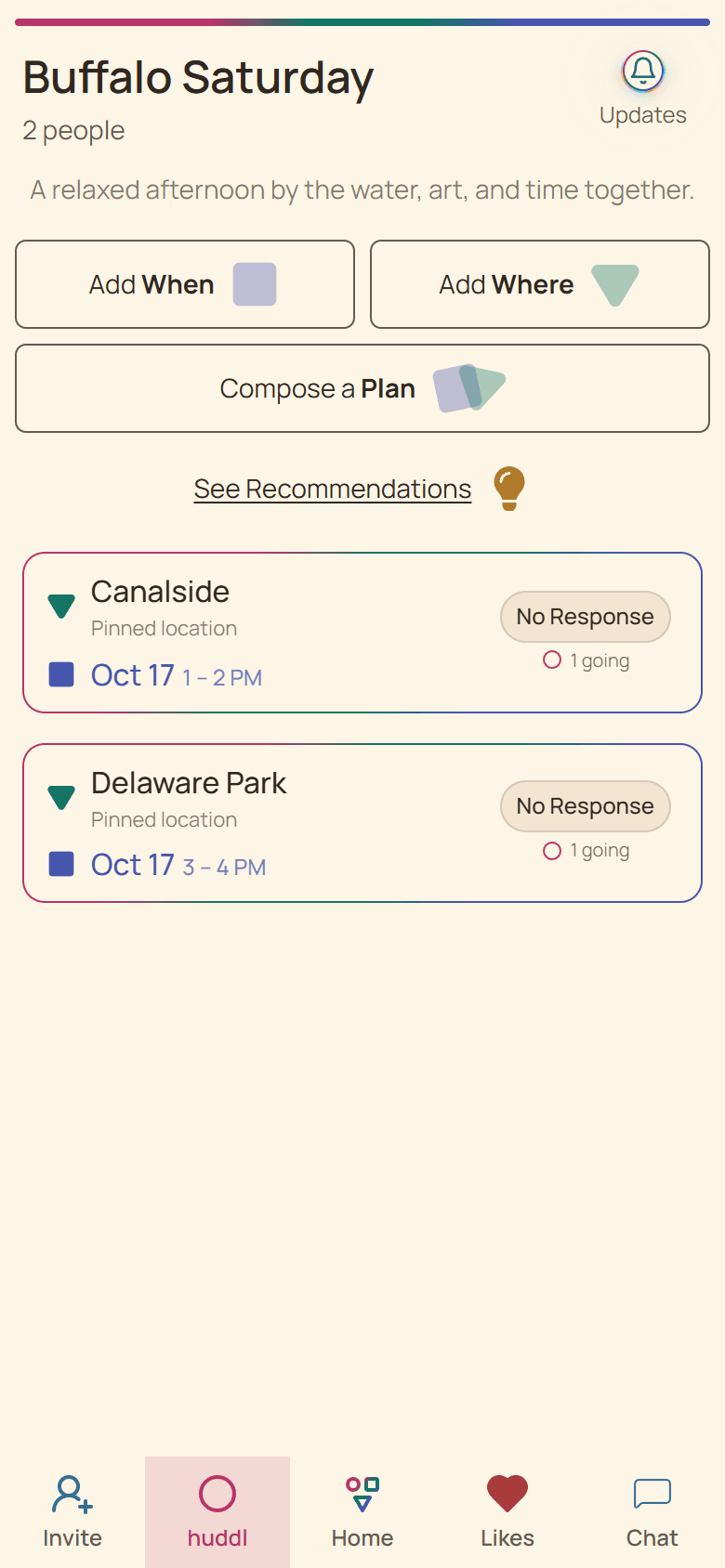
Current Huddl example: open the new shared space. Fictional people and planning details are shown.
These screens use controlled fictional participants and current product behavior. Huddl does not verify bookings, venue inventory, travel conditions, or private constraints. Read the editorial standards for the evidence and correction process.