Product journey
Coordinate chat, tasks, and the overview
Keep the current plan readable while giving conversation and practical responsibilities their own clear homes.
For Groups carrying out a selected plan
Step 01
Check the shared overview
Expand the relevant plan to see its current place, time, and attendance groups.
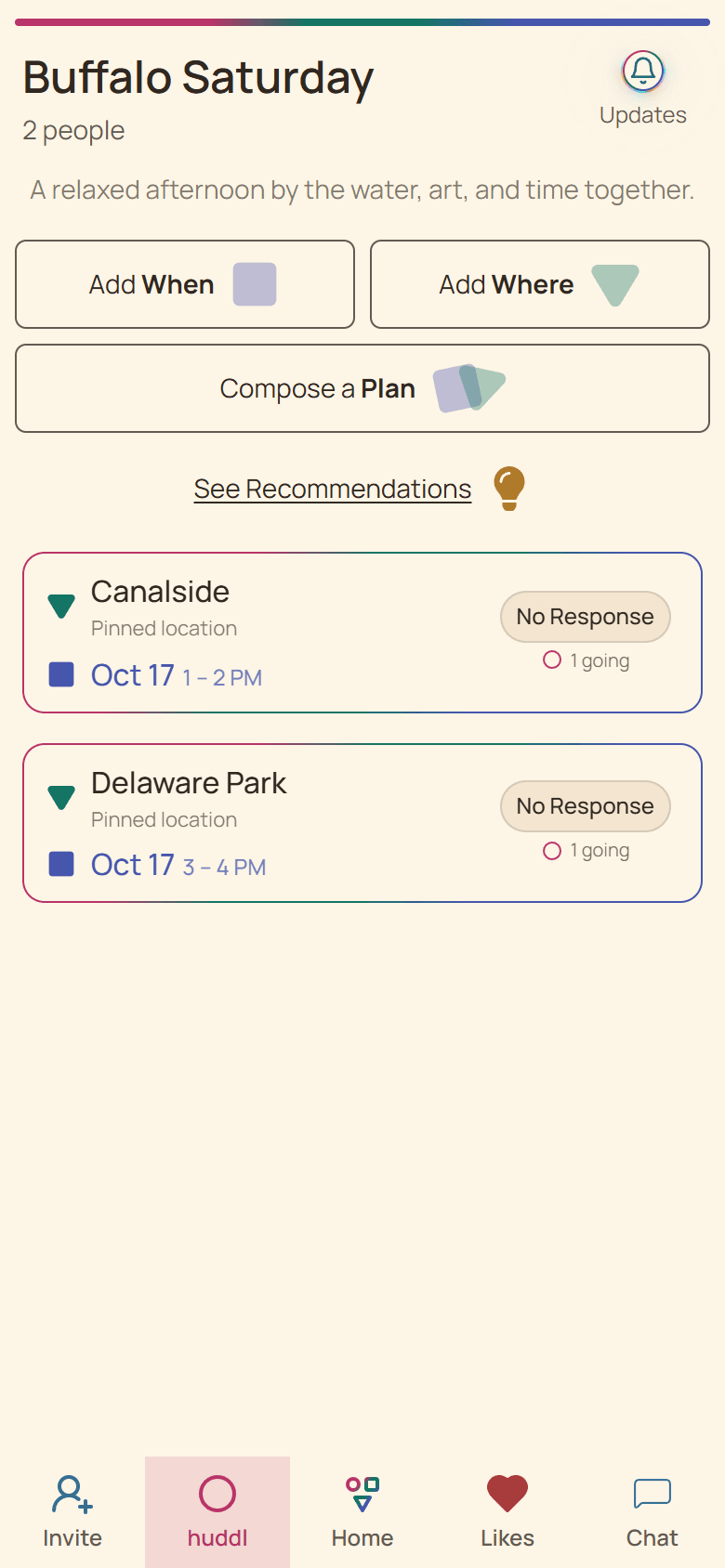
Current Huddl example: check the shared overview. Fictional people and planning details are shown. Step 02
Use chat for context
Share arrival details, questions, or a concise change explanation with the active members.
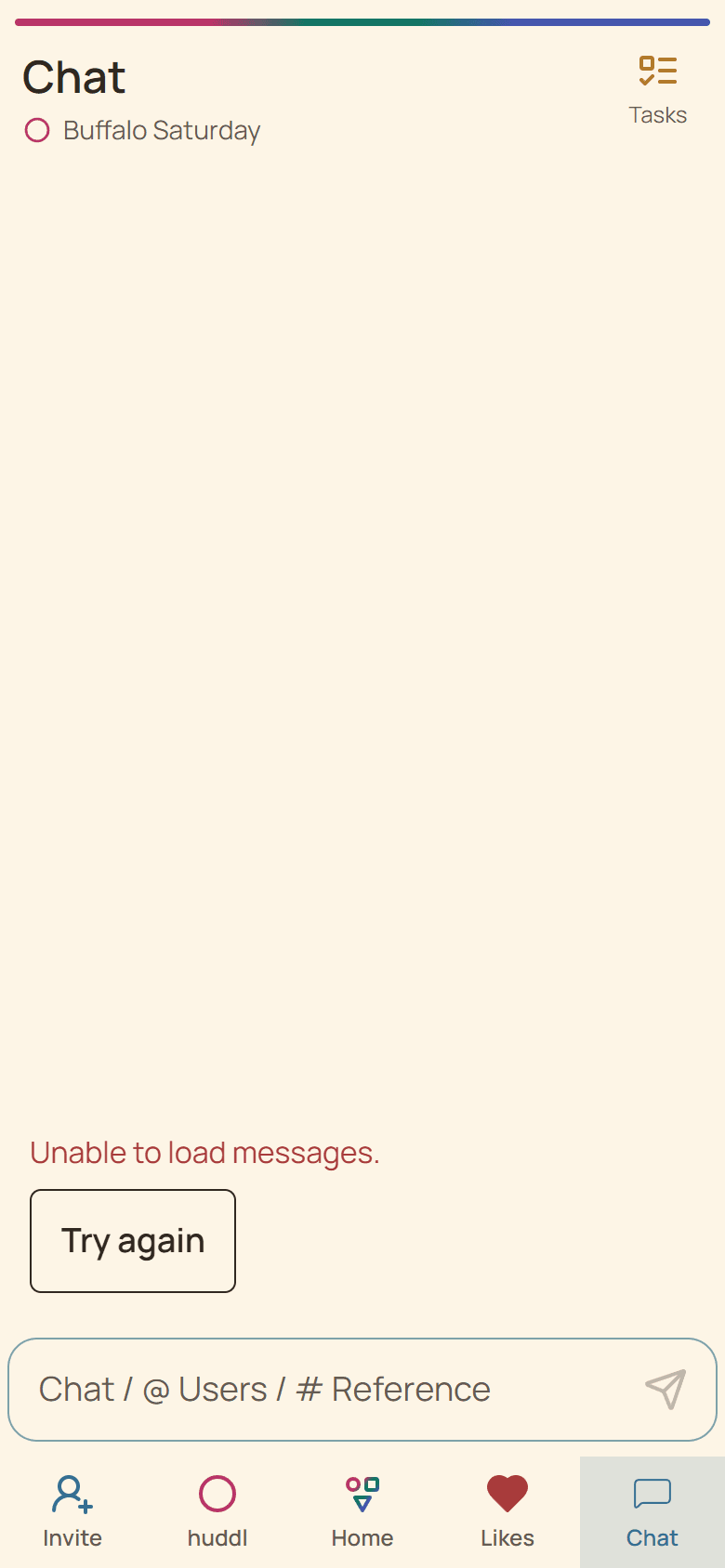
Current Huddl example: use chat for context. Fictional people and planning details are shown. Step 03
Give practical work an owner
Create and complete tasks for bookings, rides, supplies, or setup.
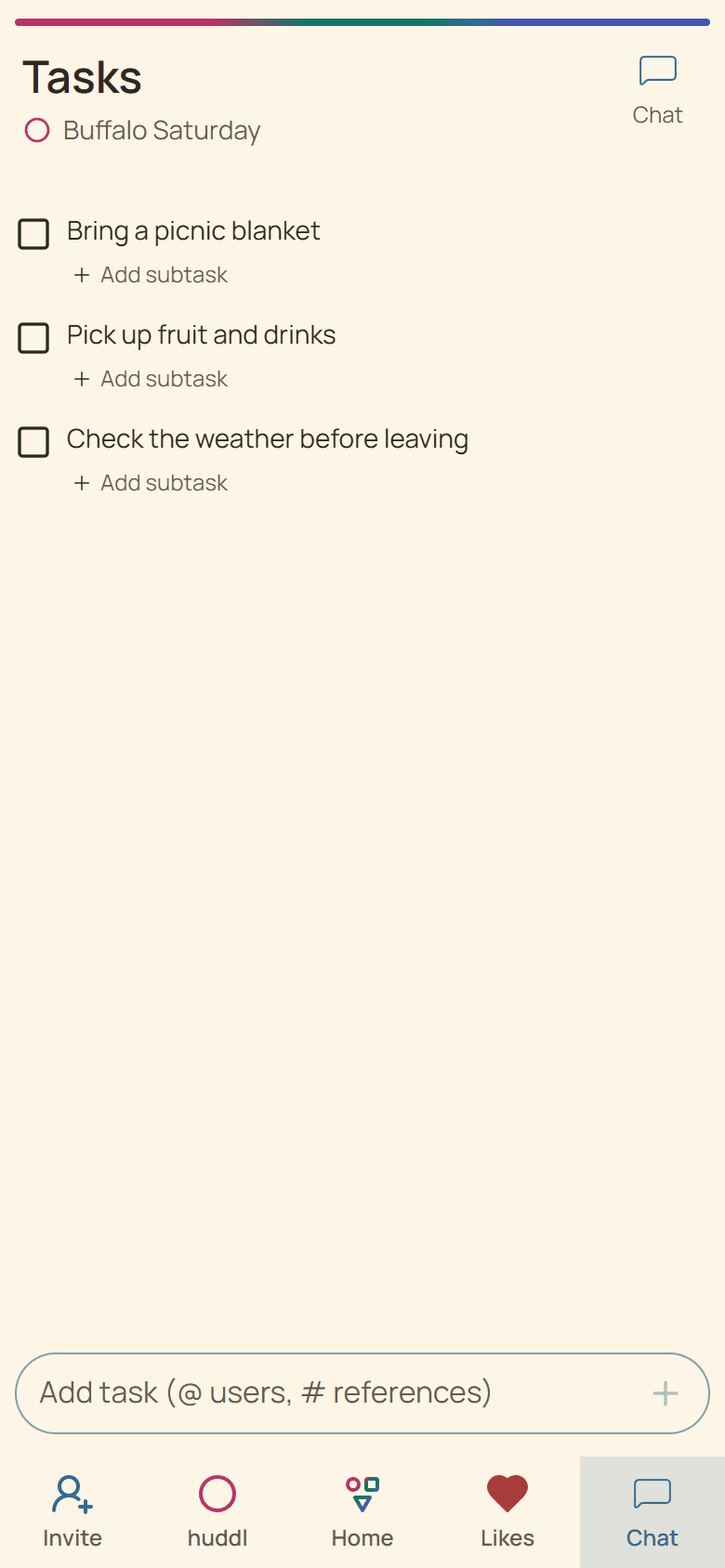
Current Huddl example: give practical work an owner. Fictional people and planning details are shown.
These screens use controlled fictional participants and current product behavior. Huddl does not verify bookings, venue inventory, travel conditions, or private constraints. Read the editorial standards for the evidence and correction process.