Product journey
Handle changes and recover safely
Update the shared source of truth, recognize optimistic saving, and recover a failed write without duplicating work.
For Members changing an active plan
Step 01
Explain the changed arrangement
Update the relevant plan context and tell affected members which detail changed.
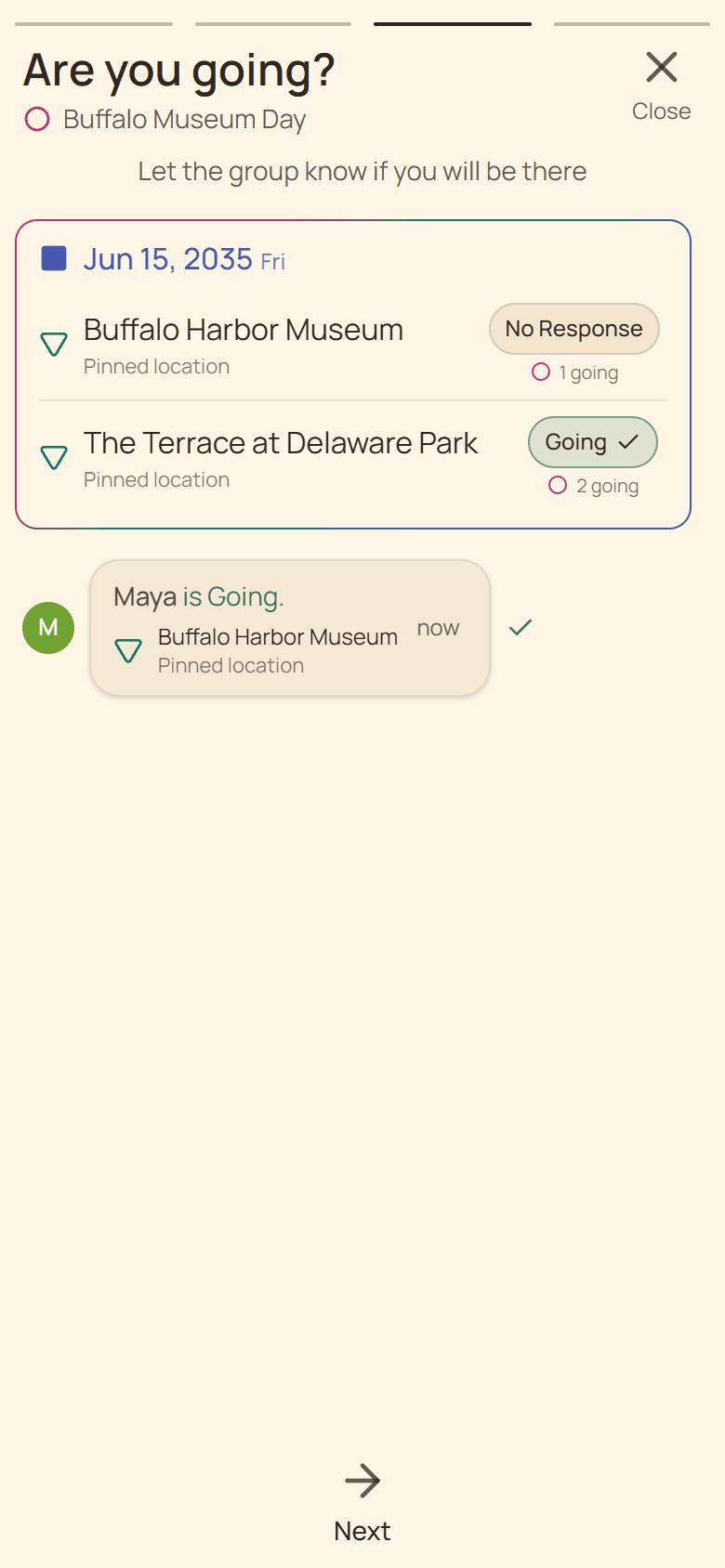
Current Huddl example: explain the changed arrangement. Fictional people and planning details are shown. Step 02
Watch the global saving state
Huddl shows one fixed saving bar while foreground writes are active.
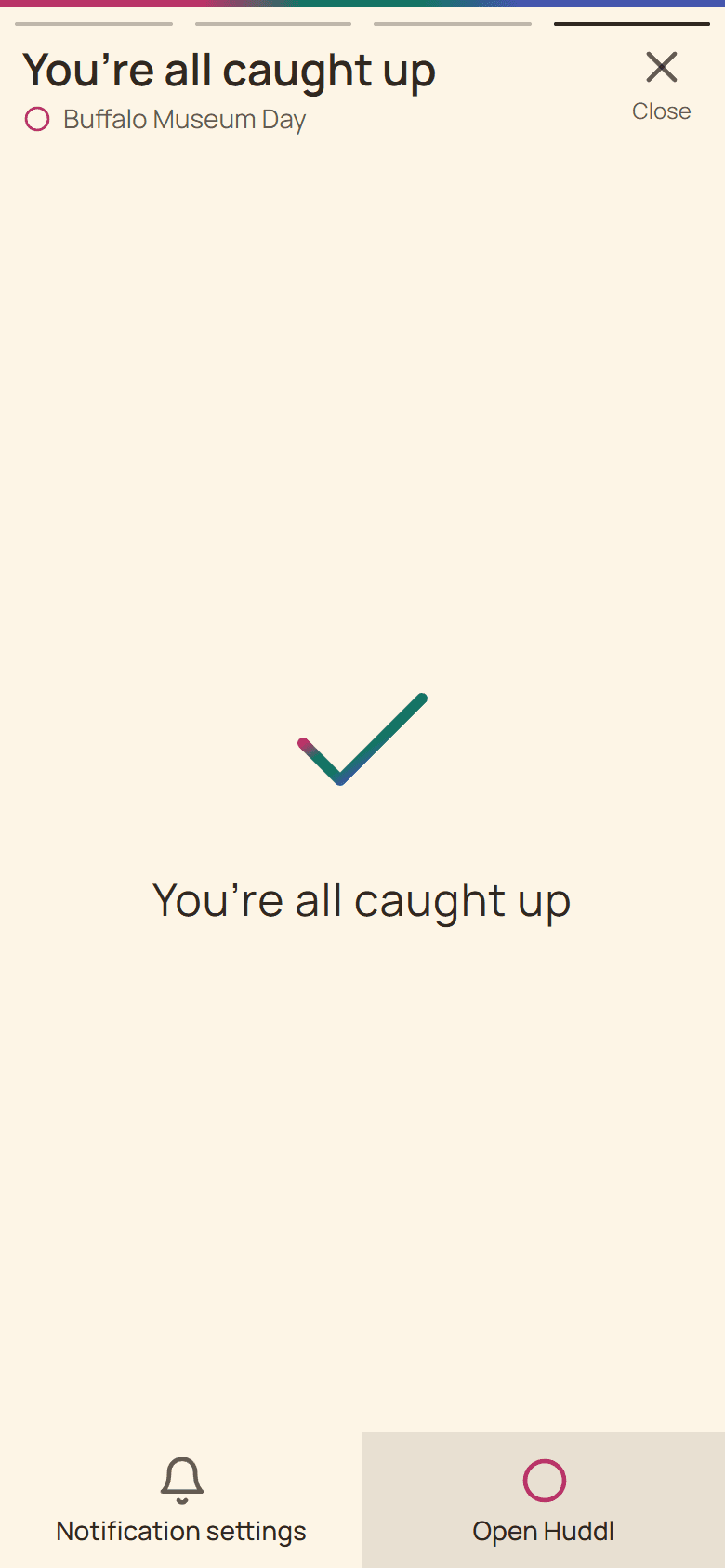
Current Huddl example: watch the global saving state. Fictional people and planning details are shown. Step 03
Use the retained recovery action
A failed write produces the global error toast with Retry and Dismiss.
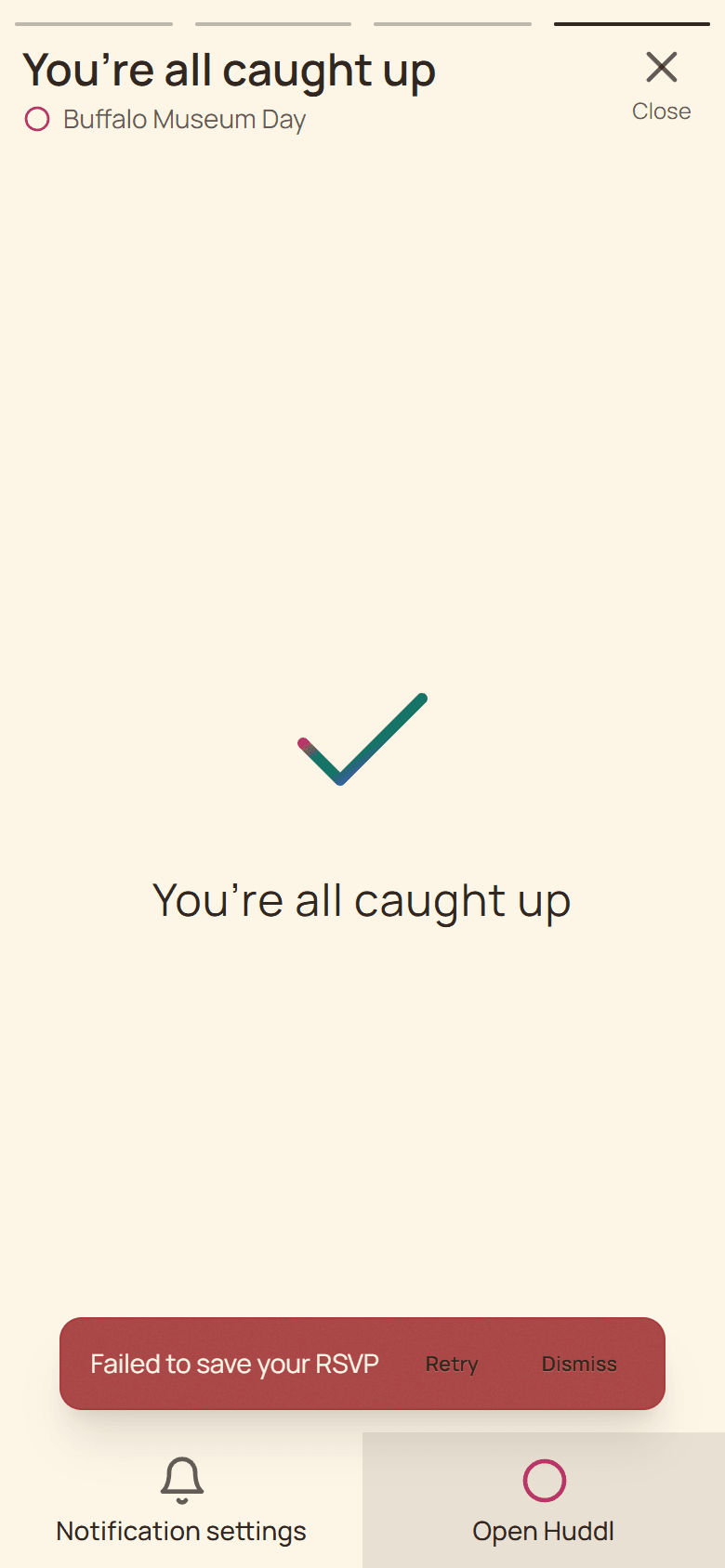
Current Huddl example: use the retained recovery action. Fictional people and planning details are shown. Step 04
Verify the confirmed result
Retry the write and reopen the relevant plan, option, or task after the save finishes.
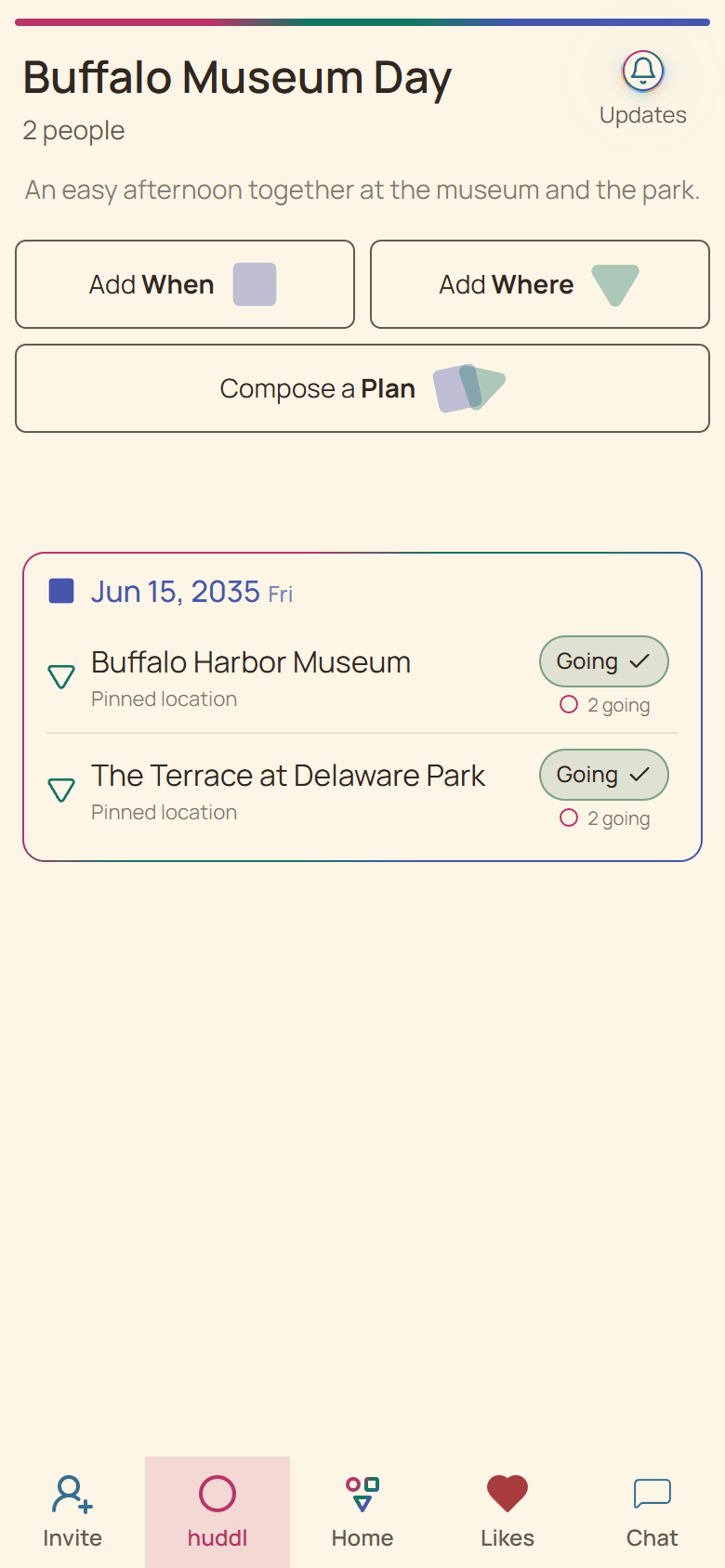
Current Huddl example: verify the confirmed result. Fictional people and planning details are shown.
These screens use controlled fictional participants and current product behavior. Huddl does not verify bookings, venue inventory, travel conditions, or private constraints. Read the editorial standards for the evidence and correction process.