Product journey
Catch up with the full Updates flow
Move through relevant group activity in product order, respond in context, and reach a trustworthy caught-up state.
For Returning members with unread activity
Step 01
Review member changes
See who joined or left before responding to later planning activity.
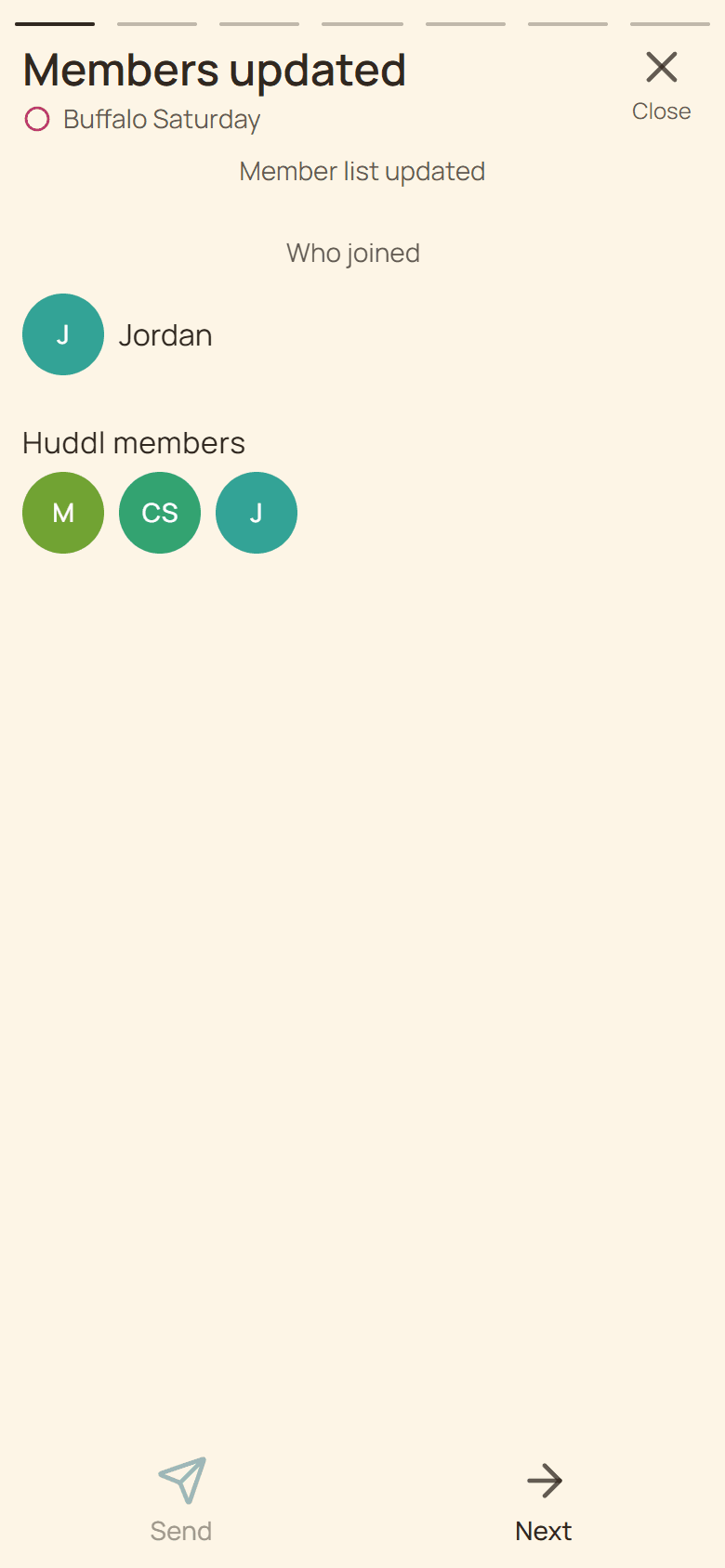
Current Huddl example: review member changes. Fictional people and planning details are shown. Step 02
Review new place options
Compare the latest Where suggestions and heart the places that work for you.
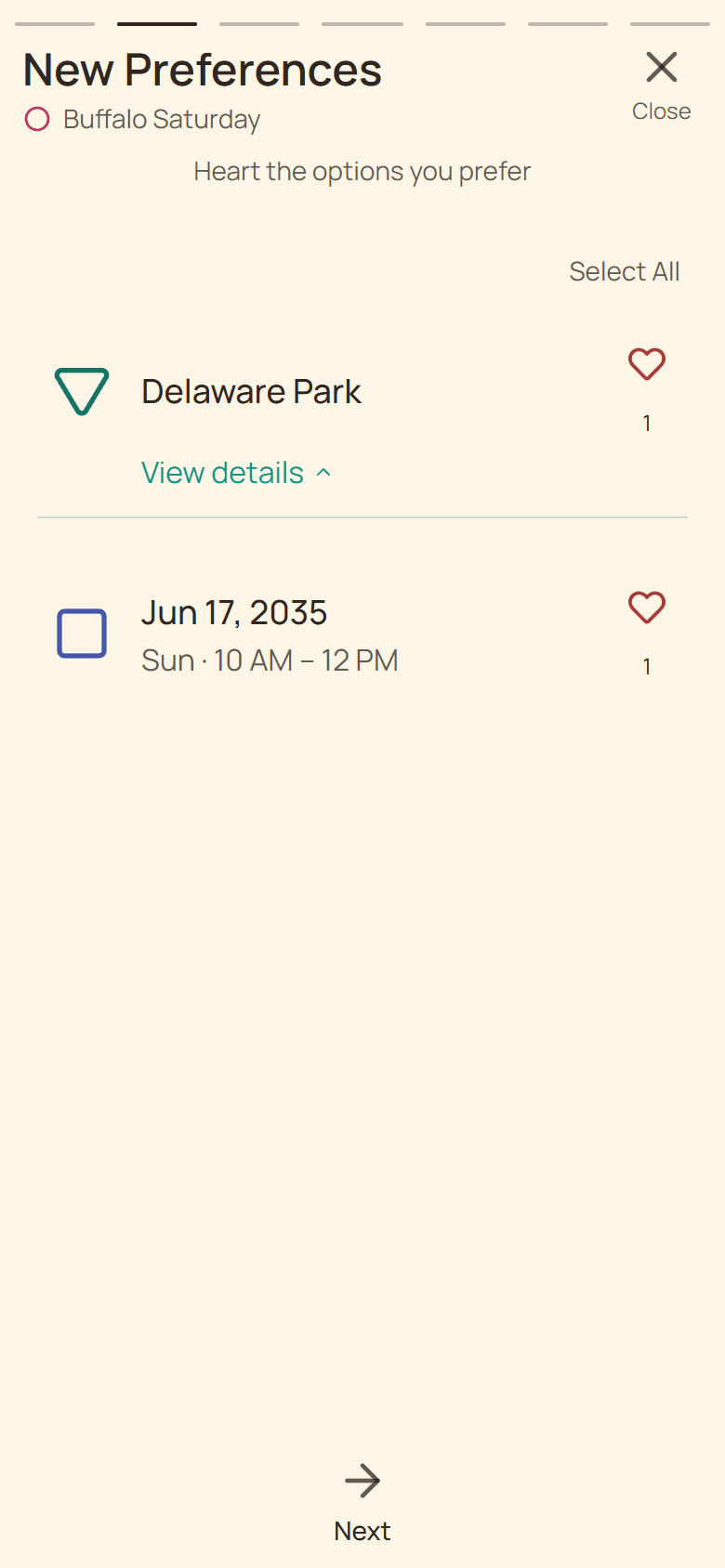
Current Huddl example: review new place options. Fictional people and planning details are shown. Step 03
Review new time options
Check the latest dates or time ranges and heart every option you could use.
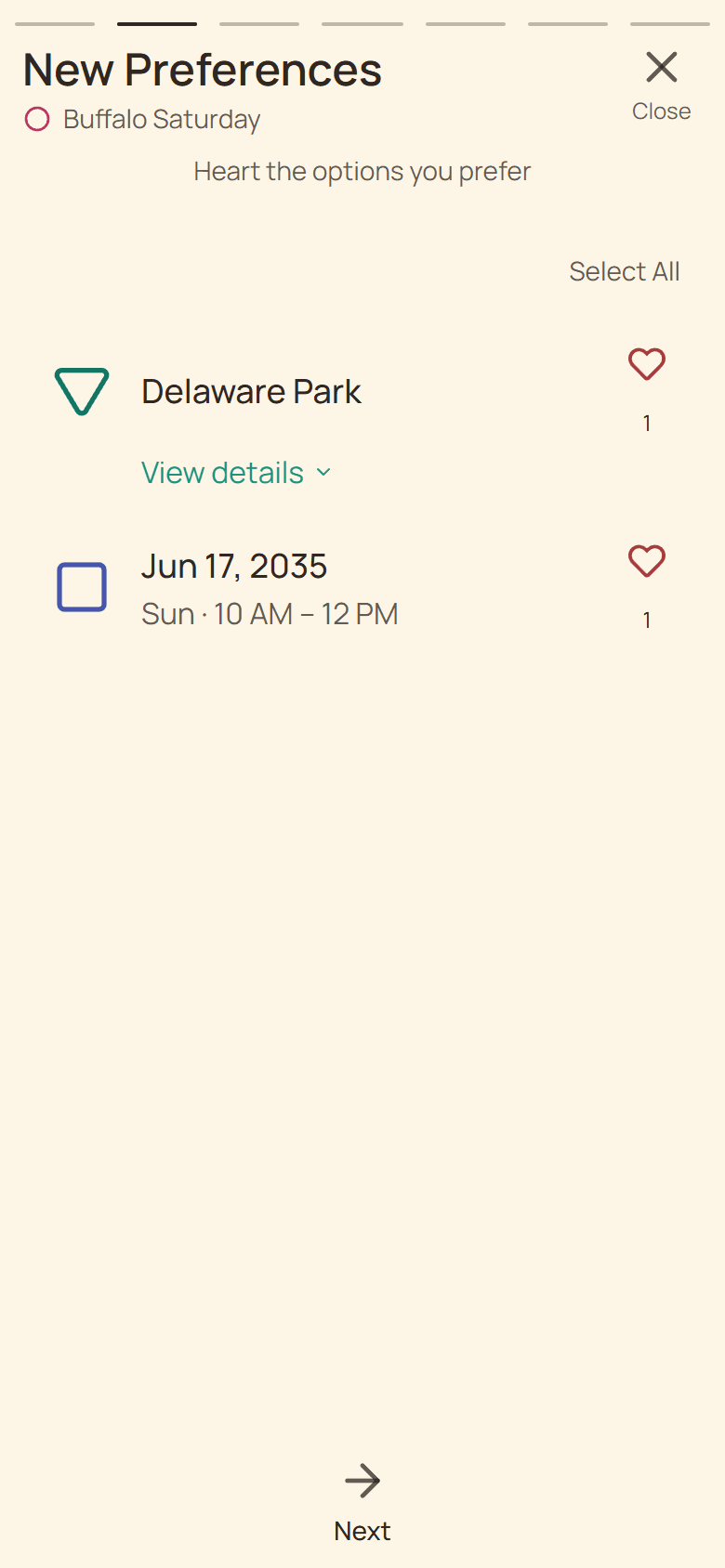
Current Huddl example: review new time options. Fictional people and planning details are shown. Step 04
See net like changes
Review who liked or unliked existing options and respond from the same card.
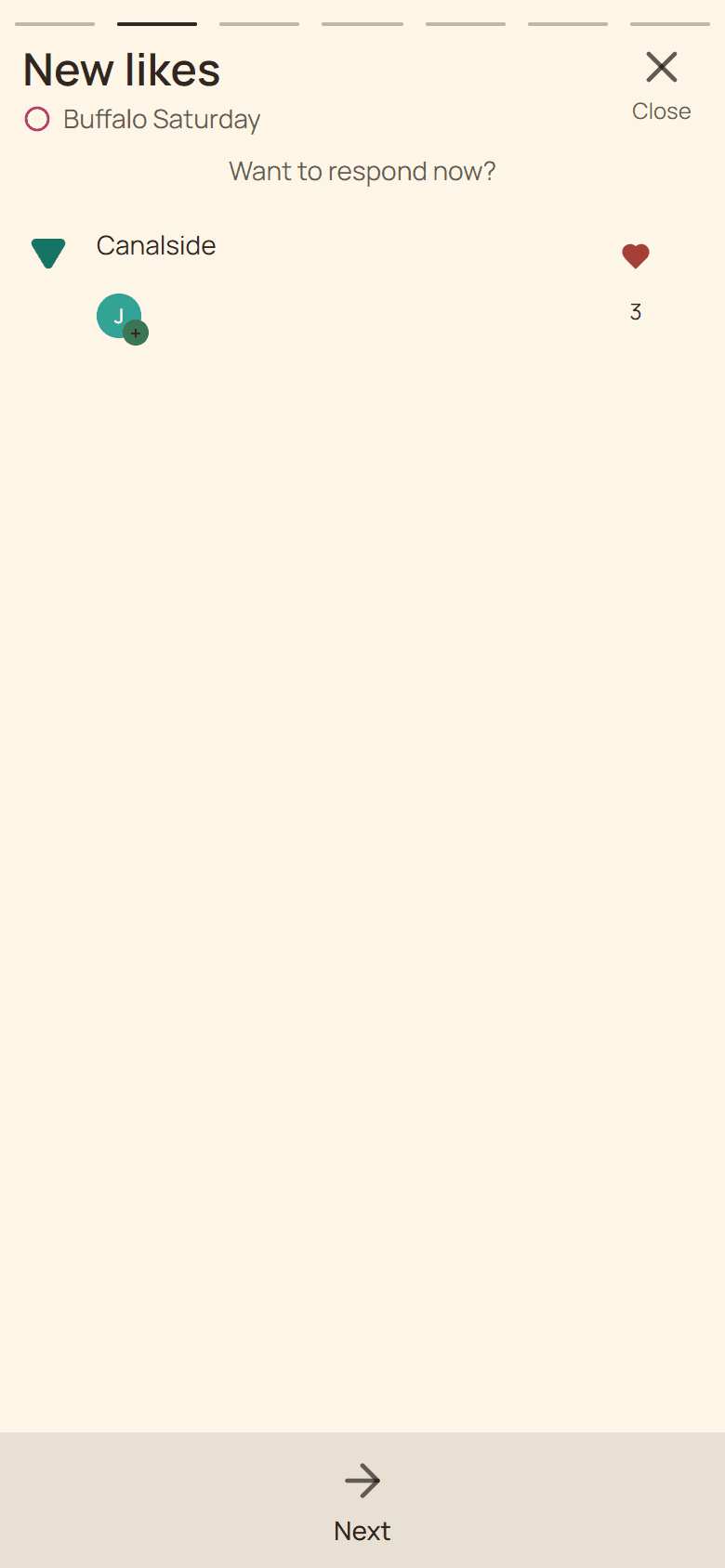
Current Huddl example: see net like changes. Fictional people and planning details are shown. Step 05
Read new conversation
Open the unread chat summary and follow its Chat action when the complete message matters.
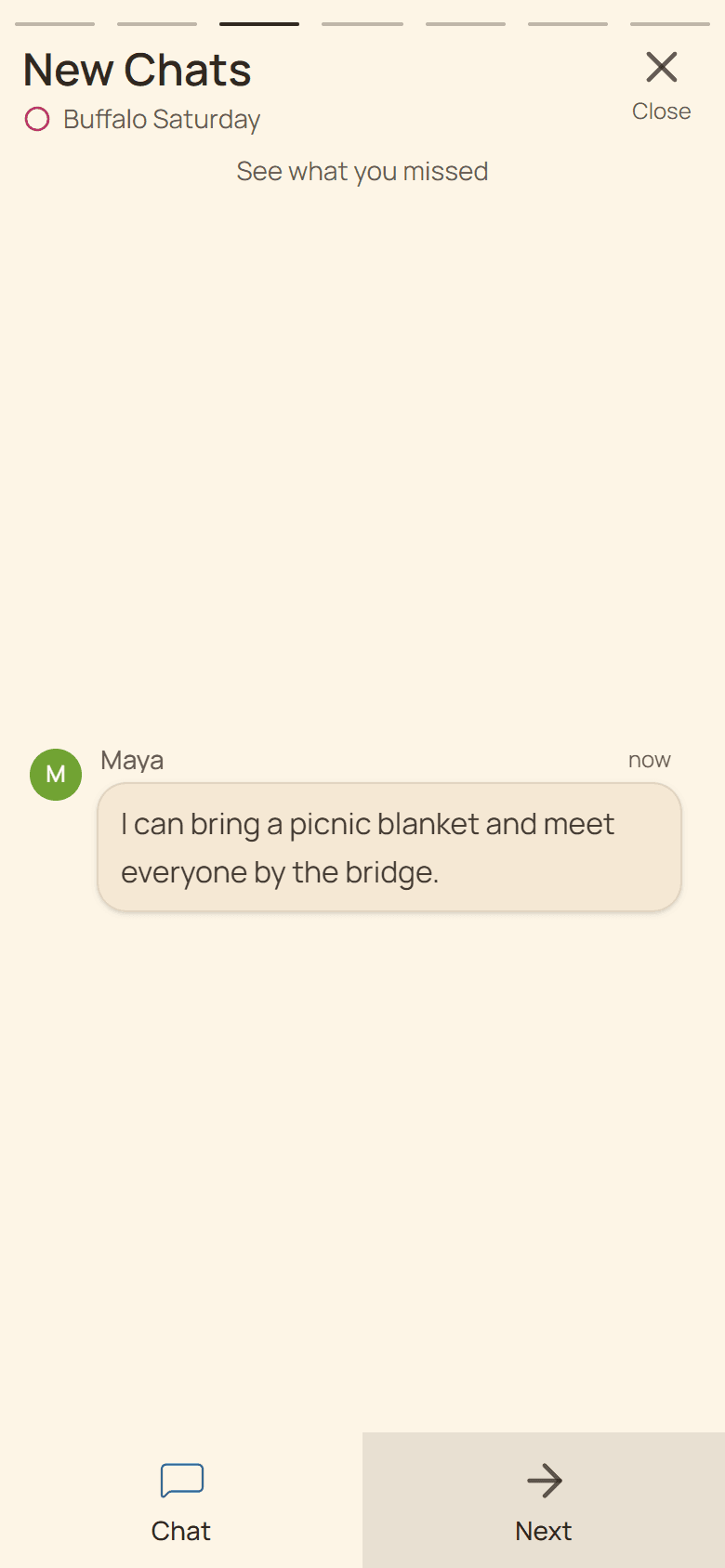
Current Huddl example: read new conversation. Fictional people and planning details are shown. Step 06
Answer new plans
Review grouped unanswered plans, expanding the exact arrangement you need.
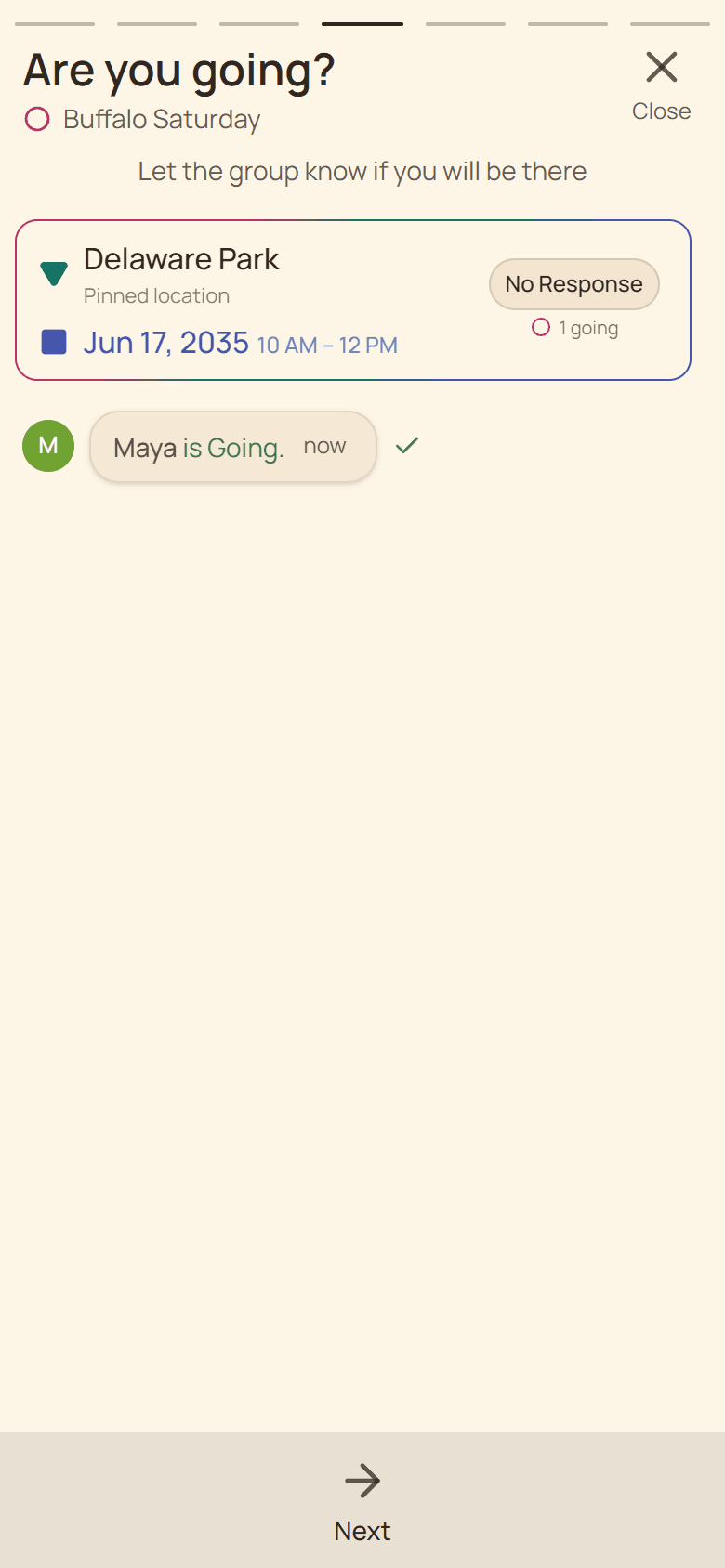
Current Huddl example: answer new plans. Fictional people and planning details are shown. Step 07
Review RSVP activity
See changes from other members on plans you already know about.
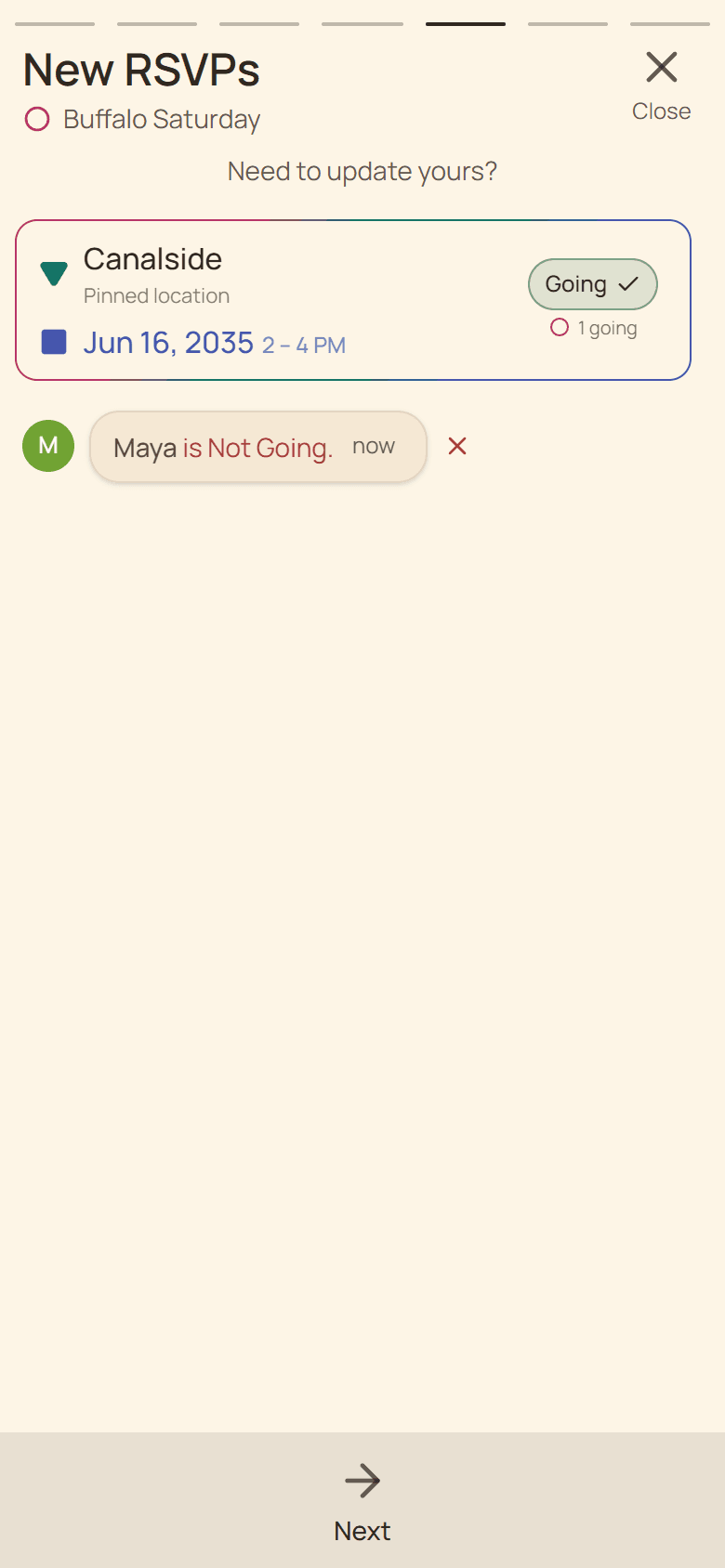
Current Huddl example: review rsvp activity. Fictional people and planning details are shown. Step 08
Catch up on practical work
Review newly created or completed tasks after plan activity.
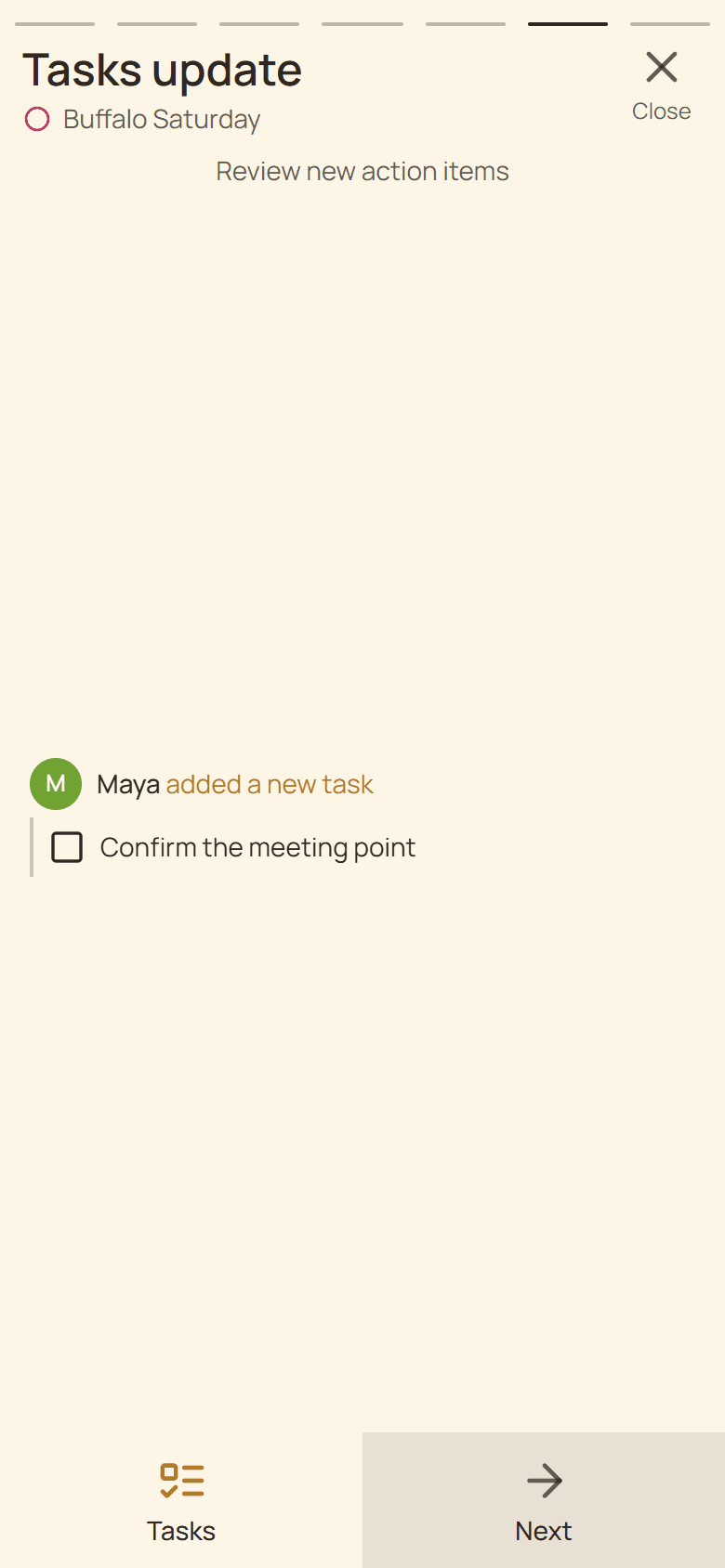
Current Huddl example: catch up on practical work. Fictional people and planning details are shown. Step 09
Reach the caught-up card
Open Huddl for the static current summary or review notification settings.
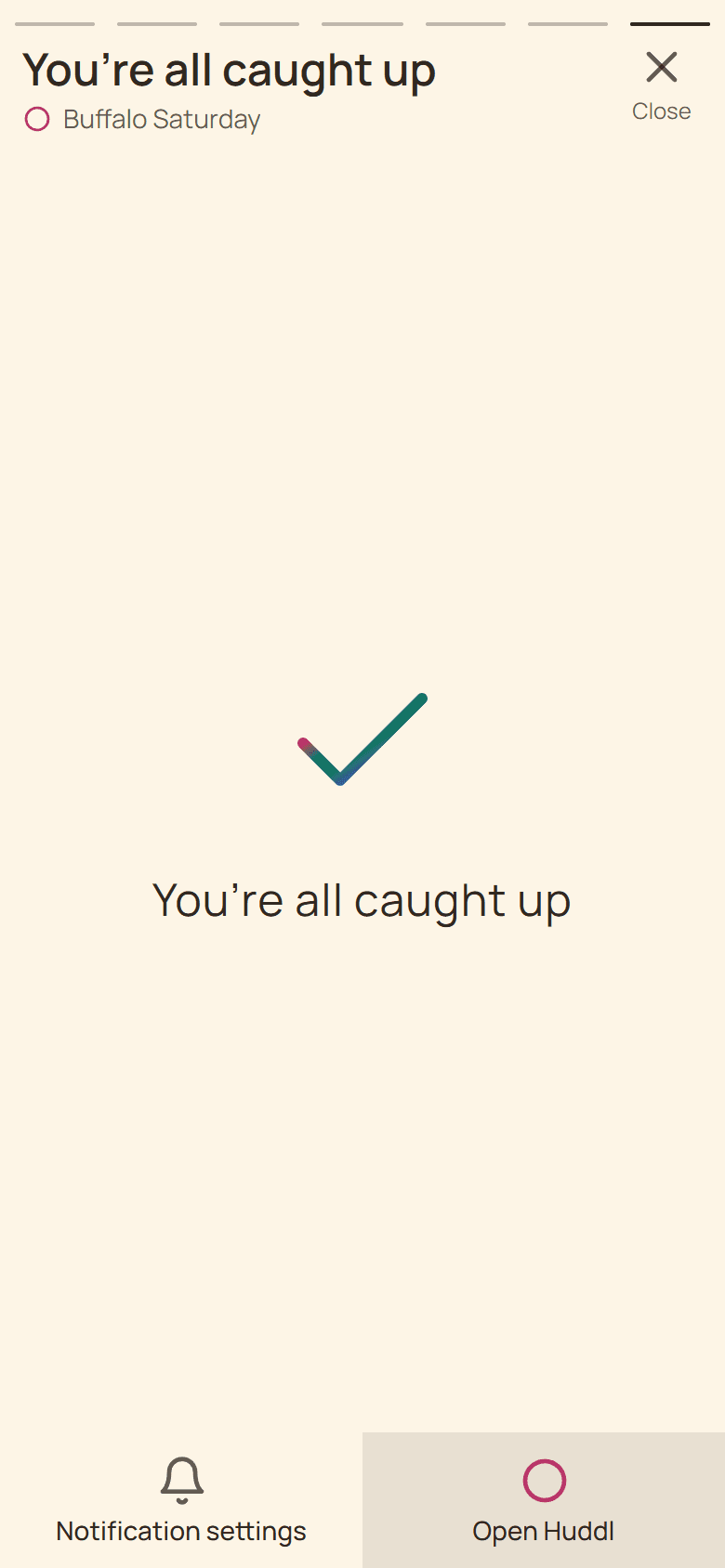
Current Huddl example: reach the caught-up card. Fictional people and planning details are shown. Step 10
Load activity that arrived meanwhile
When another event arrives during playback, choose More Updates for a fresh revision.
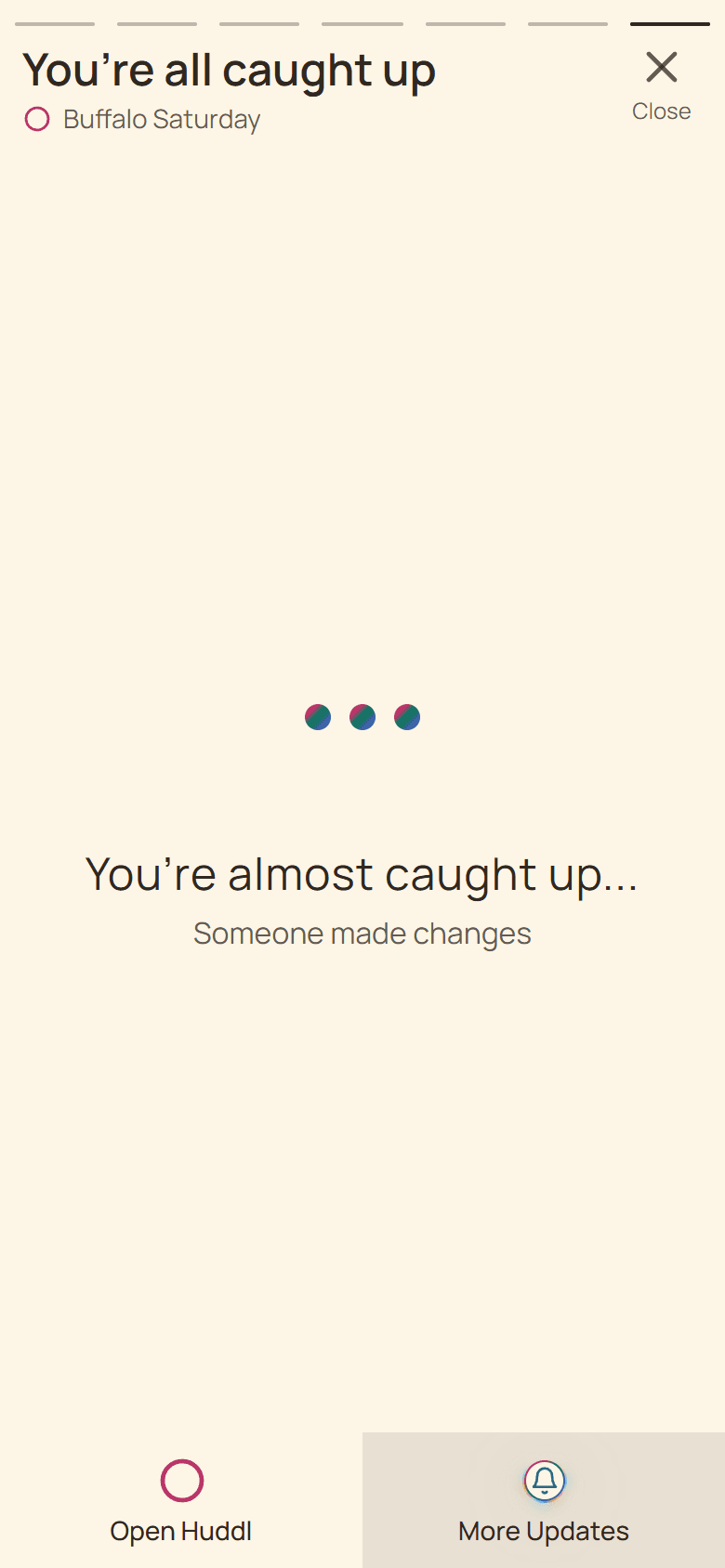
Current Huddl example: load activity that arrived meanwhile. Fictional people and planning details are shown.
These screens use controlled fictional participants and current product behavior. Huddl does not verify bookings, venue inventory, travel conditions, or private constraints. Read the editorial standards for the evidence and correction process.