Guides
What happens if a save fails?
Recognize Huddl’s saving and error states, retry the retained action, and verify the confirmed server result.
On this page
See this in Huddl
Follow the guide with these controlled fictional examples from the current application.
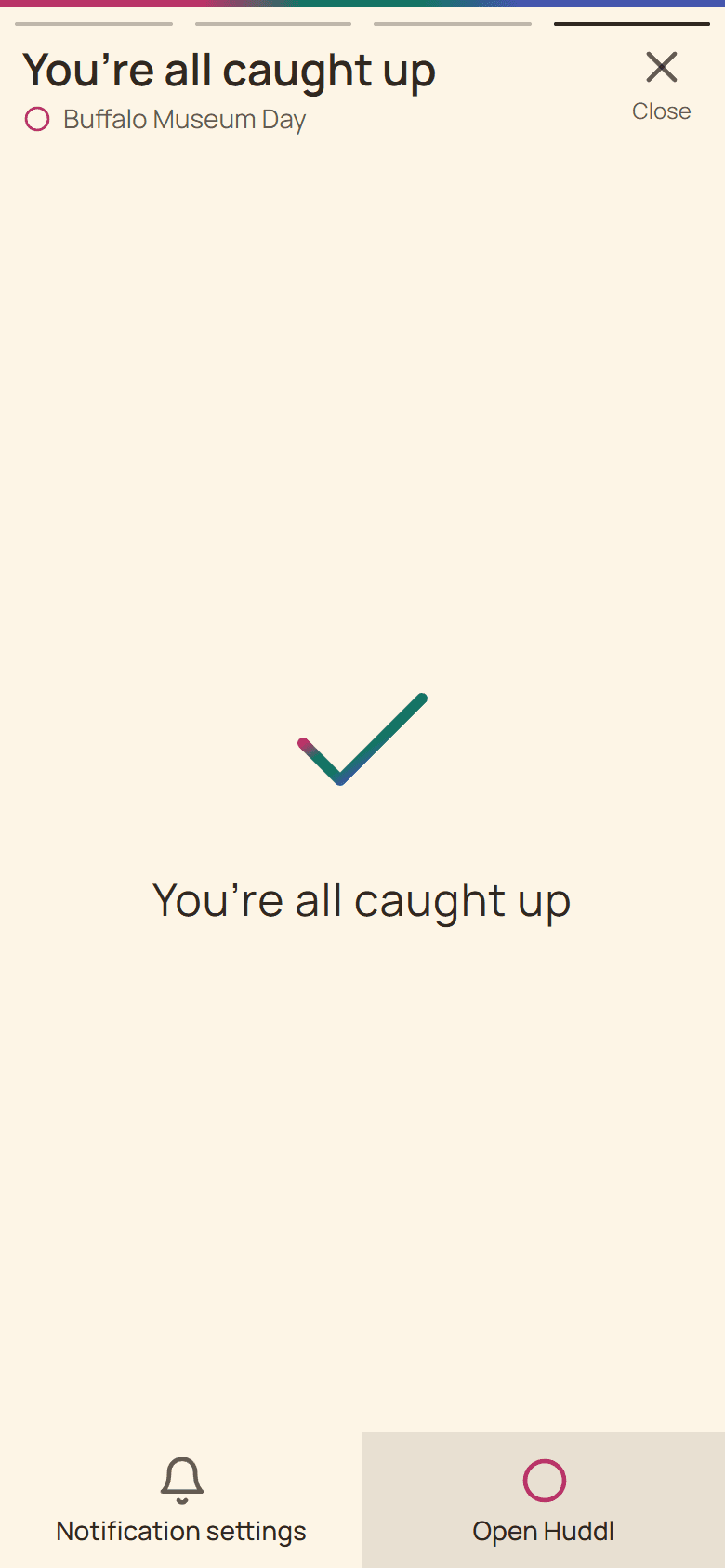
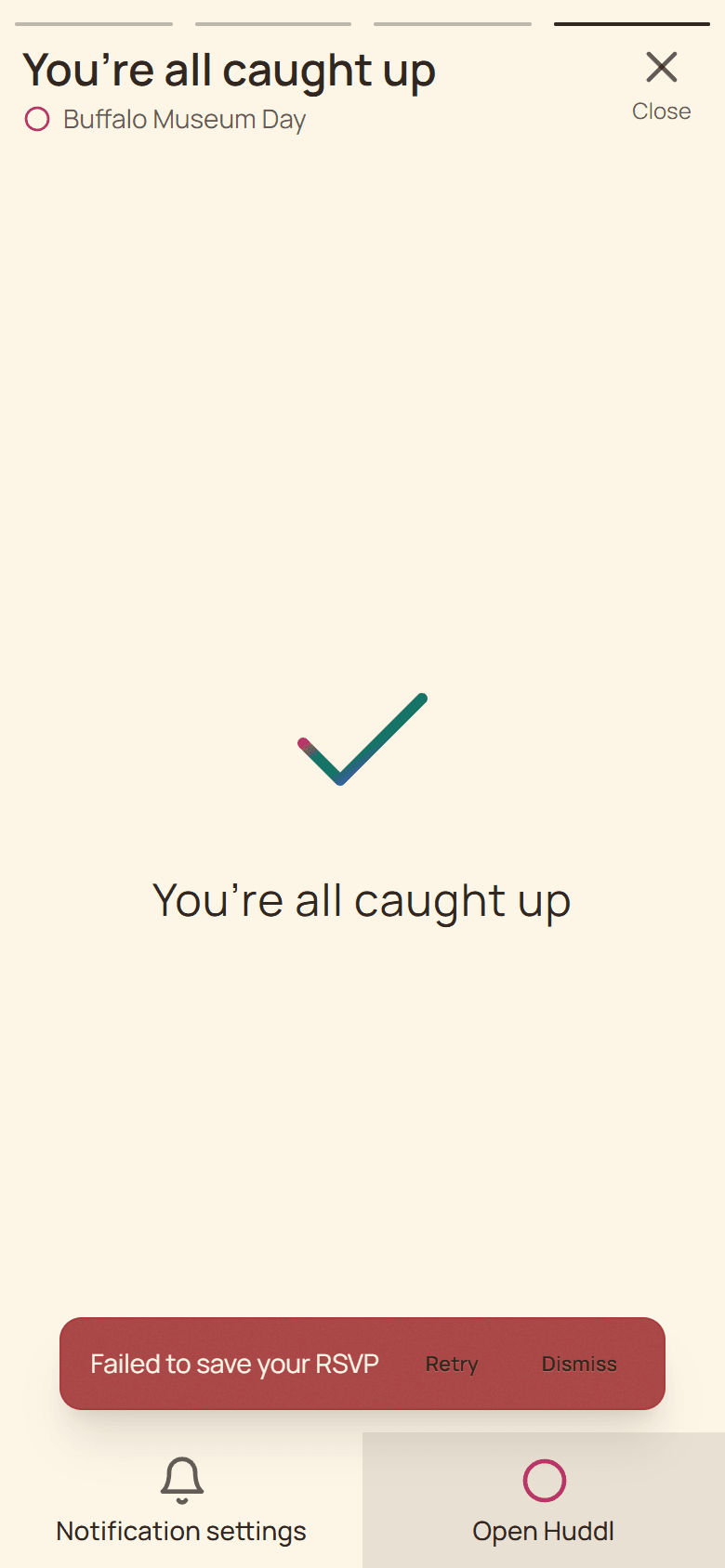
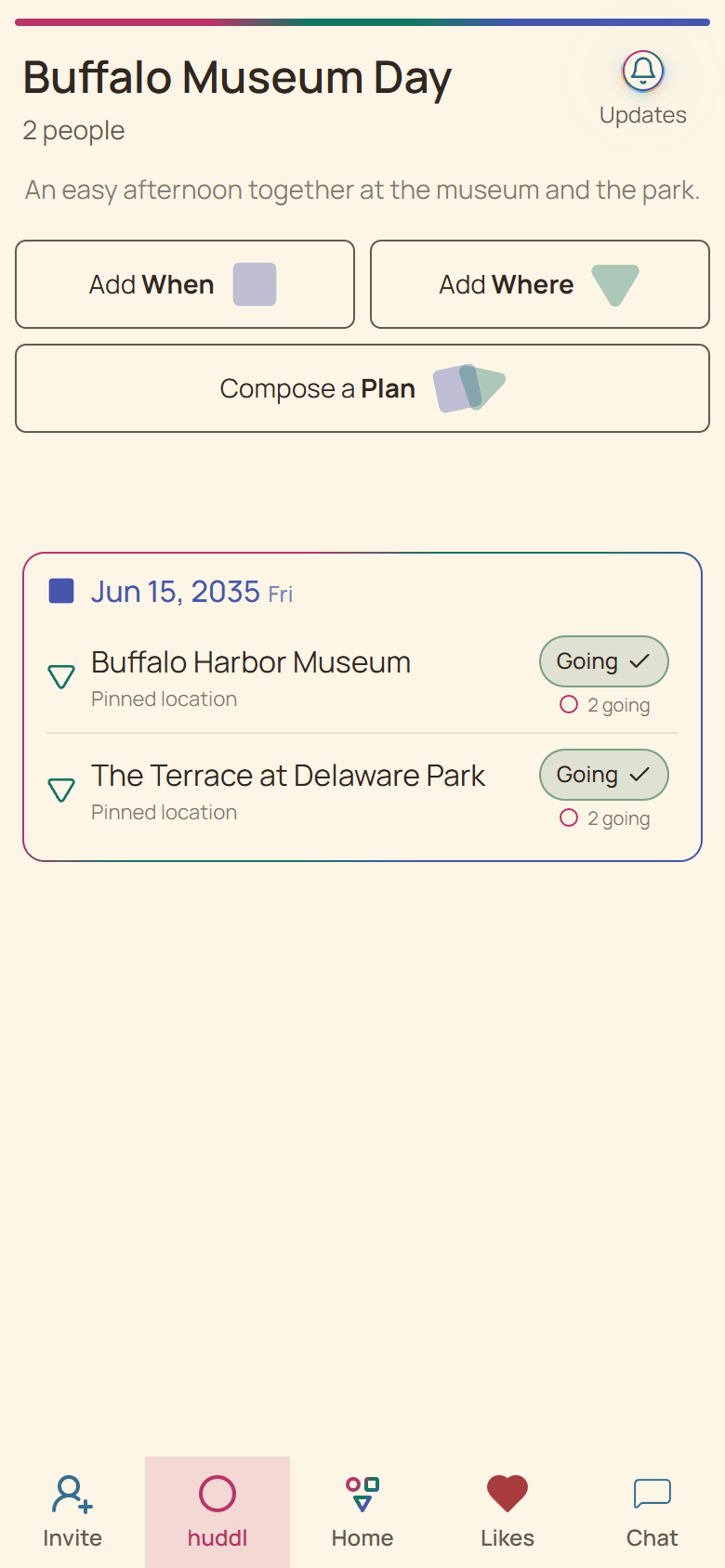
Optimistic feedback is not confirmation
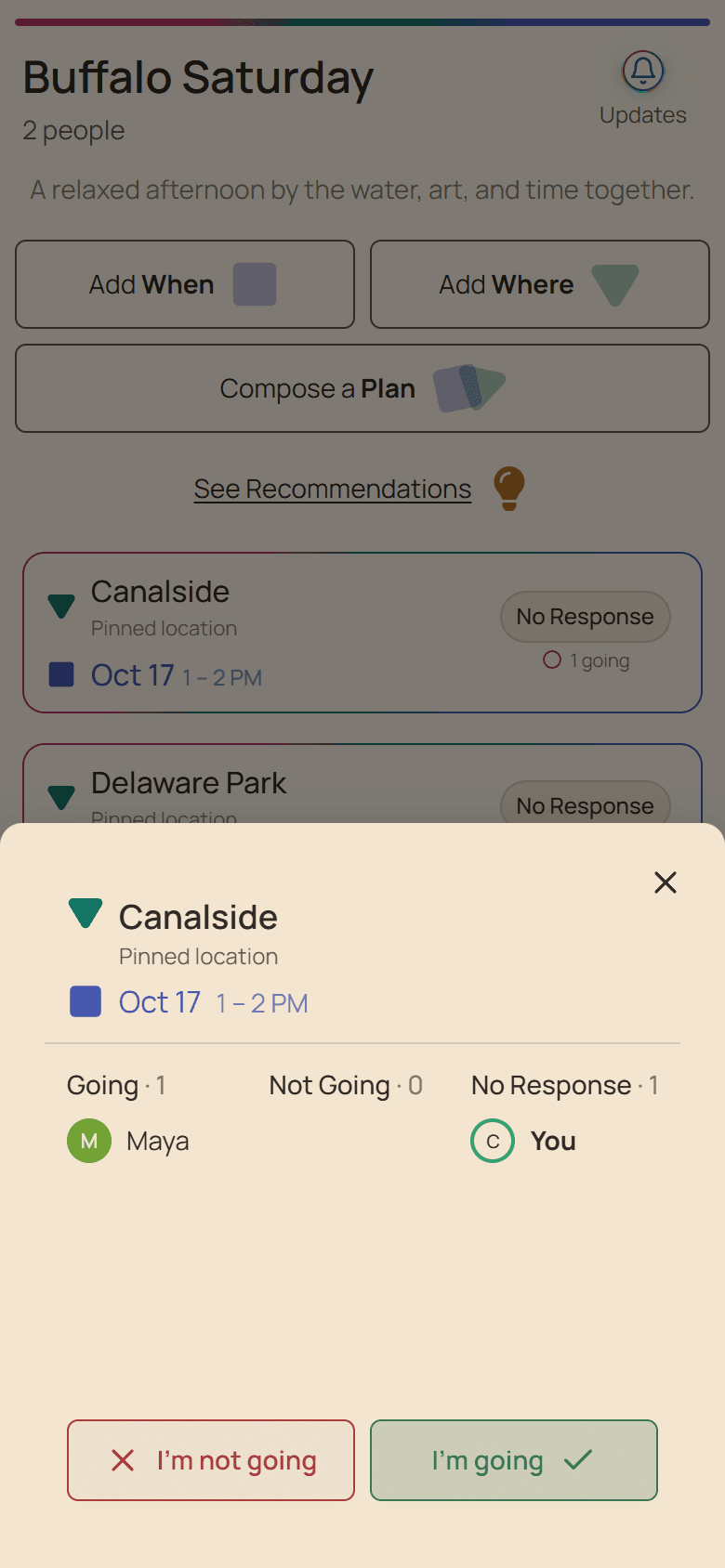
Huddl may show your selected heart or RSVP immediately while it sends the write. The fixed saving bar indicates foreground work; the visible error toast means the attempted result should not yet be treated as persisted.
Navigation can continue while retained work retries. The app does not rewind you to an earlier card merely because a background save needs attention.
Use Retry or Dismiss deliberately
- Read which action failed before choosing a recovery control.
- Choose Retry to send the retained intent again.
- Choose Dismiss only when you no longer want that attempted change.
- Reopen the relevant plan or option and inspect the confirmed state.
Escalate an urgent coordination problem
If a failed write affects immediate travel, safety, or a paid booking, use a direct communication channel while the app recovers. Do not rely on a screenshot of an optimistic state as evidence that other members received the change.
Persistent failures can be reported to support with the device, app or browser version, affected step, and expected behavior—without sending passwords or private invitation links.
Put it into practice
Online friend groups
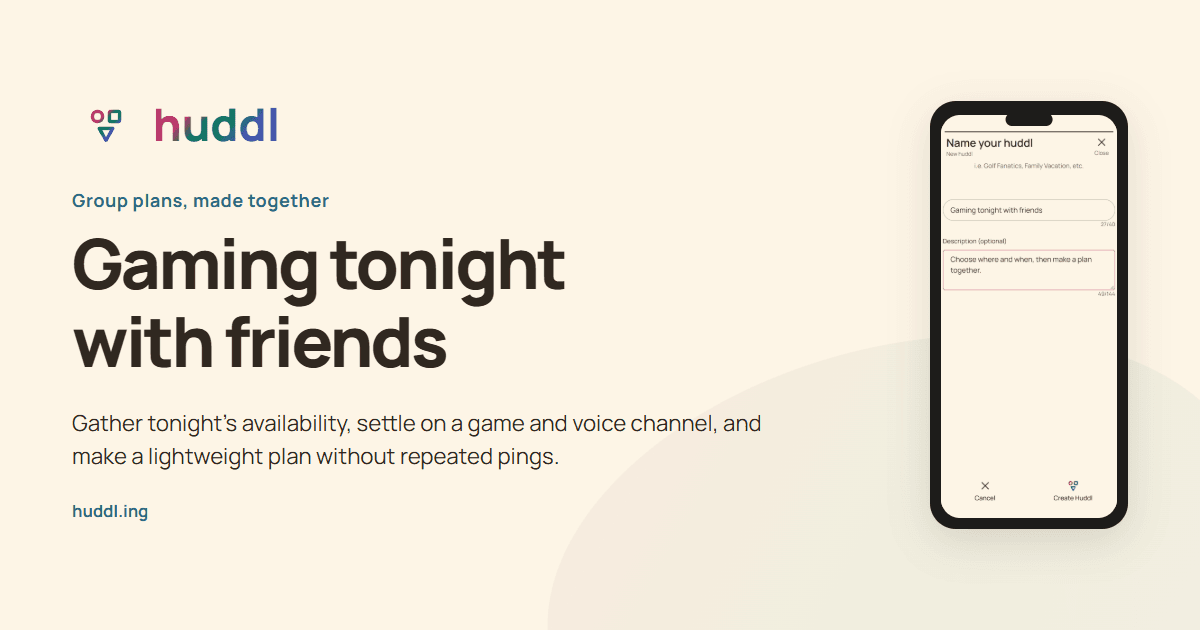
Gaming tonight with friends
Gather tonight’s availability, settle on a game and voice channel, and make a lightweight plan without repeated pings.
Read the workflow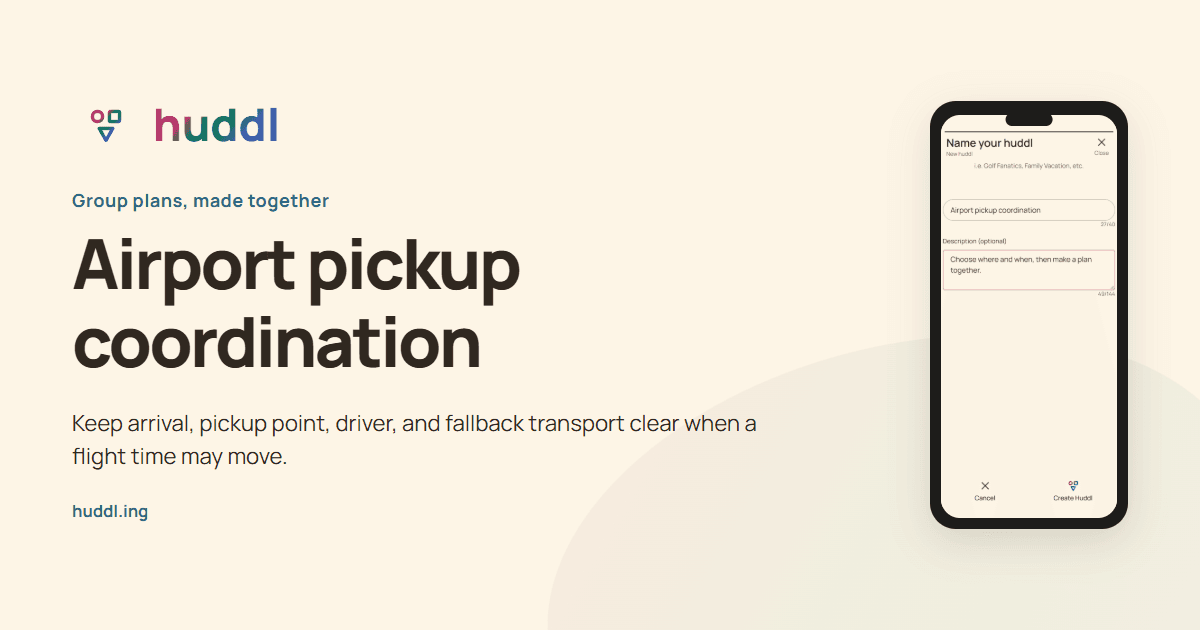
Travelers, drivers, and backup helpers
Airport pickup coordination
Keep arrival, pickup point, driver, and fallback transport clear when a flight time may move.
Read the workflow