Guides
Where do we put rides and arrival details?
Use the plan, chat, and tasks together so drivers, riders, bookings, and meeting points stay understandable.
On this page
See this in Huddl
Follow the guide with these controlled fictional examples from the current application.
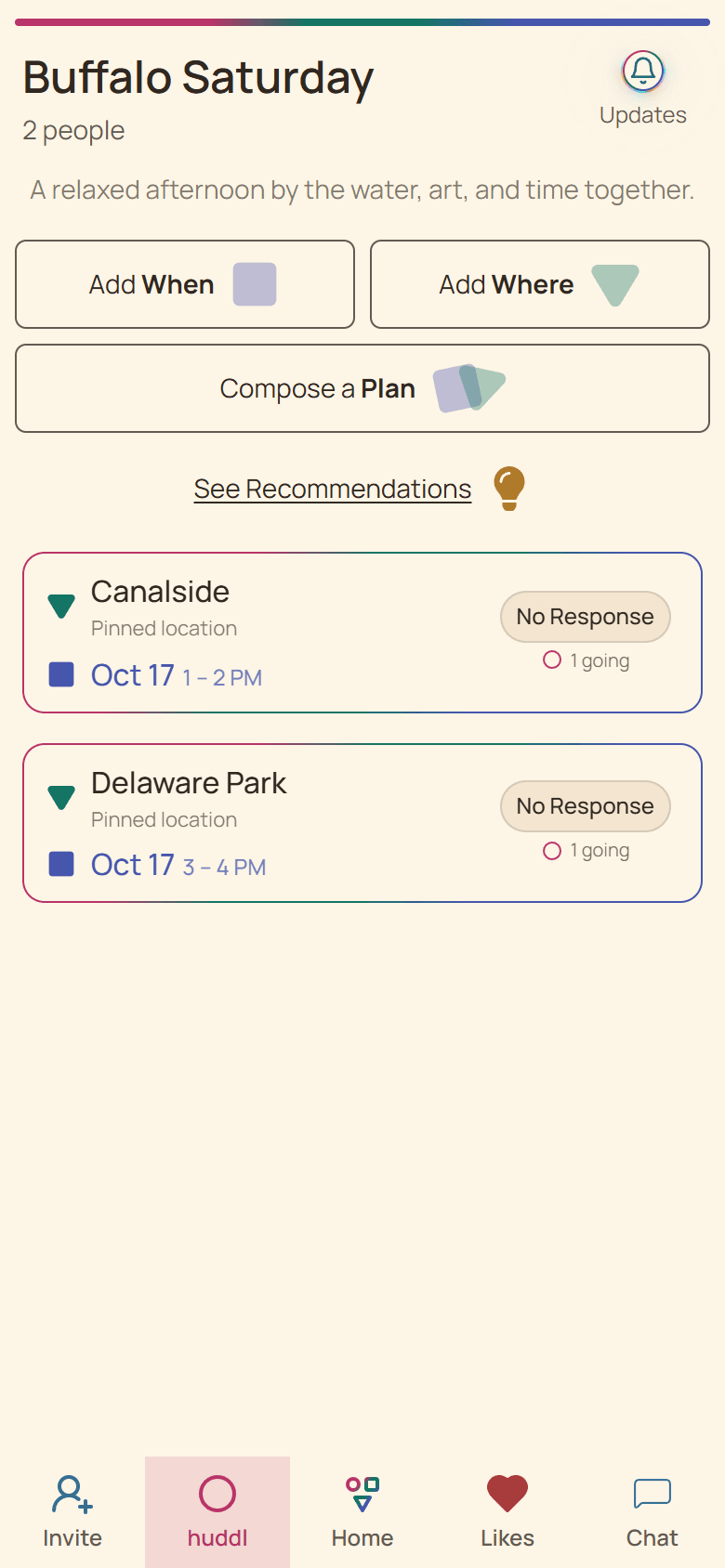
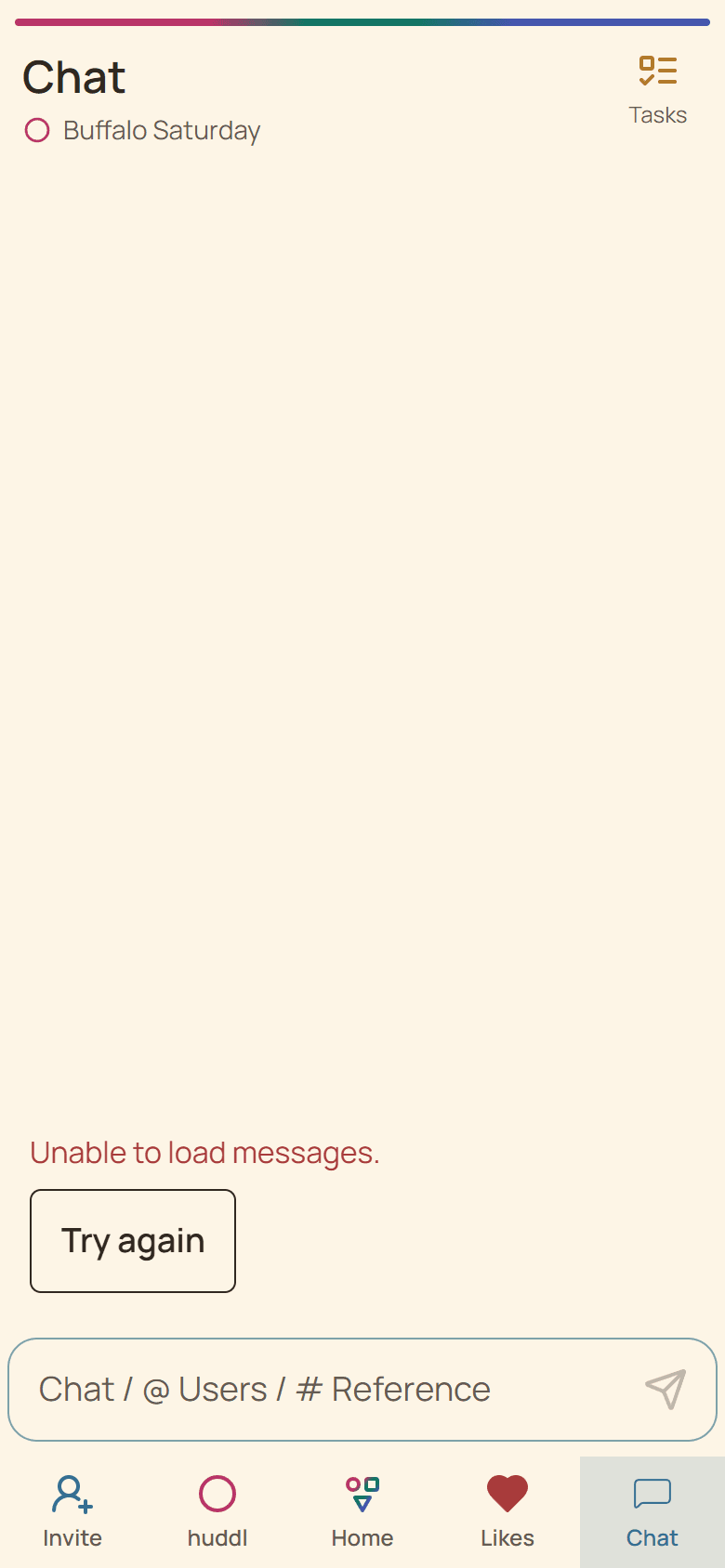
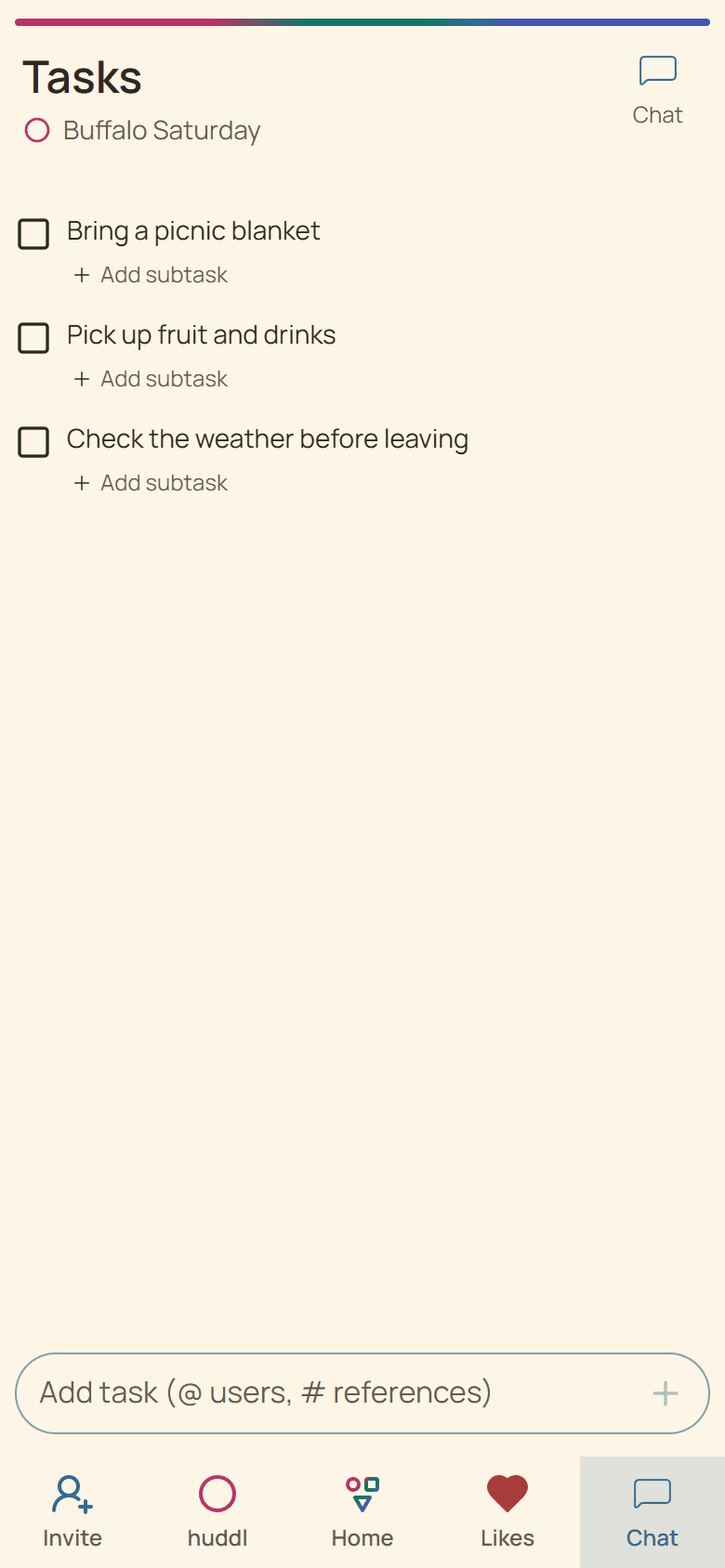
Put stable facts near the plan
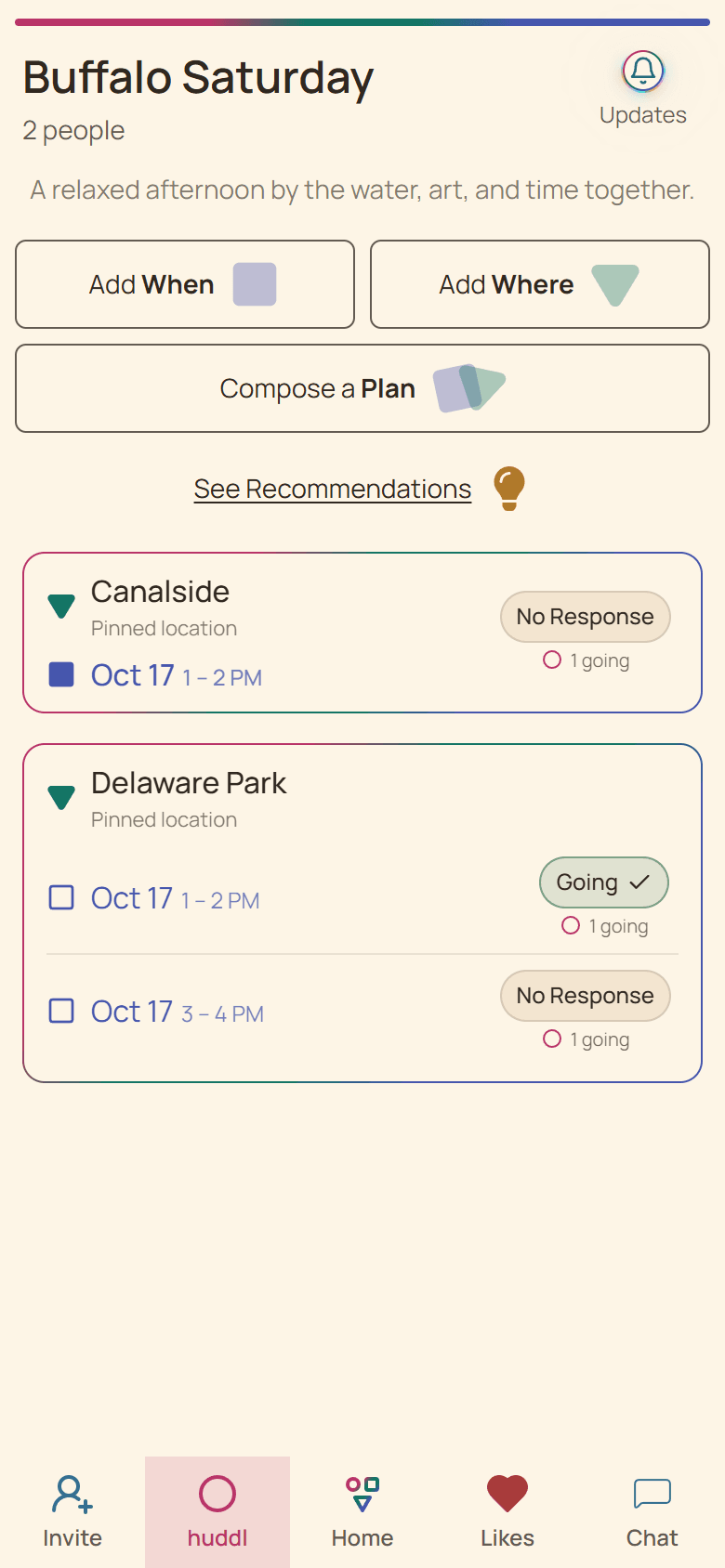
The concrete plan should identify the place and time people are traveling toward. Use a concise huddl description or chat summary for the exact entrance, reservation name, or shared departure expectation.
A pin or venue name may still cover several entrances. Write the detail a first-time visitor needs rather than assuming everyone knows the usual spot.
Use tasks for owned work
- Create a task for a driver, booking, ticket pickup, or supply only when ownership matters.
- Let a participant accept responsibility rather than assigning sensitive obligations silently.
- Mark completed work so another person does not duplicate it.
- Post changed arrival instructions in chat and update the affected task.
Keep private addresses and access codes controlled
Huddl content is available to active members of that gathering. Share home addresses, gate codes, or personal pickup details only with the intended people and remove unnecessary detail from broad group messages.
When a driver or traveler is already moving, a call or direct message is safer than assuming they will notice an app update.
Put it into practice
Travelers, drivers, and backup helpers
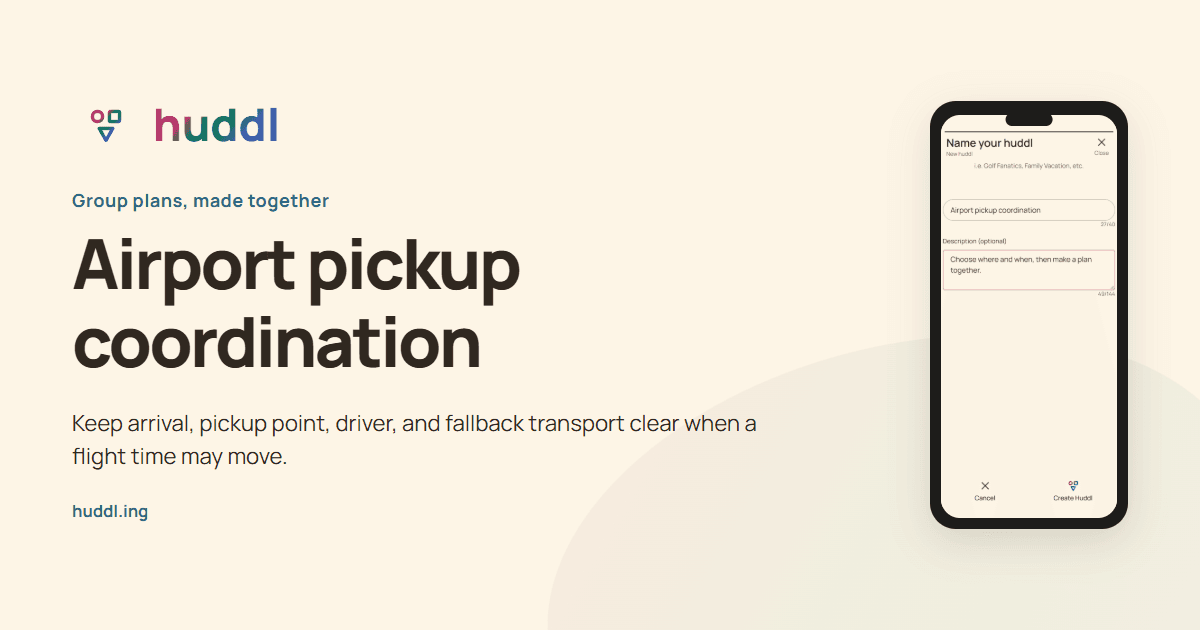
Airport pickup coordination
Keep arrival, pickup point, driver, and fallback transport clear when a flight time may move.
Read the workflow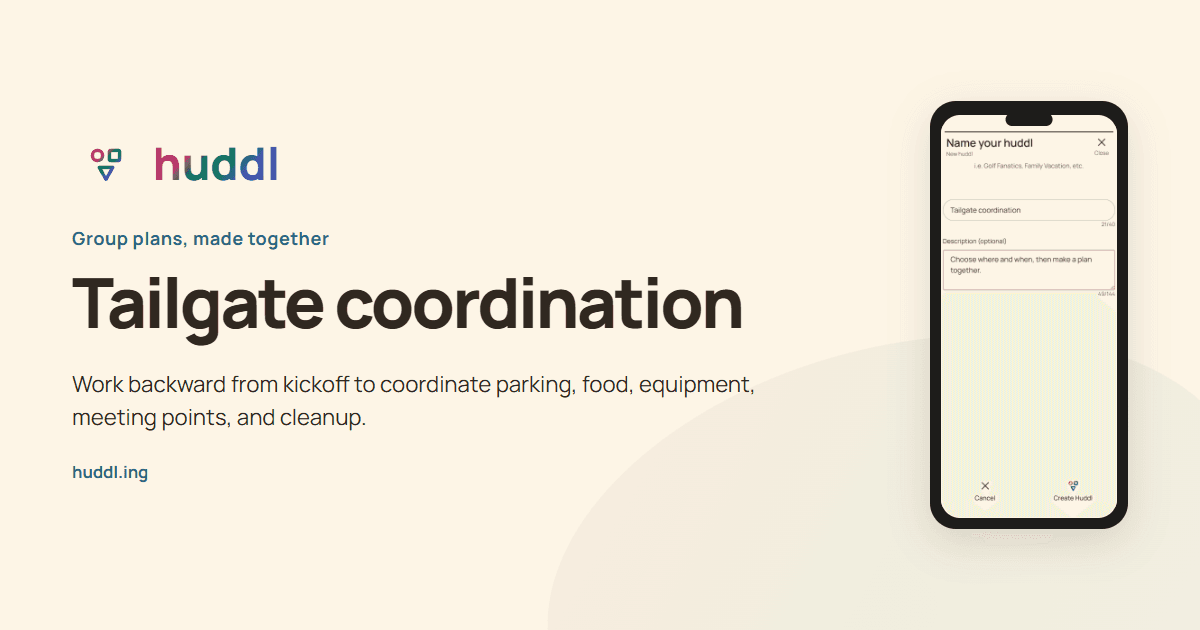
Friends attending a game together
Tailgate coordination
Work backward from kickoff to coordinate parking, food, equipment, meeting points, and cleanup.
Read the workflow