Guides
What if I cannot go?
Use a clear Not Going response, update it if circumstances change, and avoid making a decline harder than it needs to be.
On this page
See this in Huddl
Follow the guide with these controlled fictional examples from the current application.
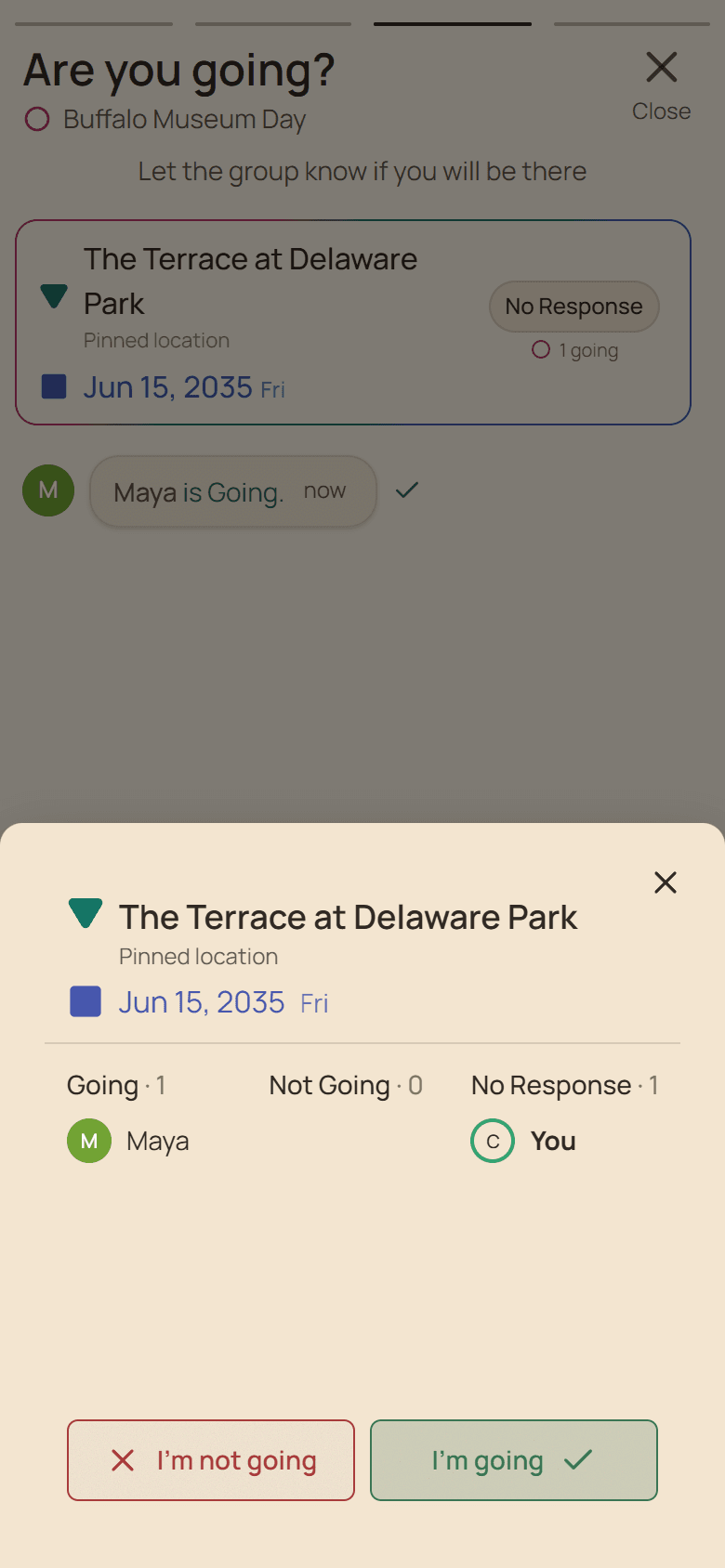
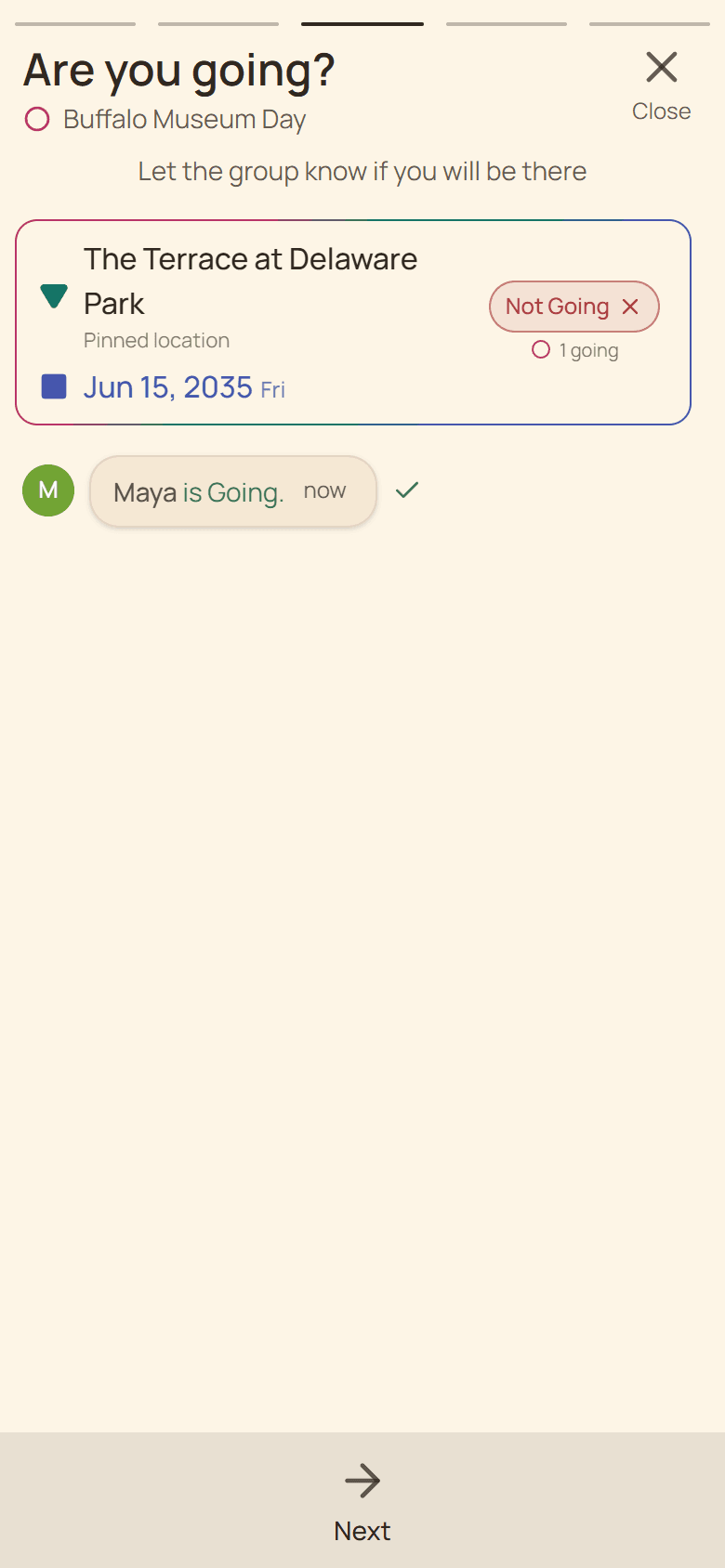
Answer the concrete plan
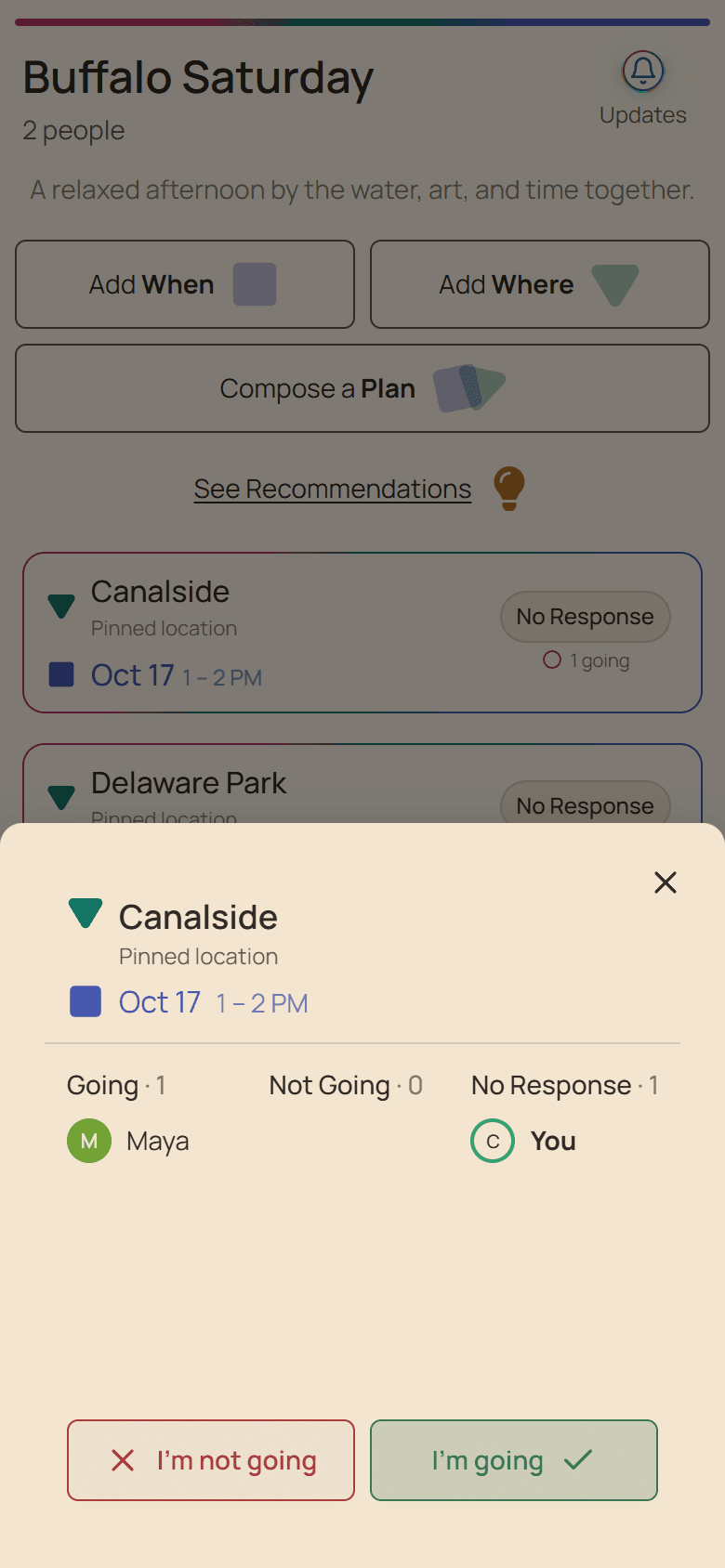
Open the plan and choose Not Going when that exact place and time does not work. This is different from leaving a date unliked: the RSVP answers a formed plan and helps the group understand its real headcount.
You do not need to publish a personal explanation. If the organizer needs a practical detail, share only what is useful and appropriate for the group.
A decline is useful planning information
- Respond before bookings or supplies depend on the count.
- Do not choose Going merely to avoid disappointing the organizer.
- Use chat only when an alternative would genuinely help.
- Contact the organizer directly for sensitive circumstances.
Change the answer when the facts change
A declined plan can remain visible while another participant is Going. Open it and use Change RSVP if you later become available. Confirm the updated label and attendee grouping after the save completes.
If the group creates a different plan, answer that plan separately; an RSVP does not automatically transfer between alternatives.
Put it into practice
Parents and caregivers
Planning a parent playdate
Compare child-friendly places and workable windows while keeping safety, naps, access, and weather in view.
Read the workflow
Friends coordinating practical help
Getting help with a move
Confirm willing helpers, vehicles, supplies, timing, and fallbacks for a move with a real deadline.
Read the workflow