Guides
How to keep multiple plans understandable
Keep separate arrangements clear when a huddl contains alternatives or several activities.
On this page
See this in Huddl
Follow the guide with these controlled fictional examples from the current application.
Explain why there is more than one plan
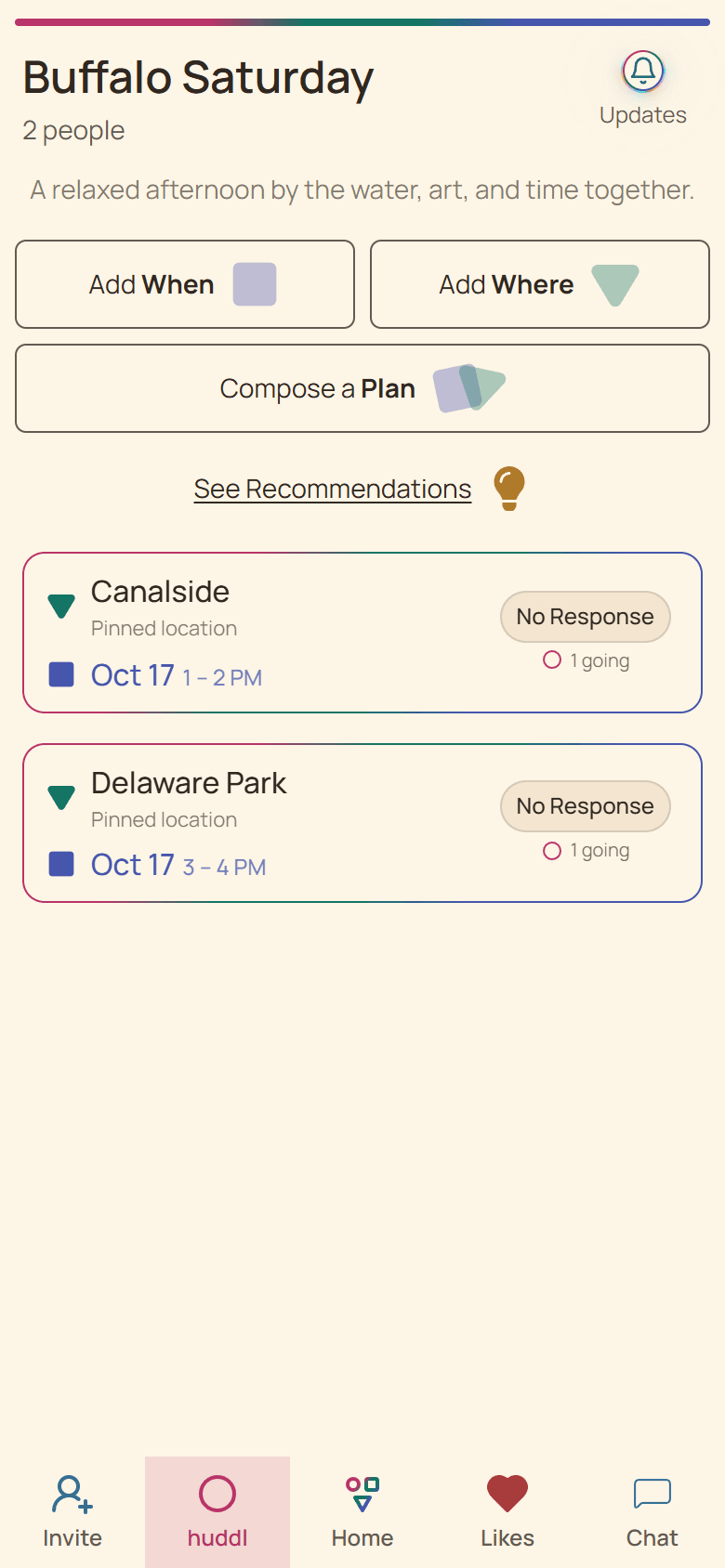
Several plans can represent alternatives or separate activities. A reunion might have Friday dinner and a Saturday outing; another group might be choosing between two dinner times. Explain which situation applies so participants do not mistake every visible plan for another obligation.
Use the description or a clear message to summarize the structure. The difference between ?choose one? and ?join either or both? is a group intention that cannot always be inferred from the list.
Identify each arrangement precisely
Refer to a plan by place and time. Avoid ?the top one? or ?the new one,? because another person may see a different order or arrive after more activity. Exact references help when venues have similar names.
Expand the plan you want to inspect. One expanded row at a time focuses attention, but you should still confirm which arrangement is open before responding.
Keep attendance separate
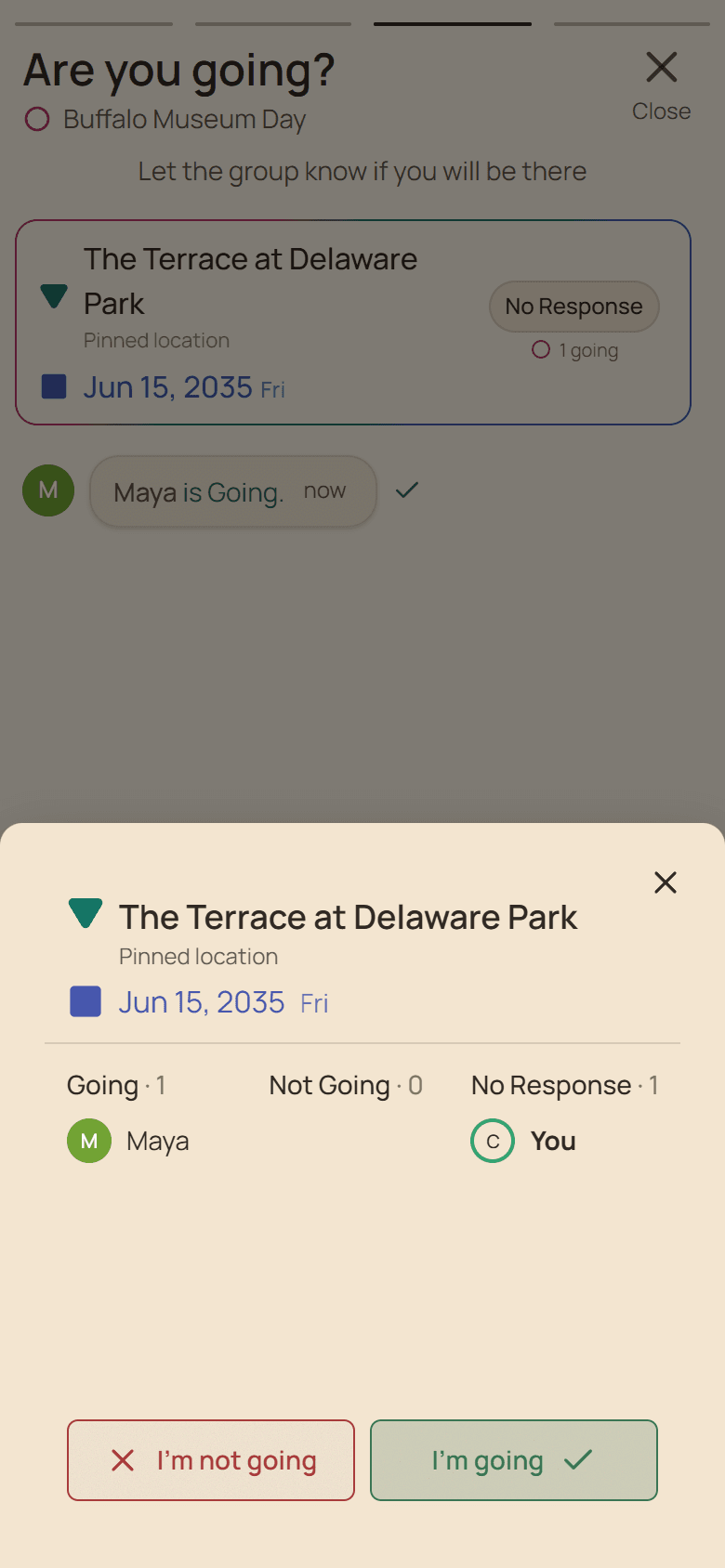
An RSVP belongs to its specific plan. Going to Friday dinner does not imply attending Saturday?s outing. Ask participants to review each arrangement and use the corresponding count for preparation.
If someone organizes food or transport for multiple activities, give them the relevant counts separately. Combining all members into one headcount can overbook one activity while leaving another underprepared.
Distinguish replacements from alternatives
If a new plan replaces an old arrangement, say so clearly in Chat. Name the changed details and explain the next action. Adding a new plan does not automatically communicate cancellation of an earlier one.
Review affected bookings and tasks. Someone preparing supplies may need another deadline; someone traveling may need direct contact. Before the day, inspect each current plan and keep arrival instructions easy to find. Old screenshots are history, not the reference for a new reservation.
Put it into practice
Families
Family gatherings
Coordinate dates, travel, food, and shared responsibilities for a family gathering without losing the details.
Read the workflow
Friends and families
Weekend outings
Keep destinations, timing, transport, and weather decisions together when arranging a weekend outing.
Read the workflow