Guides
Is liking a time the same as going?
Understand the difference between reacting to an option and committing to a concrete Huddl plan.
On this page
See this in Huddl
Follow the guide with these controlled fictional examples from the current application.
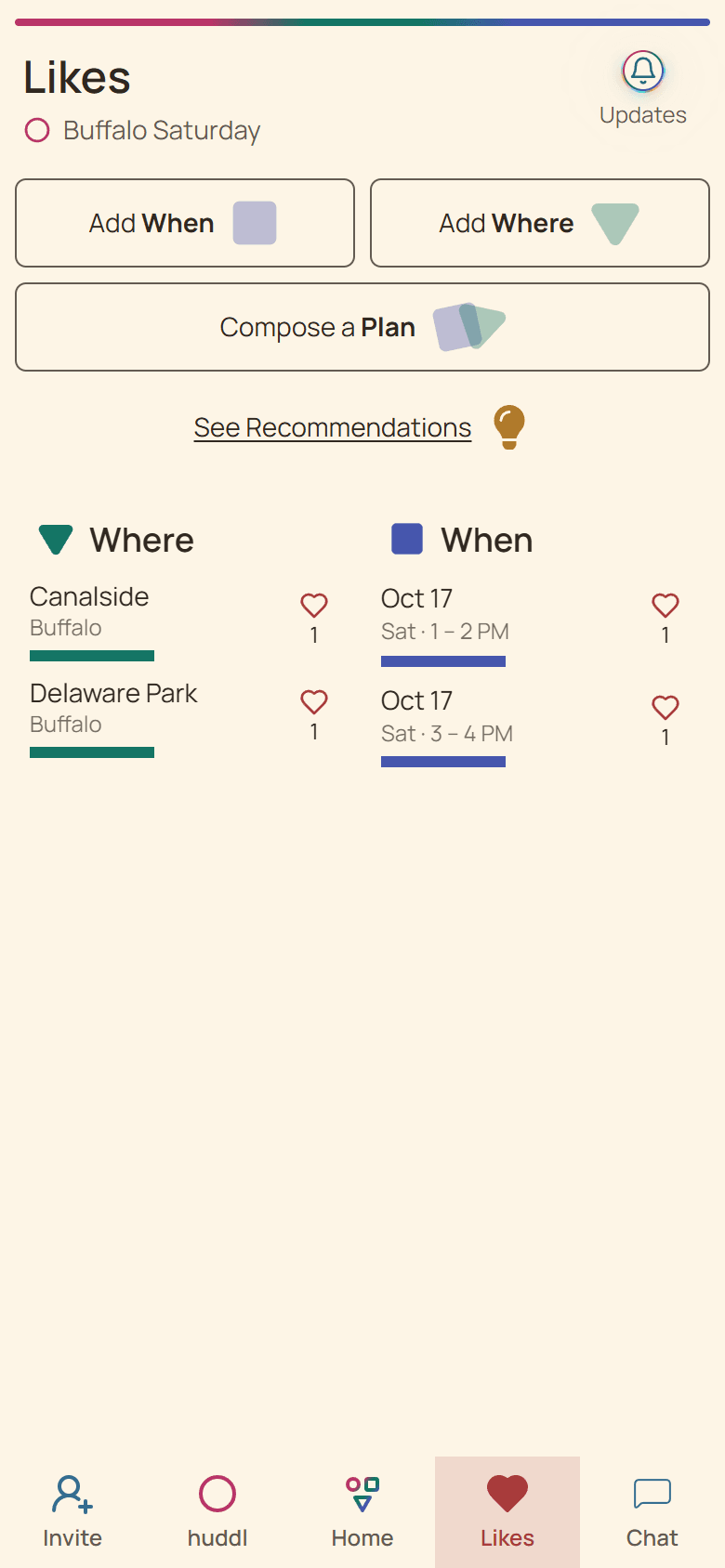
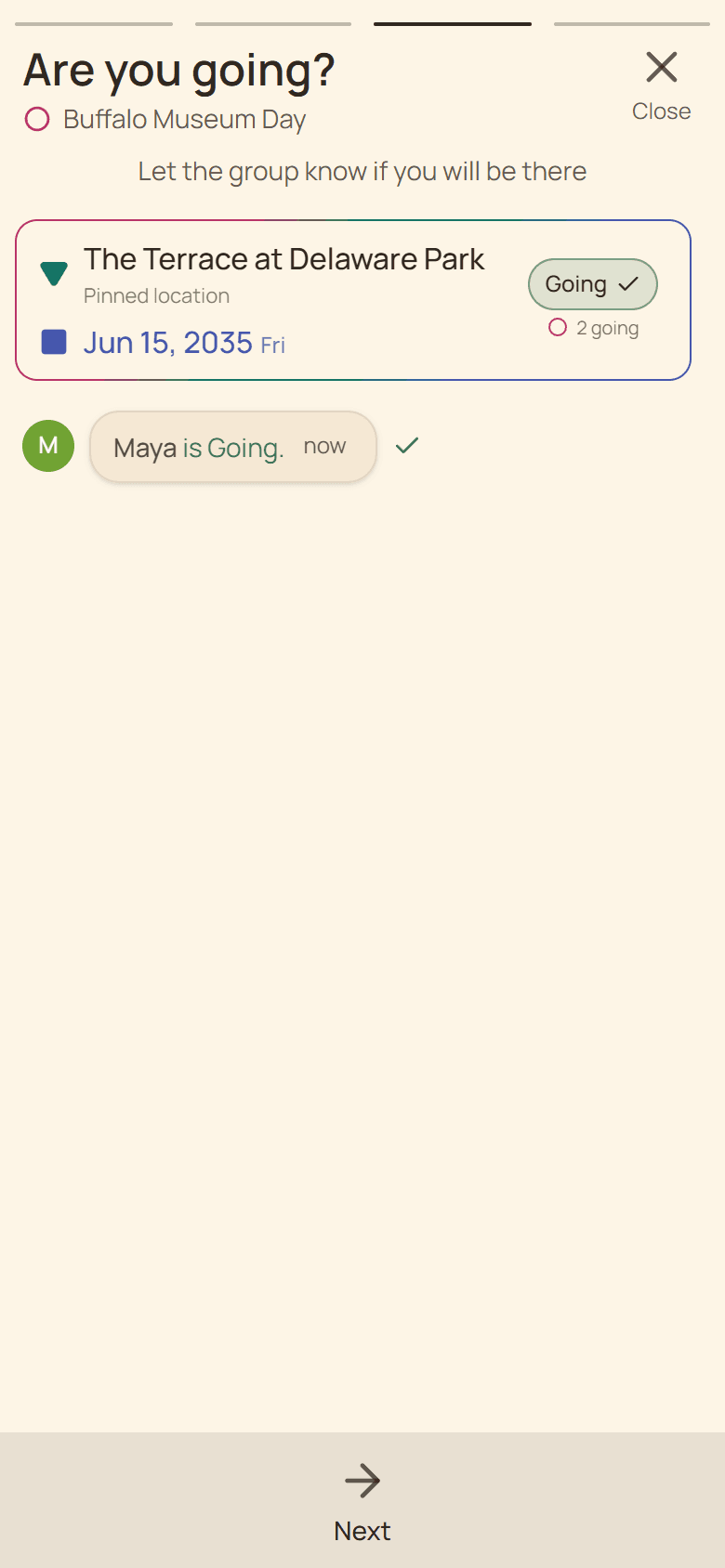
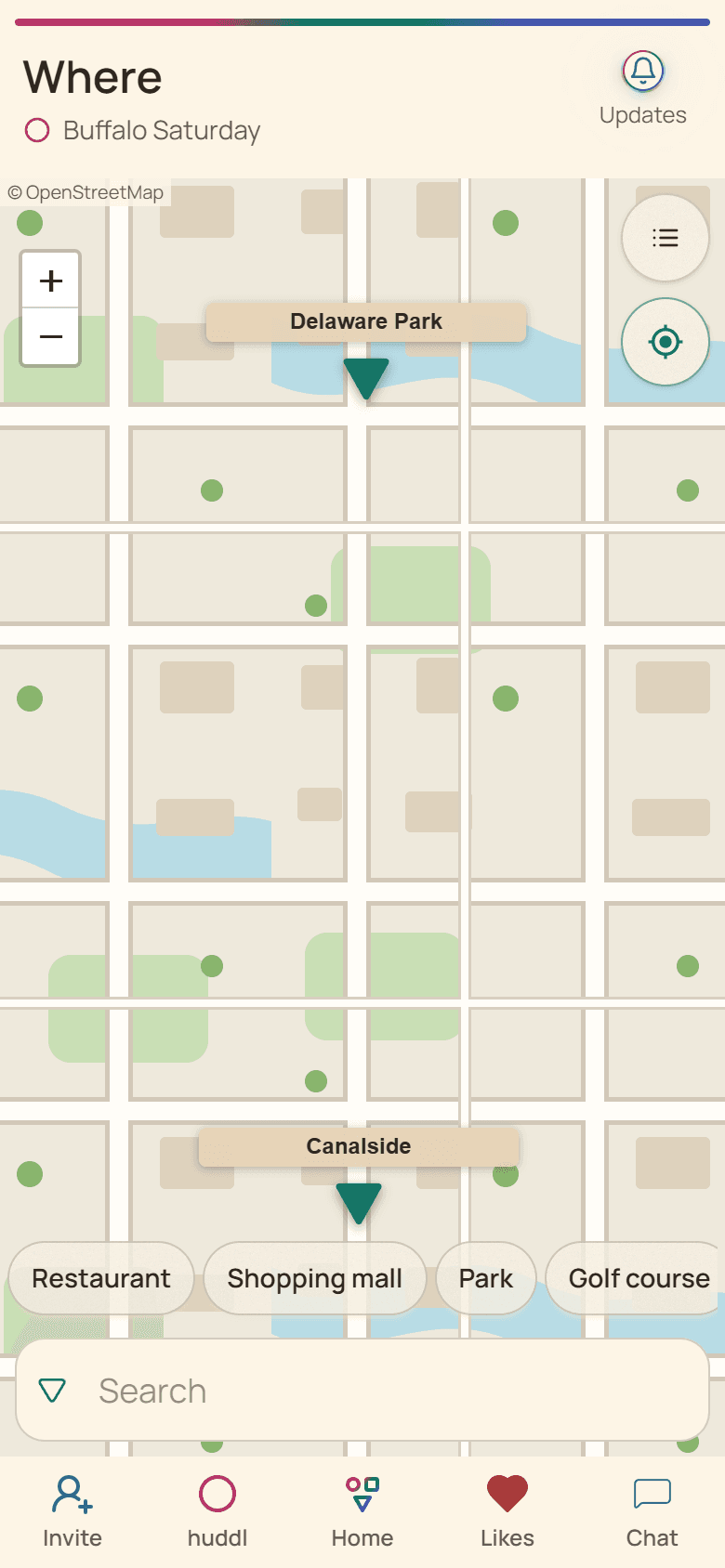
A heart helps shape the choice
Hearts on Where and When options express positive preference or availability. They help the group see support while possibilities are still separate and may never become a concrete plan.
The number beside a heart shows current support for that option. It is not an attendance total and should not be used to make a reservation.
Going answers a place-and-time plan
A plan combines one saved place with one saved time. Choosing Going records your intention for that exact arrangement and places you in its attendance group.
If another combination is created, answer it independently. Huddl keeps the distinction so the group does not mistake early interest for a final commitment.
Use the right signal
- Use hearts while comparing possibilities.
- Use Going only after checking both parts of the plan.
- Use Not Going when a formed plan does not work.
- Check No Response before relying on the final headcount.
Put it into practice
Friends planning a short trip
Comparing two trip weekends
Compare two weekends and destination ideas while keeping attendance, travel questions, and next actions connected.
Read the workflow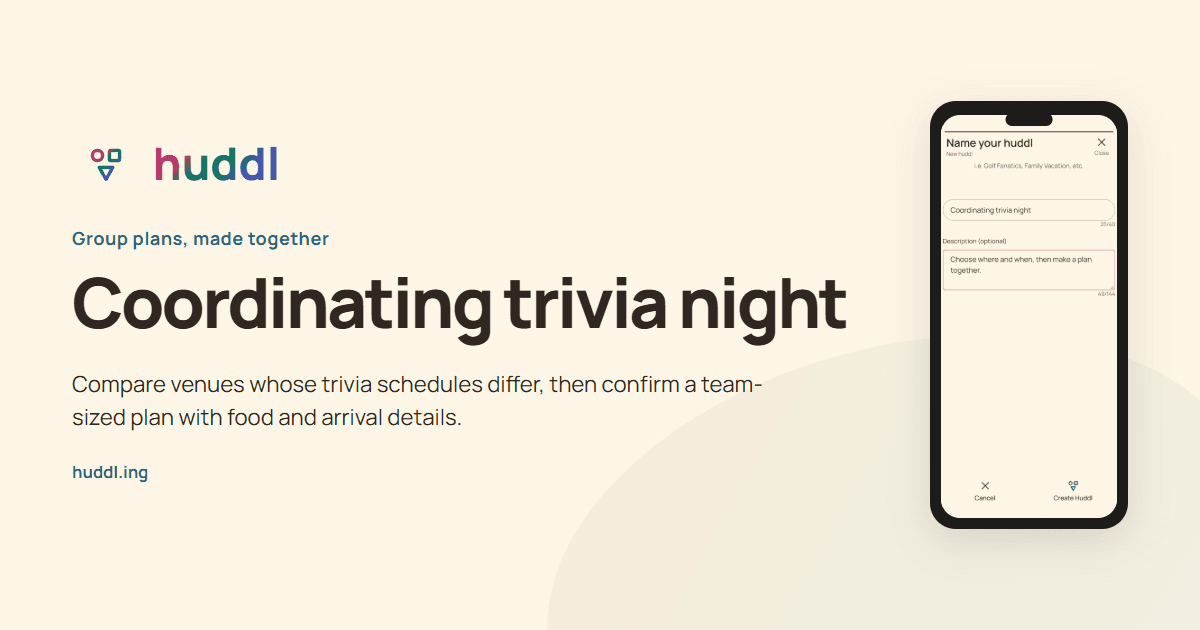
Friends building a trivia team
Coordinating trivia night
Compare venues whose trivia schedules differ, then confirm a team-sized plan with food and arrival details.
Read the workflow